Chapter 4: Serial Port, Device and User Configuration
86 Console Server & RIM Gateway User Manual
4.11.2 Add a PPTP user
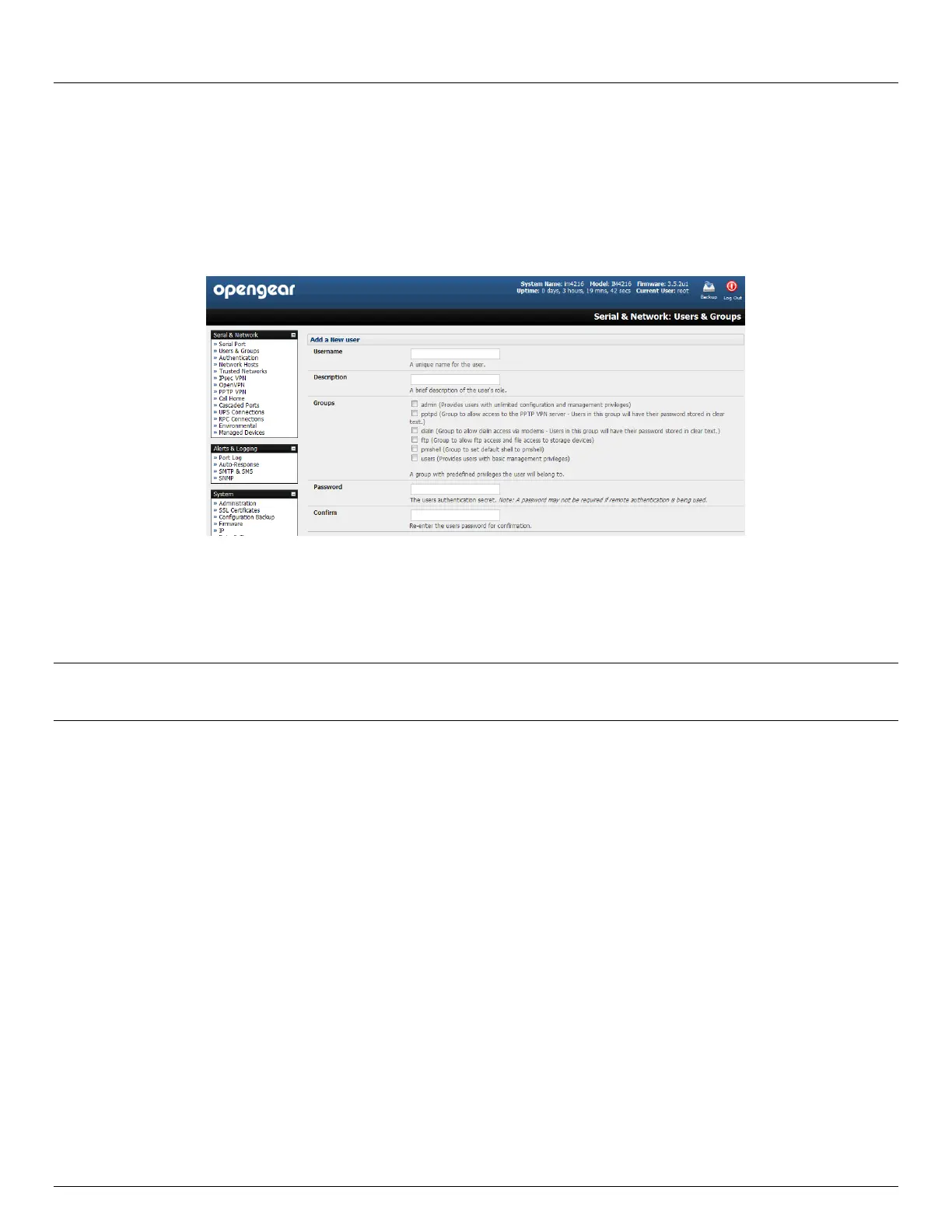
Select Users & Groups on the Serial & Networks menu and complete the fields as covered in section 4.2.
Ensure the pptpd Group has been checked, to allow access to the PPTP VPN server. Note - users in this group
will have their password stored in clear text.
Keep note of the username and password for when you need to connect to the VPN connection
Click Apply
4.11.3 Set up a remote PPTP client
Ensure the remote VPN client PC has Internet connectivity. To create a VPN connection across the Internet, you must set
up two networking connections. One connection is for the ISP, and the other connection is for the VPN tunnel to the
Opengear appliance.
Note: This procedure sets up a PPTP client in the Windows 7 Professional operating system. The steps may vary
slightly depending on your network access or if you are using an alternate version of Windows. More detailed
instructions are available from the Microsoft web site.
Login to your Windows client with administrator privileges
From the Network & Sharing Center on the Control Panel select Network Connections and create a new
connection



 To Next Page