110
3-5
Marking Condition
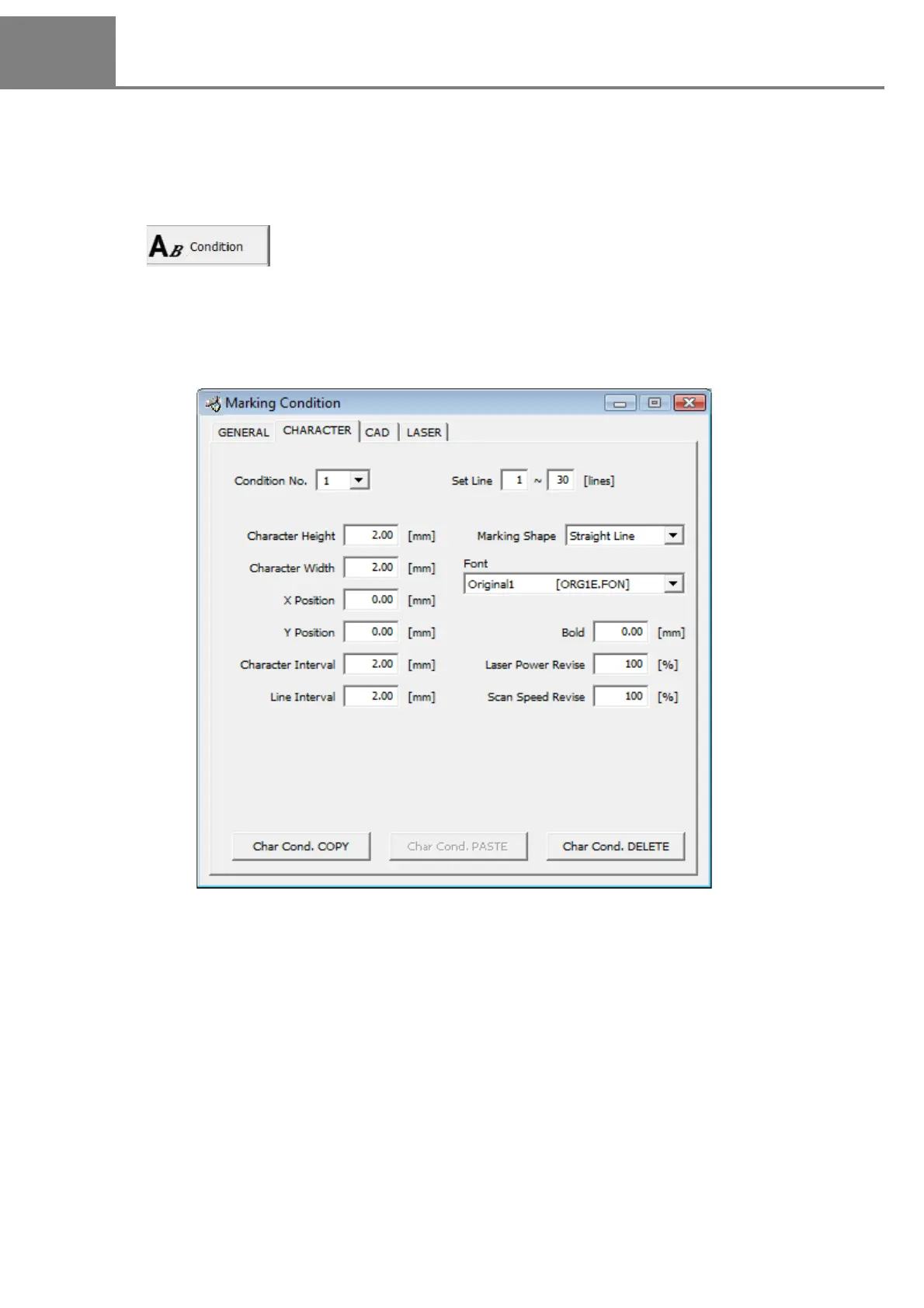
3-5-1 Setting Screen of Marking Condition
Here describes the conditions for marking character string and CAD file.
The “Marking Condition” dialog box is appeared by clicking either selecting “1” method or clicking “2” button
described above.
In this dialog box, there are 4 tabs, “GENERAL”, “CHARACTER”, “CAD”, and “LASER”, and each condition is set in
each tab.
1 “View” - “Condition”
2
Click .



 To Next Page