83
3-2-2 Registration File
The registration file displays the parent file to be saved into PC. This parent file has 120 data files (see “3-2-1
Marking File” (P.82), and each data file can be managed respectively.
■ New Creation
With this operation, a new registration file is created.
A new registration file can be created by either selecting “1” or clicking “2” icon described above.
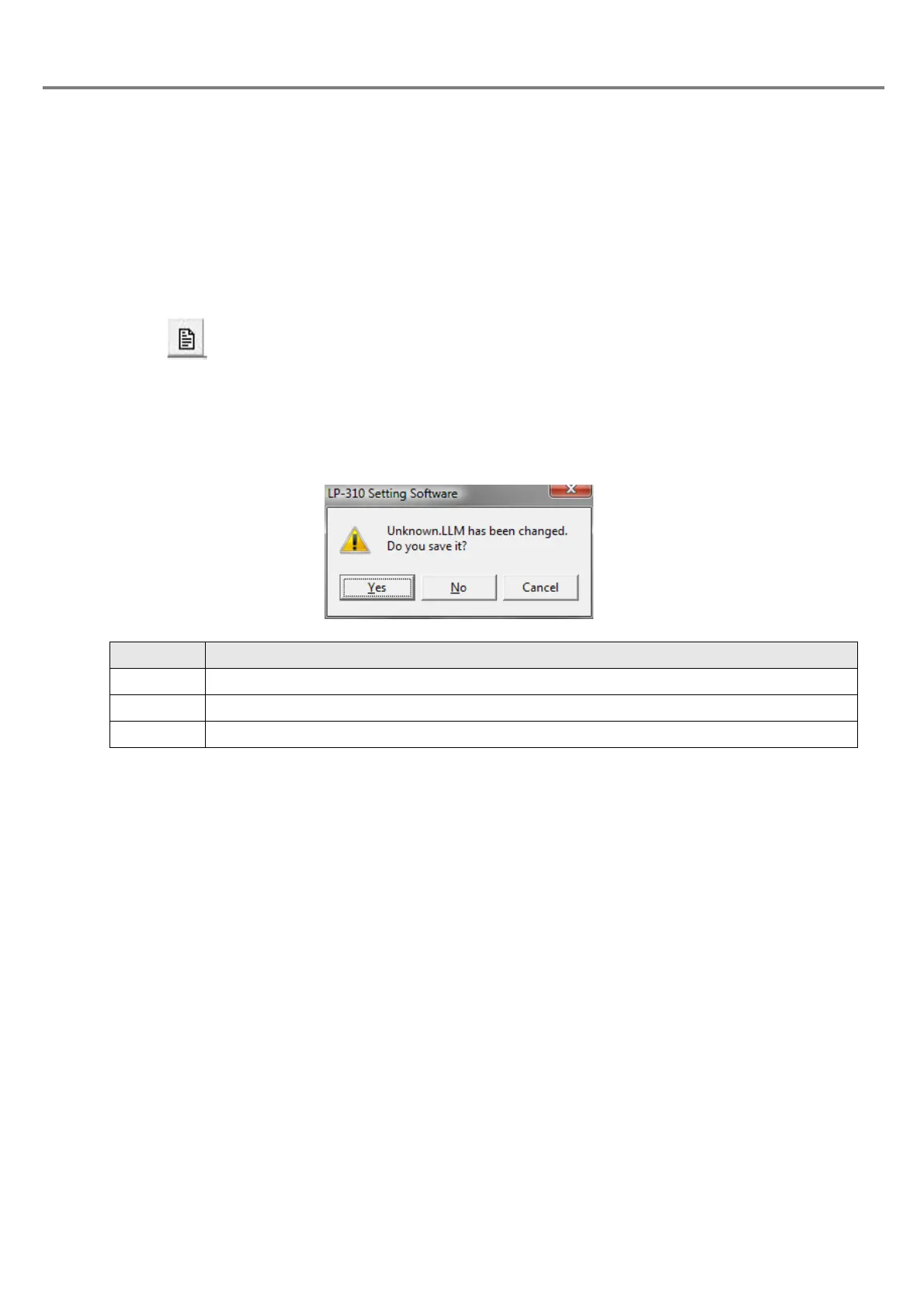
If the existing file is under editing without saved, the check dialog box “LP-310 Setting Software” whether the
current file requires saving or not is appeared.
1 “File” - “New File”
2
Click .
Item Description
Yes Saves (overwrites) the registration file under editing, and then creates a new registration file.
No Deletes all registration files under editing, and then creates a new registration file.
Cancel Closes the dialog box, and returns to the previous screen.



 To Next Page