44
1-5-3 Shift to Remote Mode
In case of controlling the terminal block using the external device such as I/O connector and RS-232C, it
needs to shift the laser marker to “Remote Mode”. Before performing the external control by either method
show below, shift the laser marker to remote mode.
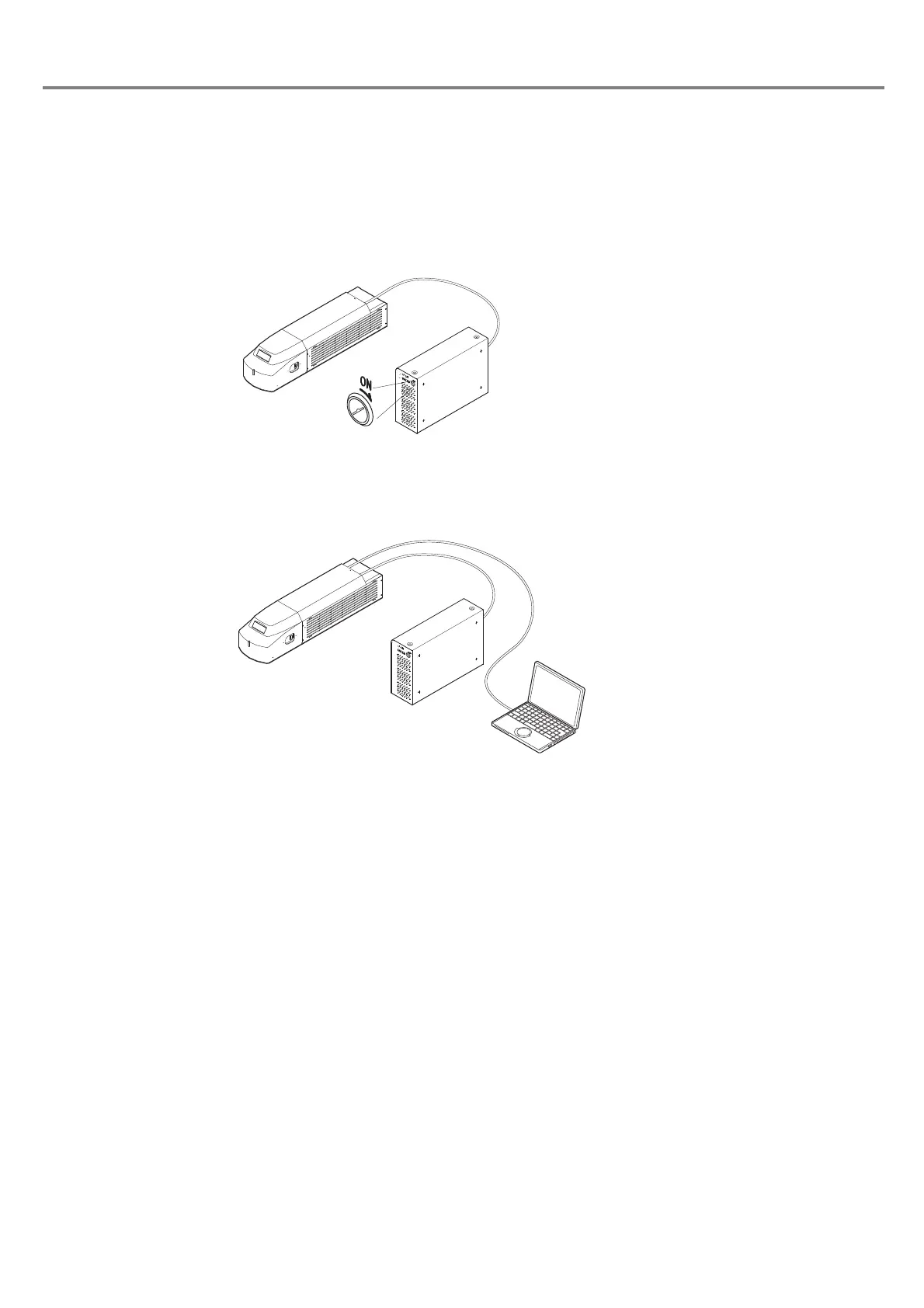
1. Turn ON the key switch of the power supply BOX.
When turning ON the key switch, the product is in remote mode automatically.
2.
Switch the mode of the product from the PC control mode to remote mode using the personal
computer.
Personal Computer
Head
Power Supply BOX



 To Next Page