144
3-11
PC Control/Remote Mode
3-11-1 Remote Mode
The remote mode refers to the marking mode controlling the marking from the external, similar to the control
for the external I/O and control from RS-232C.
(1) Setting method of remote mode
The laser marker starts up in the remote mode for the following cases.
(2) Shift from the PC control mode
Even if the product is started up with connecting the PC, it can be changed into the remote mode by the LP-
310 setting software.
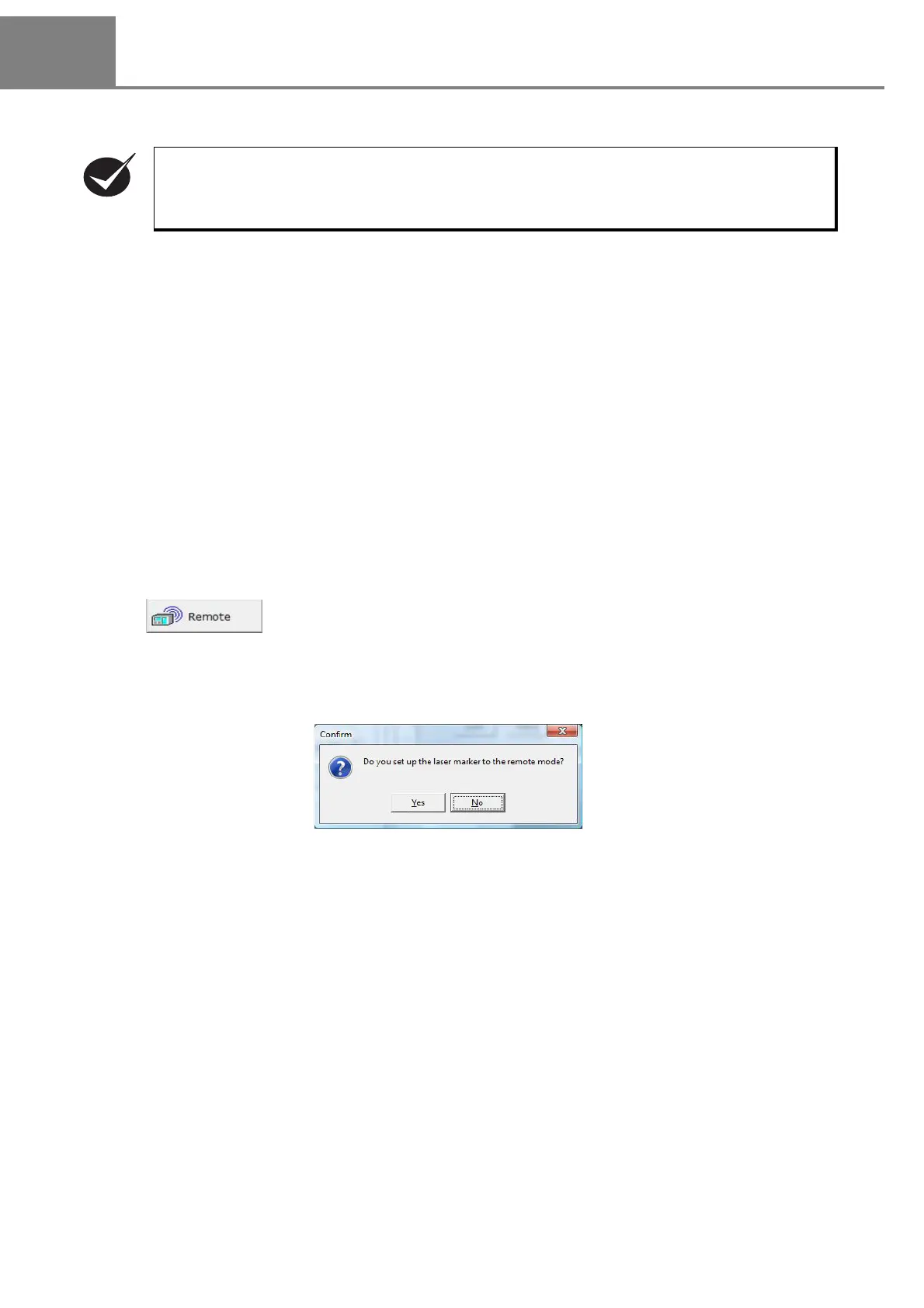
By clicking either “1” or “2”, the dialog box for confirming whether to set the laser marker into remote mode or
not is appeared.
When selecting “Yes”, “Remote” button is changed to “PC Control” button.
This product has two types of the control mode, PC control mode and remote (external control).
When turning on the power supply of this product, the remote mode is activated.
1 When turning ON the power
2 When shifting mode from PC control mode
1 “Mode” - “REMOTE”
2
Click .



 To Next Page