147
3-12
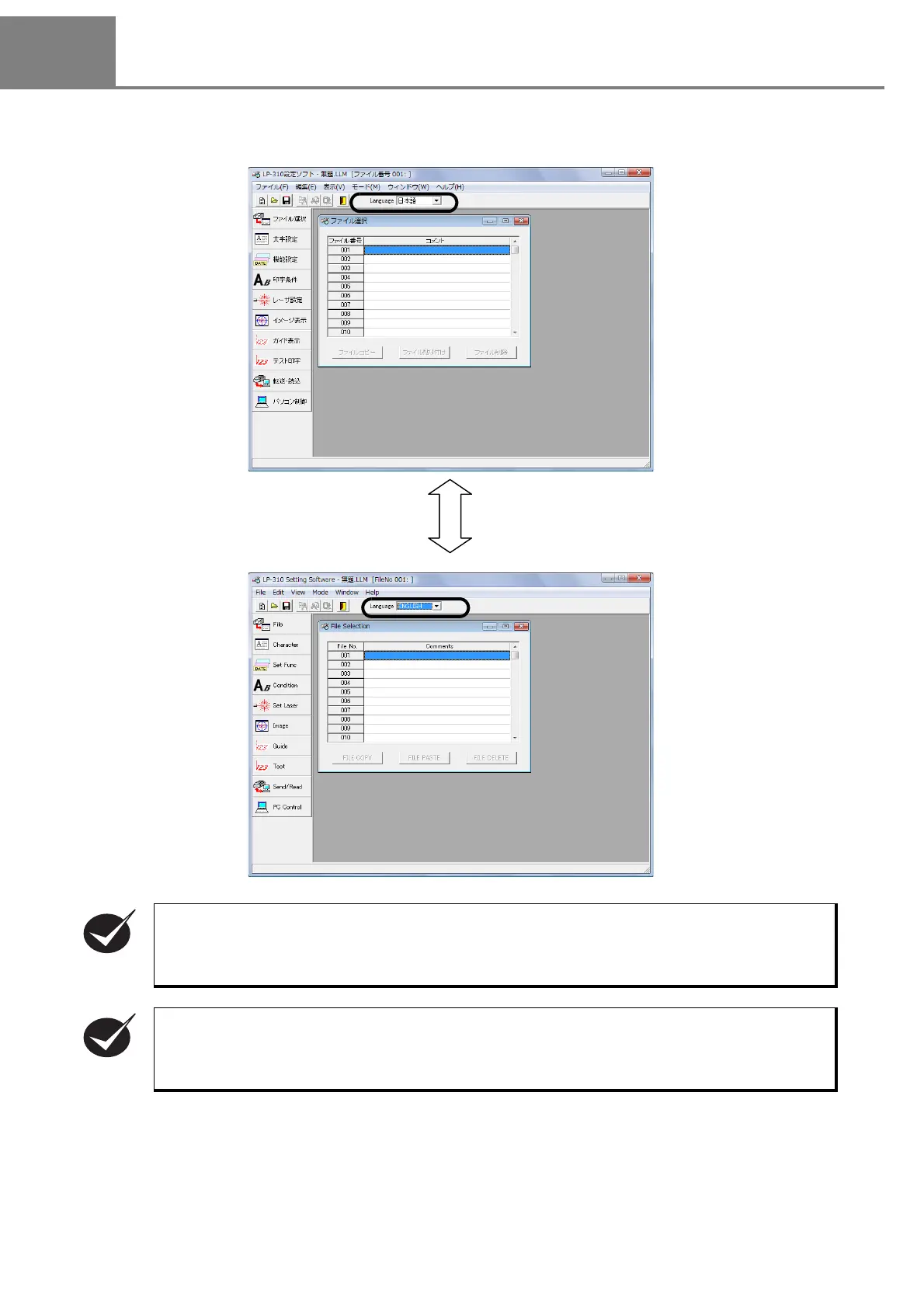
Switching Language between Japanese and English
The language display of the LP-310 setting software can be switched between Japanese and English easily.
(This function is available only when this LP-310 setting software is installed into Japanese OS.)
The Japanese/English display switching function is the display switching of the LP-310 setting
software.
The language can be switched between Japanese and English for Japanese Windows. However,
this
function is not available for English Windows.
The errors related to Windows are displayed in Japanese (available only for Japanese OS).



 To Next Page