48
2-1-2 Startup of Laser Marker
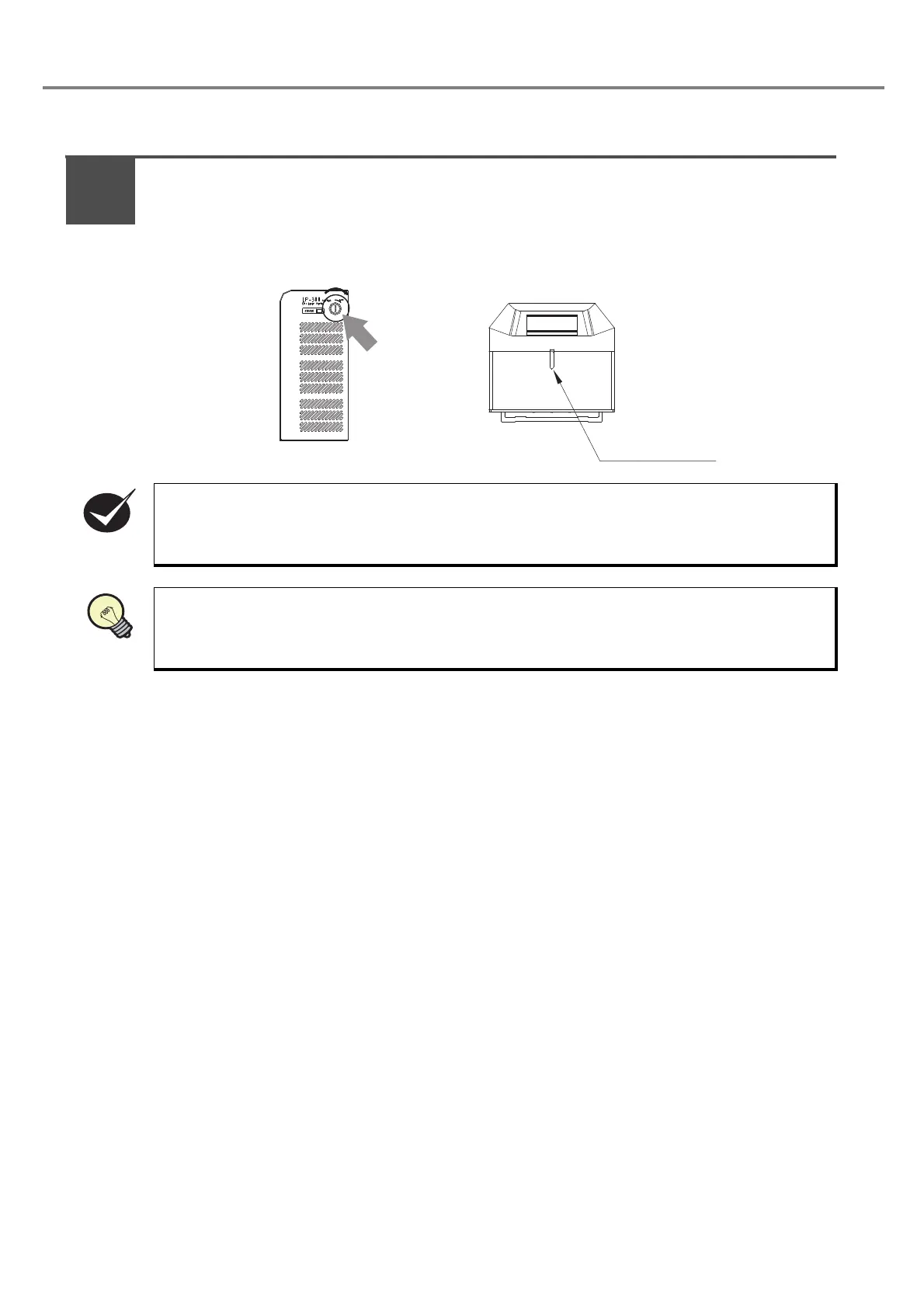
Turn ON the key switch of the power supply BOX.
(Insert the key and turn it toward ON side.)
The laser radiation indicator lights up in red for approx. 0.5 seconds, and then it changes the lit color
into blue.
Turn ON the key switch of the power supply BOX after connecting the laser marker to the personal
computer using USB.
Since the ON/OFF operation of the key switch puts load to the laser marker, do not turn off the
power supply until completing the system start.
Besides, in case of turning ON the power supply after turning OFF, leave the interval at least 5
seconds between ON and OFF.
Insert the key
and turn it
toward ON side.
Laser Radiation
Indicator
1



 To Next Page