189
5-2
Measures for Indicated Error
The following operations occur when any error occurs on the laser marker.
1. “E**” is displayed on the “File No./Error Code” display part in the front panel of the head.
2. The error output of the I/O connector is ON.
This section describes the details and measures of the error code indications in the front panel of the head.
Error
Code
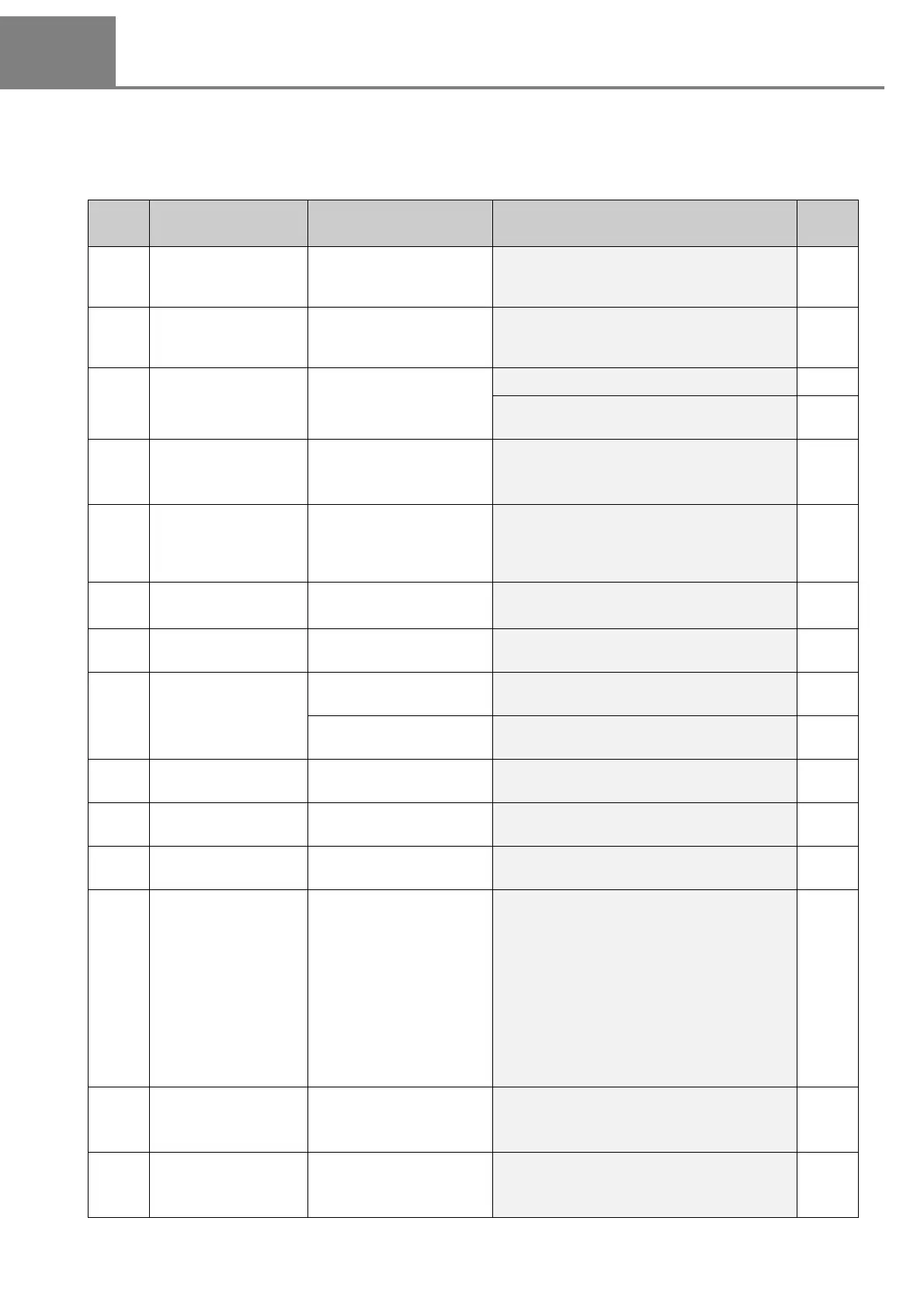
Error Indication Cause Measure
Ref.
Page
E01
Remote interlock
connector OPEN
The remote interlock connector
for the power supply BOX is
opened.
Short-circuit the remote interlock connector for
the power supply BOX.
12
E02
Laser radiation stop
input OPEN
The laser radiation stop
input signal is transmitted
from the I/O connector.
Turn ON the laser radiation stop input from the
I/O connector.
13
E04 No marking file
No marking file is existed.
Confirm the marking file.
142
Confirm the file selection input of the I/O con-
nector.
162
E10
Remote interlock
connector OPEN
during marking
The remote interlock connector
of the power supply BOX is
opened during marking.
Short-circuit the remote interlock connector of the
power supply BOX, and then turn on the key
switch again.
12
E11
Laser radiation stop
input during marking
The laser radiation stop input
signal was transmitted from
the I/O connector during
marking.
Turn ON the laser radiation stop input from the
I/O connector, and then turn on the key switch
again.
13
E12
Shutter operation
during marking
The shutter operation is
occurred during marking.
Turn on the key switch again.
35
E20 Cover OPEN
The cover of the head is
opened.
Contact our sales office.
-
E21
E22
X/Y galvanometer
error
An error is detected on the
galvanometer.
Contact our sales office.
-
The data is located out of
the marking area.
Confirm the position of the setting data, and if
required, move the data into the marking area.
132
E23 Laser tube error
An error is detected on the
laser mechanism.
Contact our sales office.
-
E25 Marking file error
An error is detected on the
marking file.
Contact our sales office.
-
E26 Area over
The data is located out of
the marking area.
Confirm the position of the setting data, and if
required, move the data into the marking area.
132
E30 System error
Detected a decrease in
power supply voltage for
the back up battery.
Leave the laser marker with “E30” error status
in a few minutes to charge the back up battery.
Then, restart the laser marker twice. (Keep 5
seconds or more in the each OFF status.)
After the recovery of the error, set the following
parameters with PC setting software.
1. Set the date and time of the laser marker on
the environment setting screen.
2. Transfer the file data again.
* In case using LP-ADP30, set the offset value
again.
-
E31
to
E39
System error
An error is detected on the
laser marker.
Contact our sales office.
-
E90
to
E99
Internal communication
error
An error is detected in the
communication in the prod-
uct.
Contact our sales office.
-



 To Next Page