111
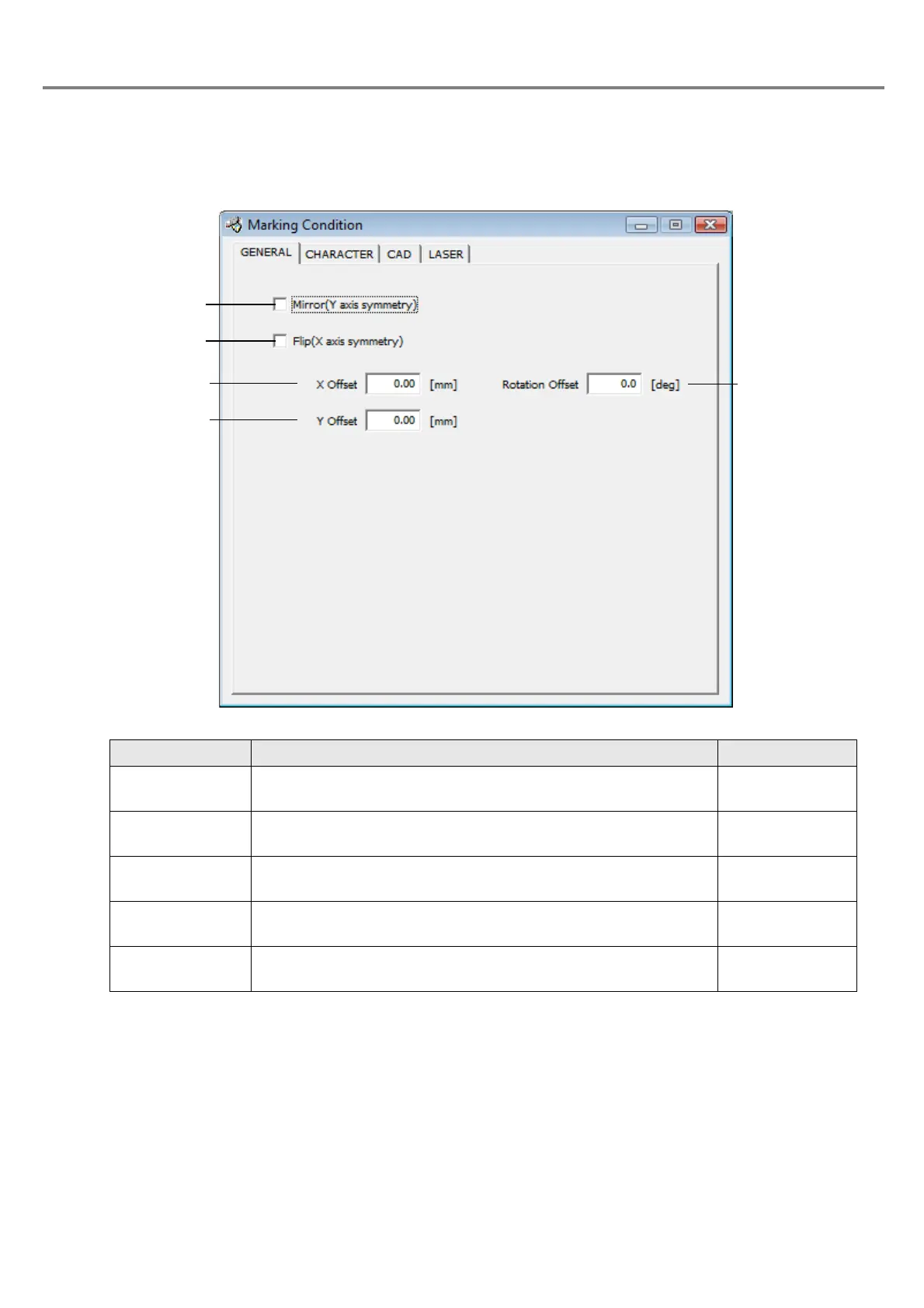
3-5-2 General Conditions
On the GENERAL screen, set the offset of the marking position and inversion of the marking for all character
strings including in the file or CAD file.
Item Description Setting range
1. Mirror
(Y axis symmetry)
Marks the character string or CAD file at a position symmetric to
the Y axis.
Check box
2. Flip
(X axis symmetry)
Marks the character string or CAD file at a position symmetric to
the X axis.
Check box
3. X Offset Moves the origin in X direction.
+/-25.00mm
(Step: 0.01mm)
4. Y Offset Moves the origin in Y direction.
+/-25.00mm
(Step: 0.01mm)
5. Rotation Offset
Rotates the character around the origin with the counterclockwise
direction is defined as forward rotation direction.
+/-180.0°
(Step: 0.1°)



 To Next Page