EasyManua.ls Logo

Panasonic LP-310 - RS-232 C Control Samples; Control Flowcharts for RS-232 C

Panasonic LP-310
216 pages
Print Icon
To Next Page IconTo Next Page
To Previous Page IconTo Previous Page
Loading...
170
4-2-7
Sample of Control
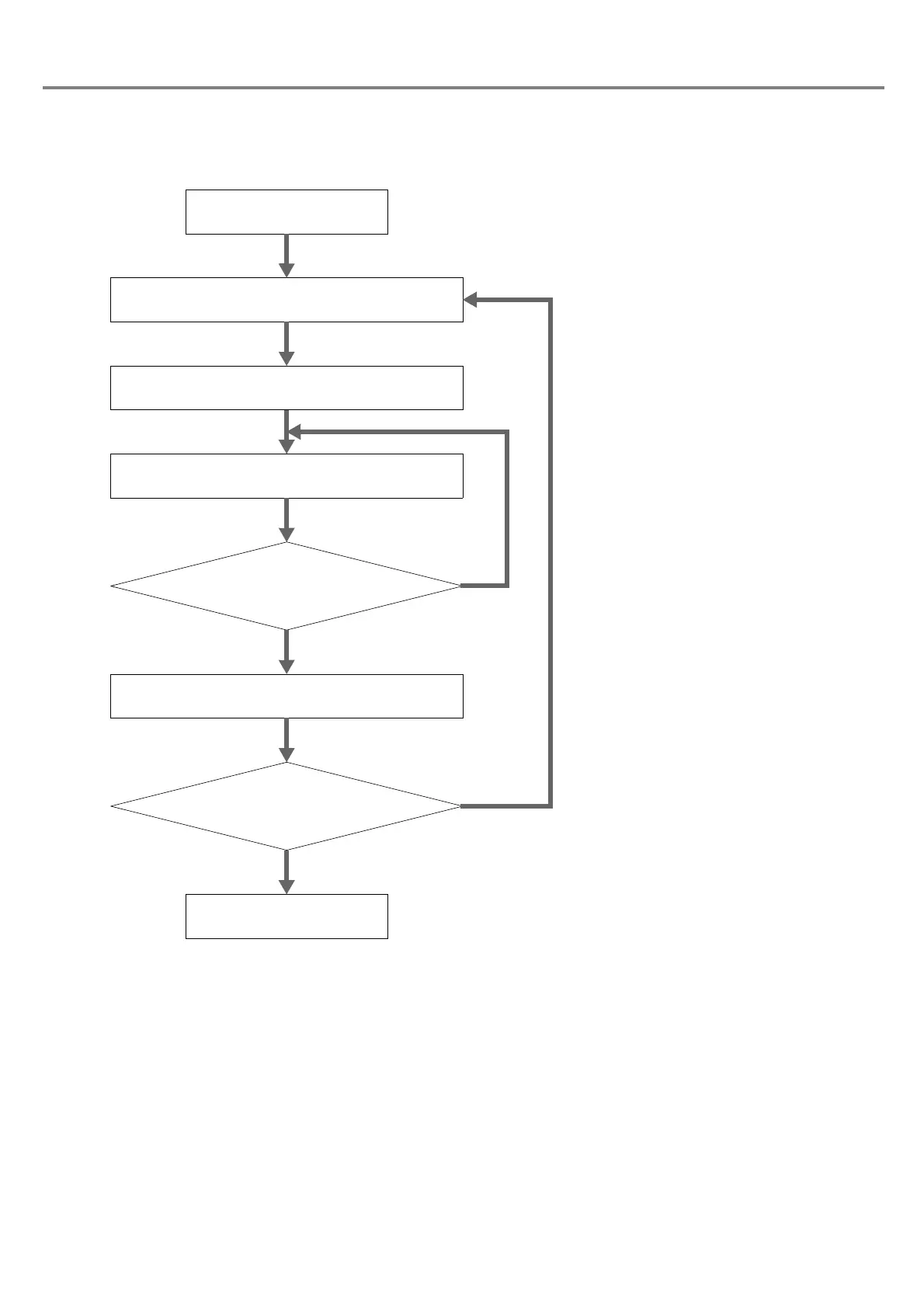
The following chart shows the sample of the control flow chart for controlling the laser marker using the RS-232C
.
1. File No. change FNO command
Turn the key switch to ON.
2. Arbitrary character string STR command
3. Status request STS command
Marking ready status is
“1 Marking Ready Status”
NO
YES
4. Marking Trigger MRK command
Change marking contents.
Re-send STS command
after leaving for a while.
Change setting
contents.
Turn the key switch to OFF.
When ending marking


Table of Contents

Related product manuals