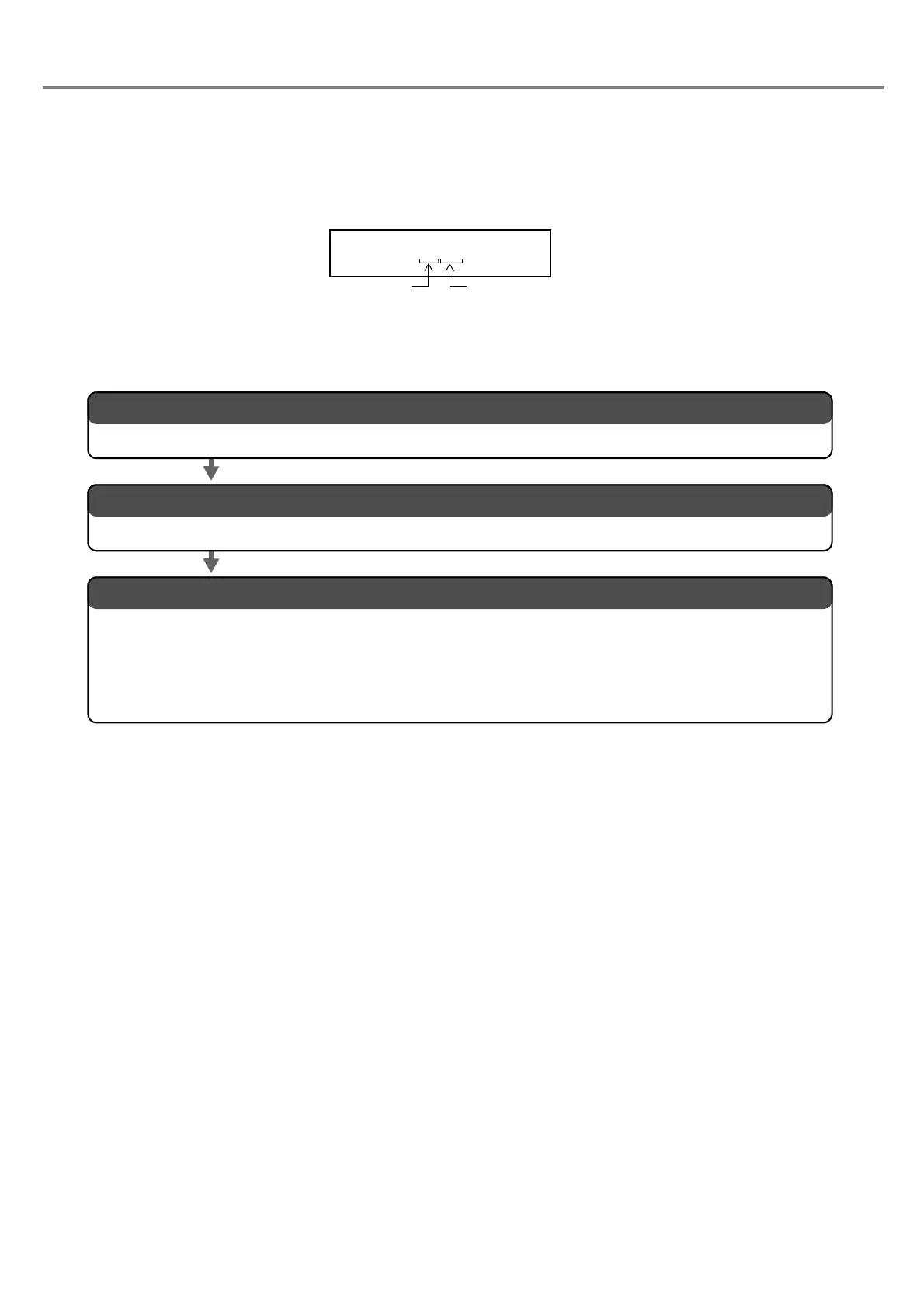
2. Input the function character of the expiry date.
The detail is described in “ b. Input the expiry date function character.” (P.68).
3. Set the conditions of the function character of the expiry date and laser.
1. Set the expiry date.
The detail is described in “ a. Set the expiry date.” (P.67).
Set each condition referring to relative item shown below:
“ 3. Set the marking condition.” (P.50) and “ 4. Set the laser.” (P.53) in “2-1-3 Procedure from Laser
Marker Setting to Test Marking” (P.49)
“3-5 Marking Condition” (P.110)
“3-6 Laser Setting” (P.126)



 To Next Page