50
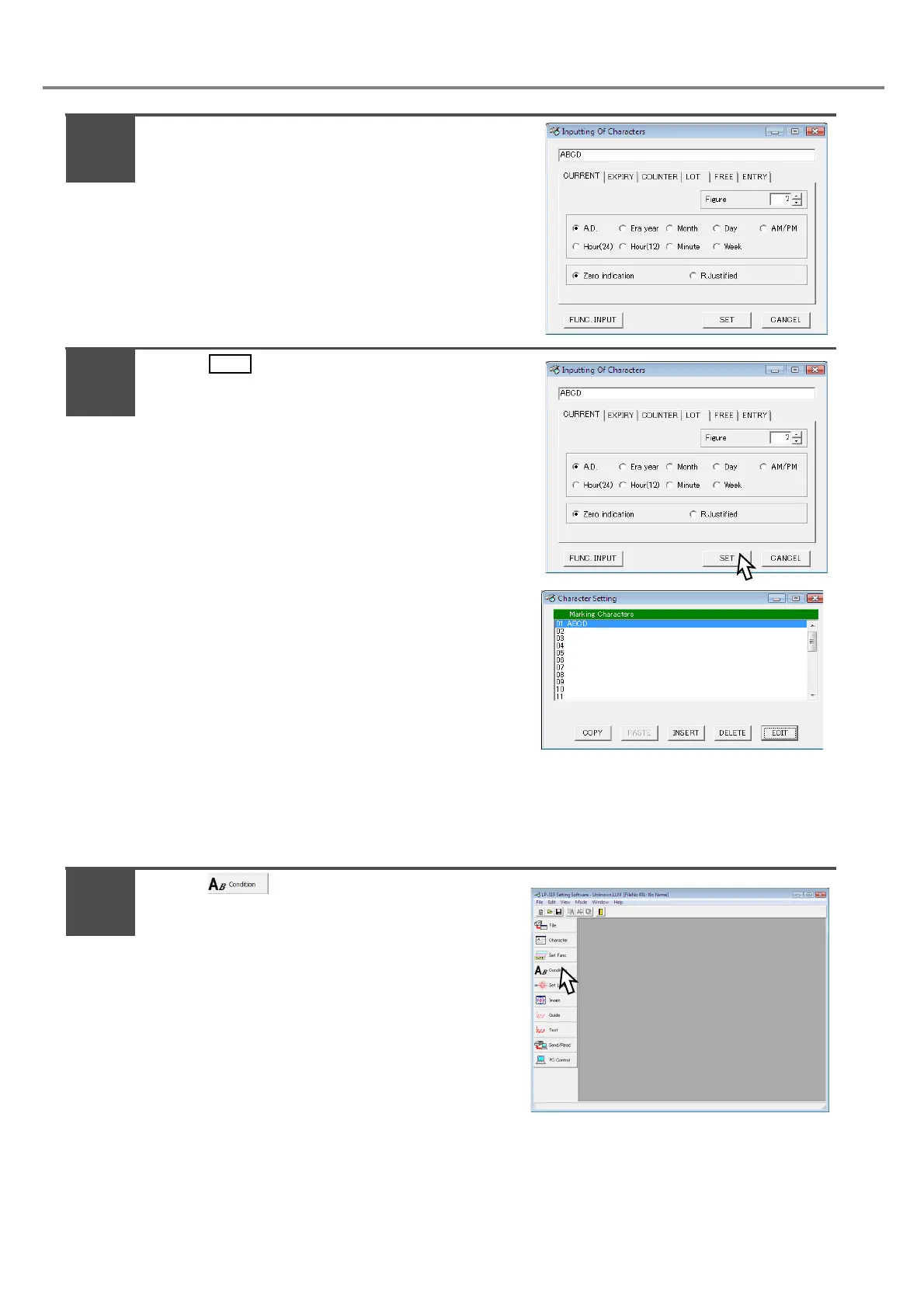
The screen is changed into “Inputting Of
Characters”.
Here inputs “ABCD”.
(Input the character using the keyboard of the PC.)
*In case of operating under Japanese OS, input the
double-byte character.
Press .
Here inputs “ABCD”.
(Input the character using the keyboard of the PC.)
The character “ABCD” is input.
3. Set the marking condition.
Here describes the procedure for setting marking conditions using the following sample, character height:
4mm, character width: 4mm, X position: -20mm, Y position: 5mm, and character interval: 5mm.
Press .
3
4
1



 To Next Page