51
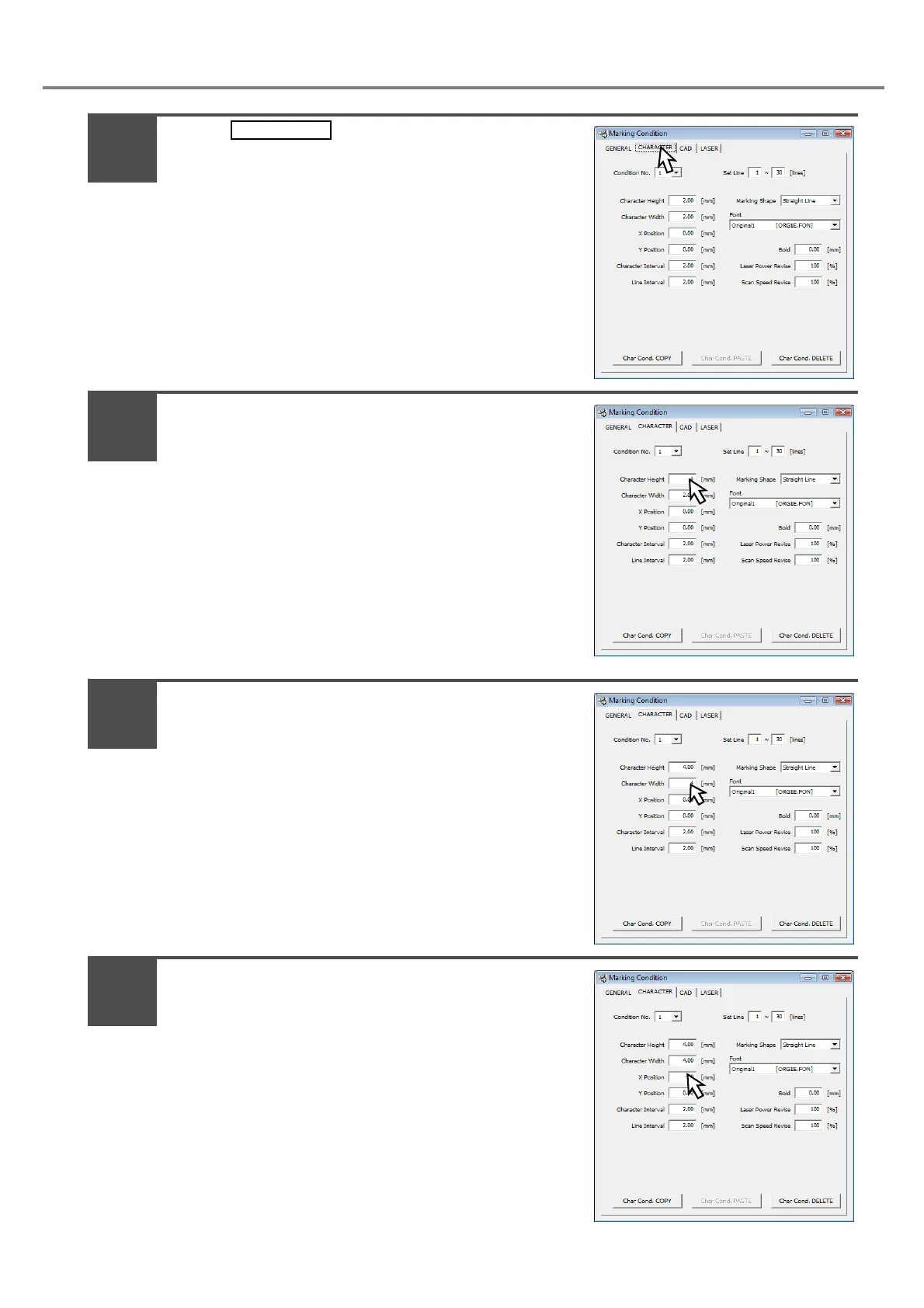
Press .
Press the setting value of the [Character
Height].
Input “4”.
(Input the value using the keyboard of the PC.)
Press the setting value of the [Character
Width].
Input “4”.
(Input the value using the keyboard of the PC.)
Press the setting value of the [X Position].
Input “-20”.
(Input the value using the keyboard of the PC.)
2
3
4
5



 To Next Page