89
3-3-2 Input of Marking Character
■ Setting Flow
Input the character in double-byte character for Japanese OS and in single-byte character for
English OS. Refer to “Character Code Table” (P.198) for details of the available characters for
input.
Click “Character Setting” button
Select line to be set,
and click button.
Double-click line
to be edited.
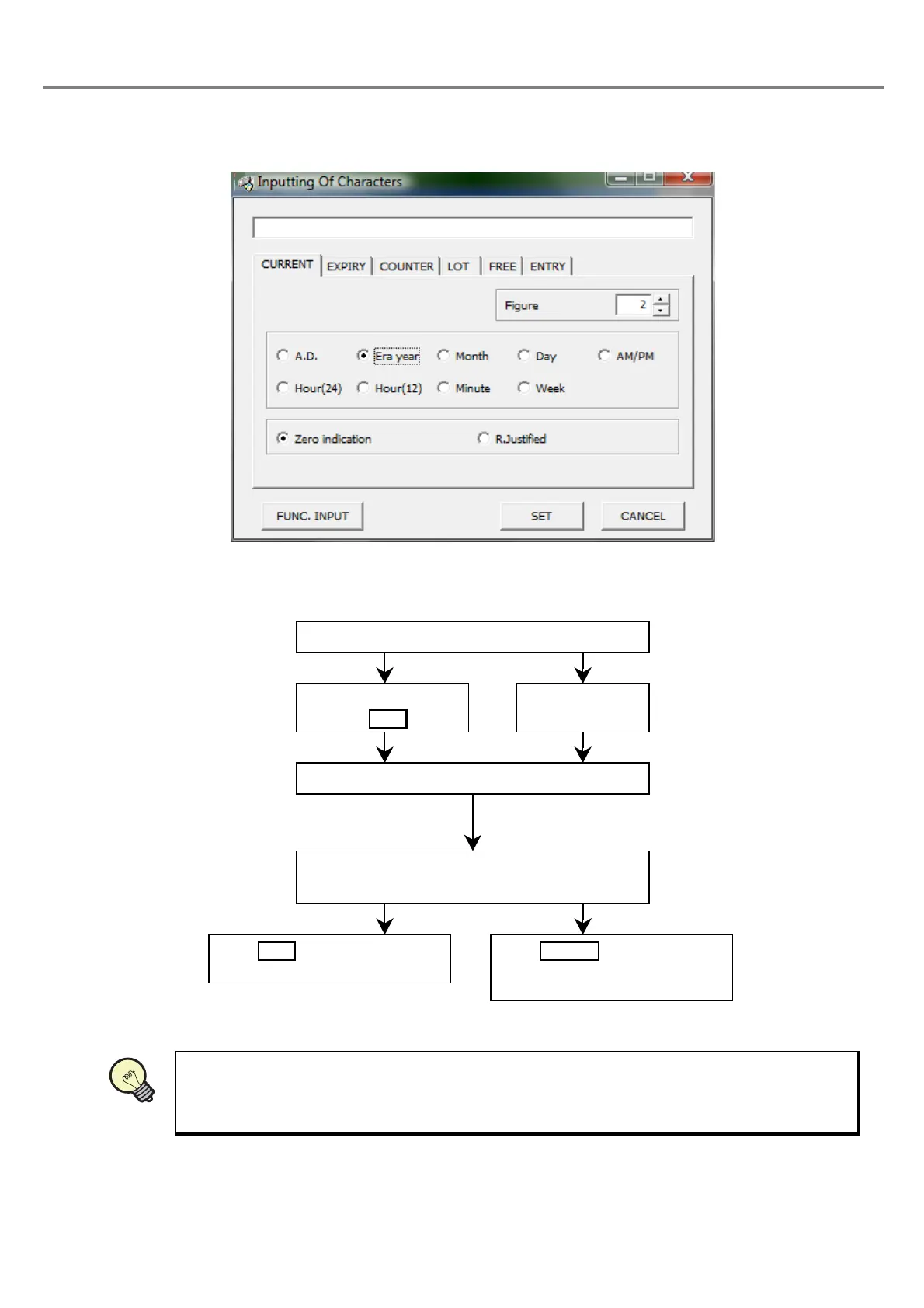
“Inputting Of Characters” dialog box is appeared.
Input the string to be marked using the keyboard. The
input character is appeared in the marking string field.
Click , save the entered
string, and close the dialog box.
Click , close the dialog
box, and return to the previous
screen.
REFERENC



 To Next Page