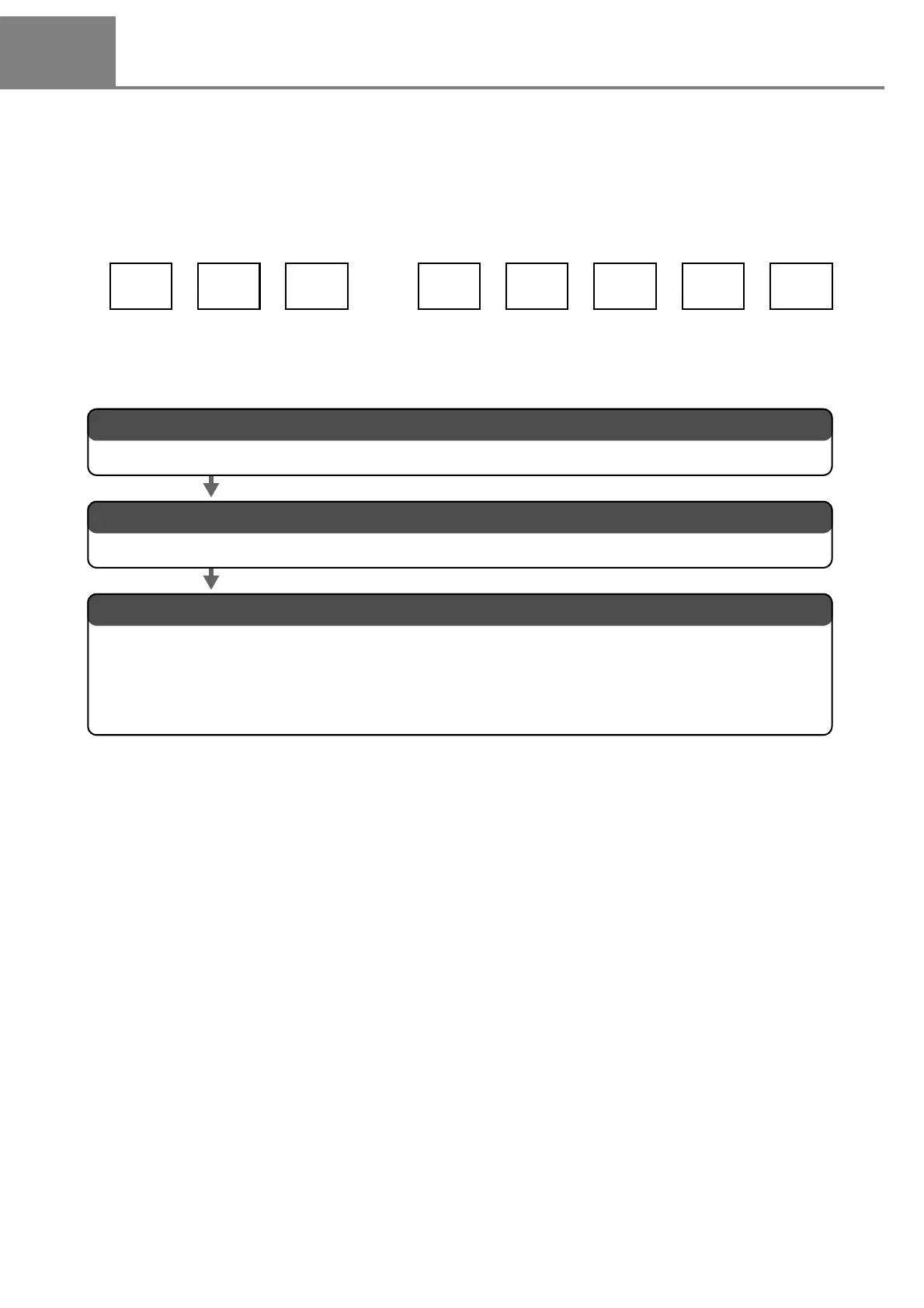
2. Input the function character of the counter.
The detail is described in “ b. Input the counter function character.” (P.60).
3. Set the conditions of the function character of the counter and laser.
1. Set the counter.
The detail is described in “ a. Set the counter.” (P.59).
Set each condition referring to relative item shown below:
“ 3. Set the marking condition.” (P.50) and “ 4. Set the laser.” (P.53) in “2-1-3 Procedure from Laser
Marker Setting to Test Marking”
“3-5 Marking Condition” (P.110)
“3-6 Laser Setting” (P.126)



 To Next Page