166
4-2
Control with RS-232C
4-2-1
Before External Controlling Laser Marker Using RS-232C
■ Flow
When turning the key switch of the laser marker, the system is started. When the laser marker is
ready for marking after the laser is excited, the READY output signal is output.
When turning the key switch of the laser marker, the product becomes remote mode (external
control mode).
When performing the guide display and test marking from the PC, release the remote mode
following the indication displayed on the PC screen, and set the mode of the laser marker into PC
control mode.
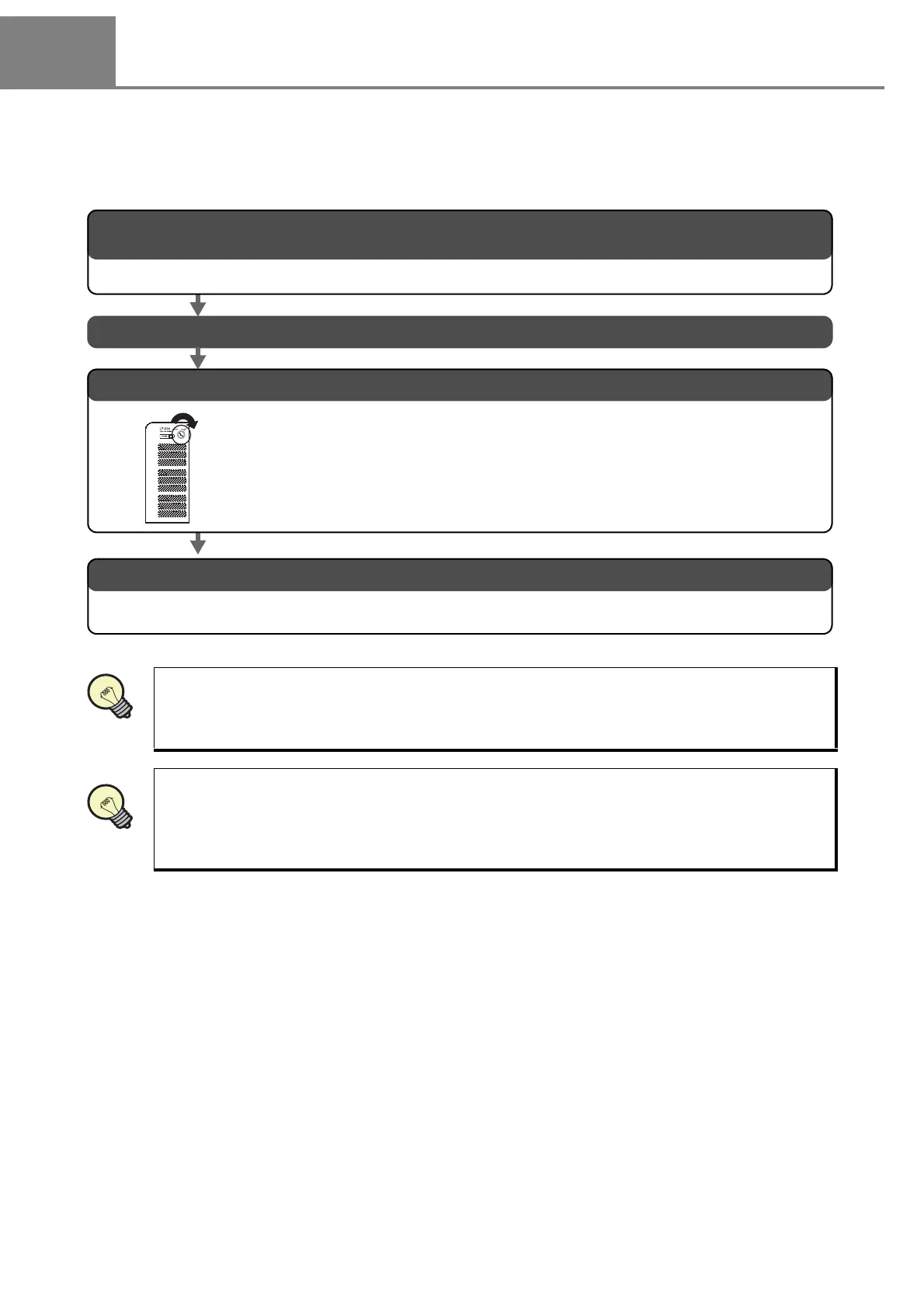
1. Accommodate the setting of the laser marker and that of the communication condition of the connected
external device.
2. Turn ON the power supply of the external device.
Refer to “4-2-4 Setting of Communication Condition” (P.168) for details.
4. Control the laser marker by external device.
Control the laser marker by the external device following the content of this chapter.
3. Turn the key switch of the power supply BOX of the laser marker.
Turn the key switch of the power supply BOX clockwise.



 To Next Page