124
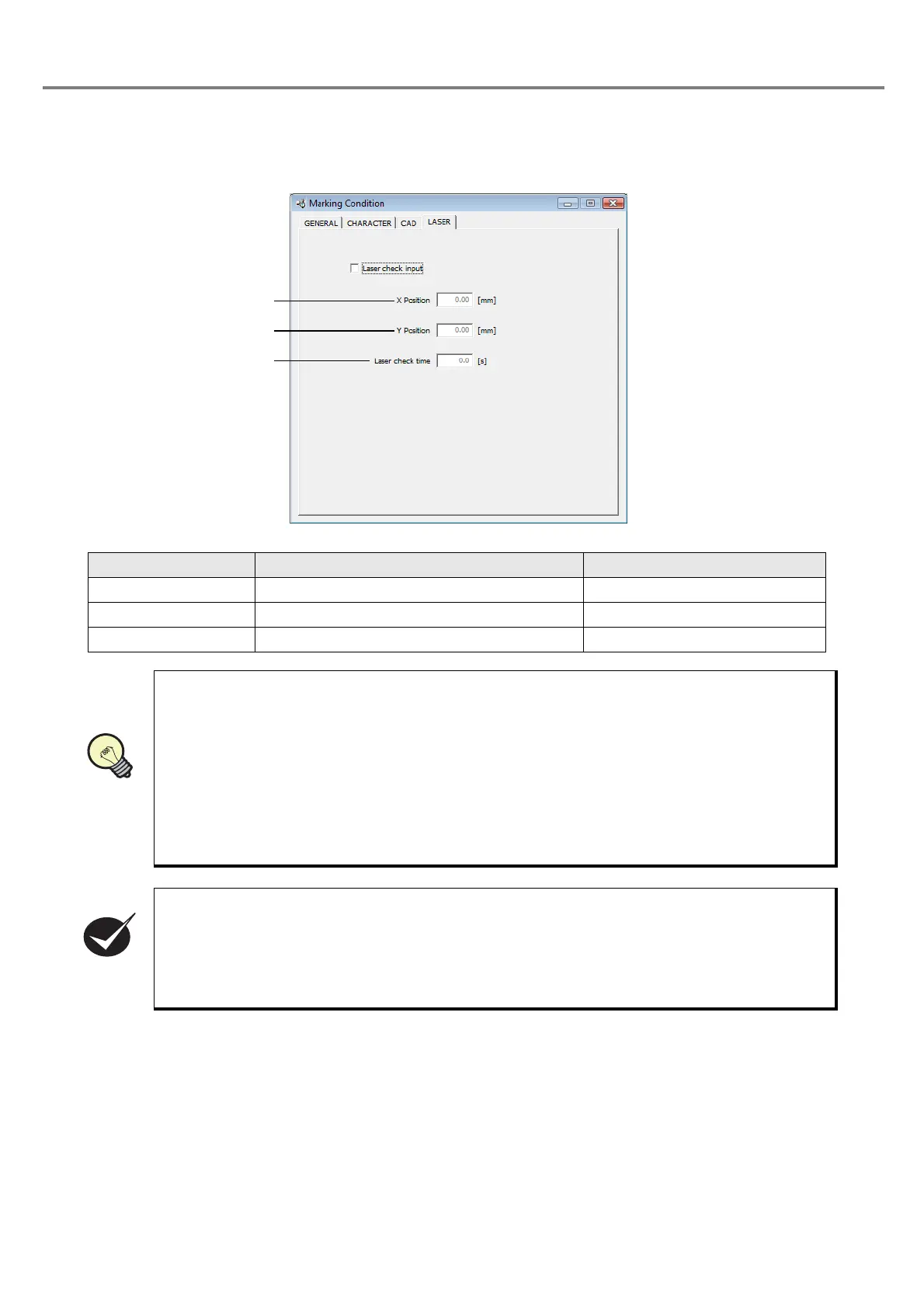
3-5-5 Laser Check
The laser beam for the laser check is continuously emitted to a desired spot in the marking area.
Item Description Setting Range
1. Laser check input Specifies the laser check. Check box
2. X/Y Position Specifies the position of the laser check. +/-25.00mm (Step: 0.01mm)
3. Laser check time Sets the time of the laser check. 0.0 to 60.0s (Step: 0.1s)
The laser check is regarded as one of the marking file.
Refer to the following items.
1. When the laser check is ON, the other marking object (marking character character string,
CAD file) cannot be set.
2.
When the laser check is ON with the following windows, “Character Setting”, “Function Setting”,
and
“Image Display” be opened, these windows are closed forcibly. However, since the data is
remained, open these windows again after the laser check is OFF.
3. When marking with the laser check, perform TRIG.IN or test marking after transferring the file,
just the same as the marking characters and CAD file.
4. The laser power for the laser check is reflected by the power set at “Laser Setting”.
When the laser check is ON under the following condition of “1” or “2”. the warning dialog box
“This operation is invalid because laser check is set.” is displayed.
1. When “
Character Setting
”, “
Function Setting
” or “
Image Display
” is selected.
2. When changing to the sheet of “Marking condition” - “GENERAL”, “CHARACTER”, or “CAD”
(When the window of “Character Setting”, “Function Setting” or “Image Display” is already
opened, it is to be closed forcibly.)



 To Next Page