43
1-5-2 Operation Procedure Using External Control
This section describes the basic operation procedures using the external control.
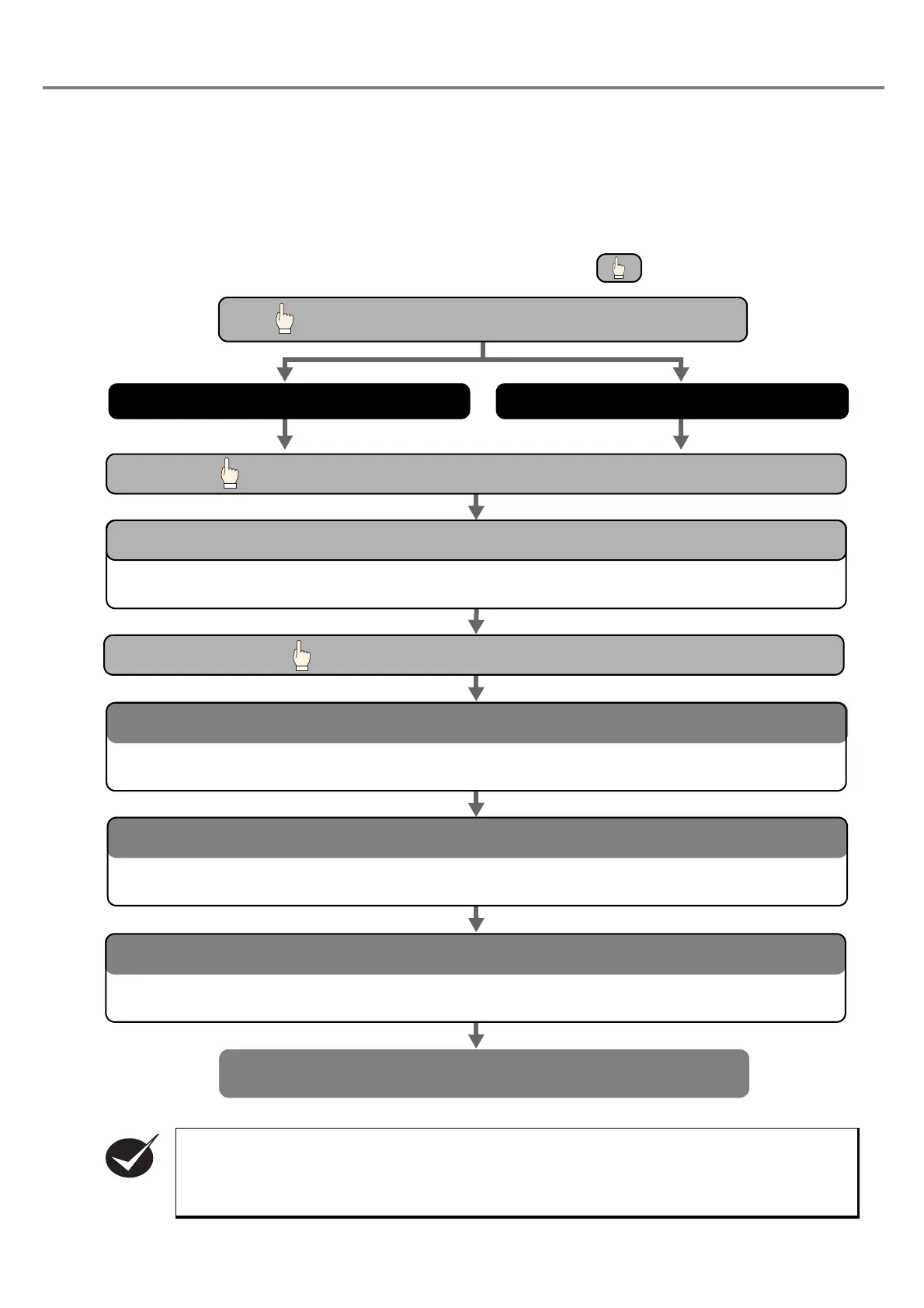
■ Flow Chart
• There are two modes, personal control mode and remote mode for this product.
The switching of the mode between personal control mode and remote mode is set with the
personal computer.
When turning on the power supply of this product, the remote mode is activated.
OPEN manual shutter of laser marker head.
1. External control using I/O connector 2. External control using RS-232C
Marking
Turn ON the key switch on the power supply BOX of the laser marker.
•The trigger is ready for reception.
READY Output ON
Transfer marking data from PC to laser marker.
•Select file No. using the external control.
Select file
•The trigger is ready for reception.
READY Output ON
•The product starts marking.
Trigger Input ON
* The procedure marked with
is performed by manual.
CHECK



 To Next Page