129
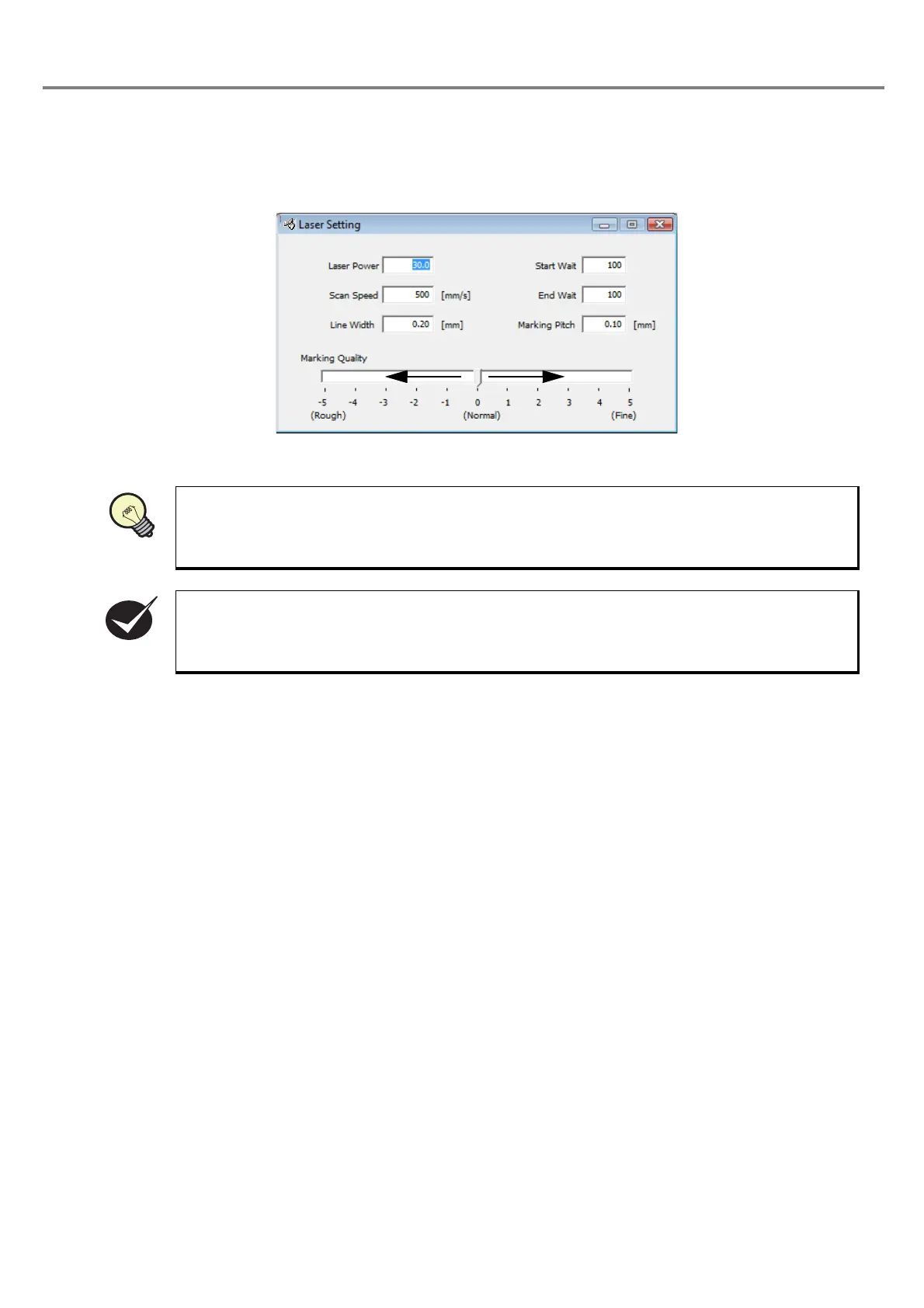
3-6-5 Adjustment of Marking Quality
This product marks the curved portion by diving them into straight lines.
The roughness of the division can be set in eleven steps.
When a small character is marked, the character looks a curve even if this parameter is set relatively
rough
. When a large character is marked, the character looks a distorted curve unless this param-
eter is set fine.
The larger the value of the marking quality is, the longer the marking time becomes.
REFERENC



 To Next Page