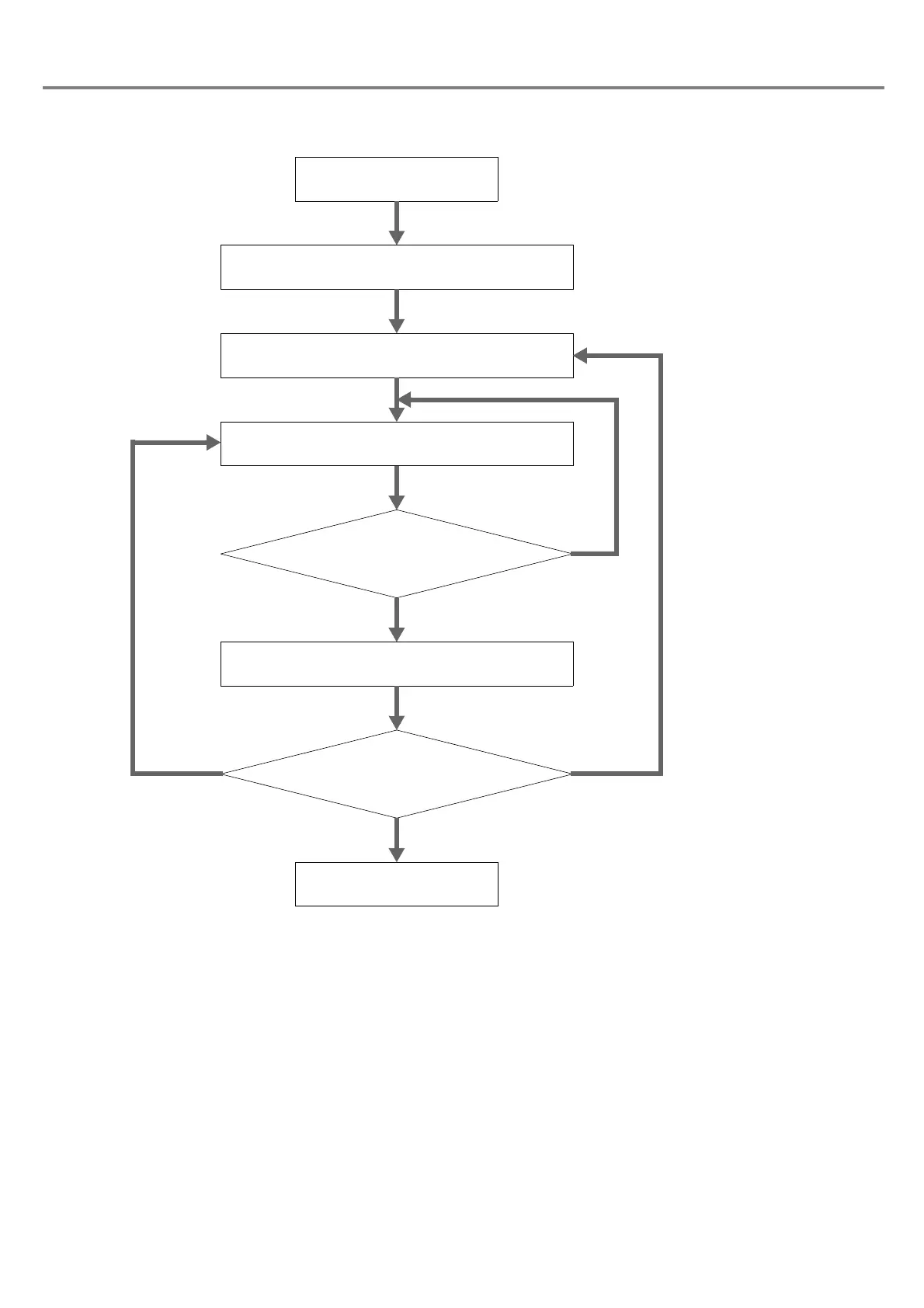
Turn the key switch to ON.
2. Arbitrary character string STR command
3. Status request STS command
Marking ready status is
“1 Marking Ready Status”
NO
YES
4. Marking Trigger MRK command
Change marking contents.
Re-send STS command
after leaving for a while.
Change
character.
Turn the key switch to OFF.
When ending marking
Mark the same
character.
1. File No. change FNO command



 To Next Page