139
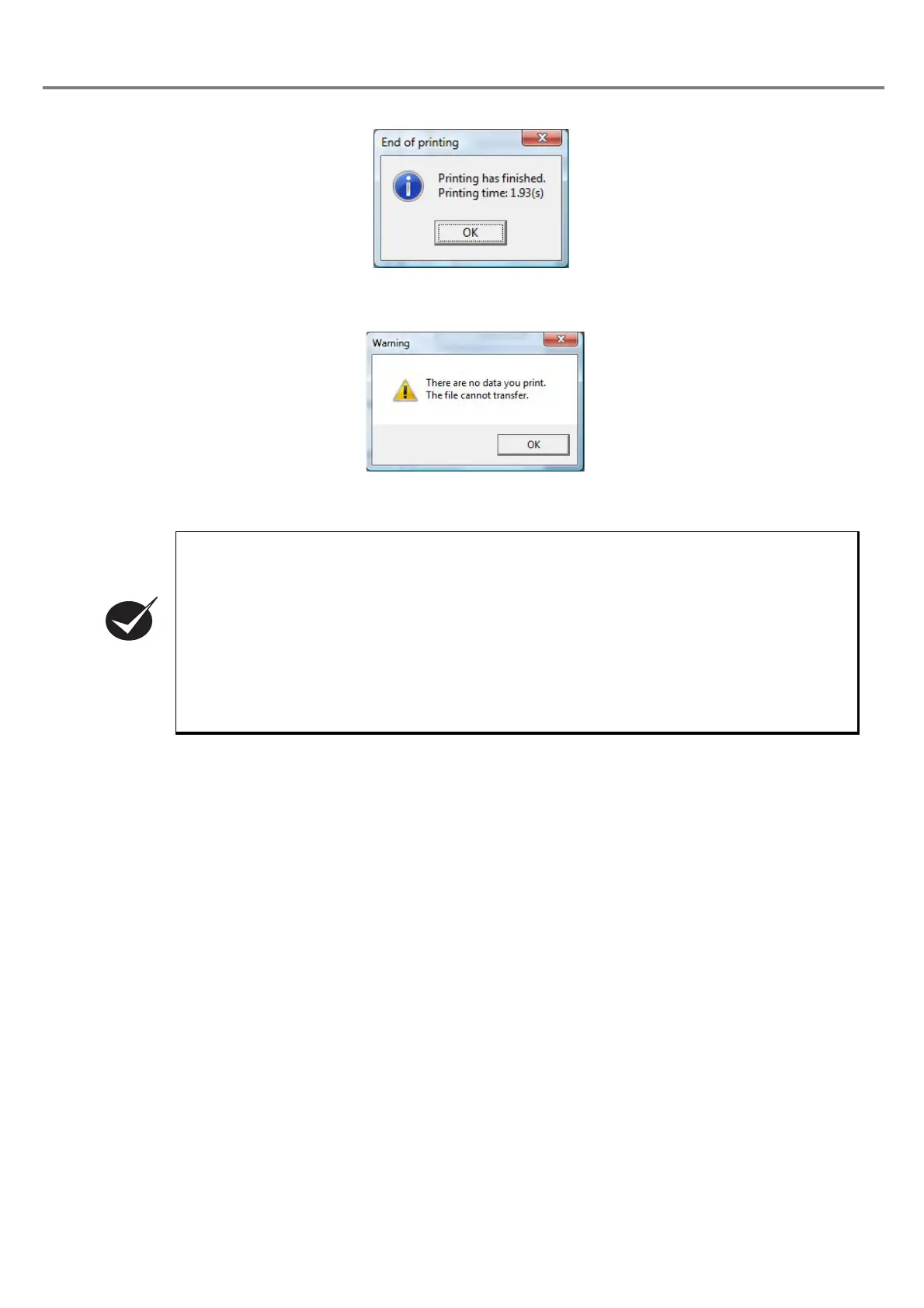
It is impossible to perform the test marking for an empty file (including no setting).
Click “OK” button, re-select the file, and select the operation from either “1” or “2”.
• In PC control mode, the RS-232C command and input from the external I/O connector become
invalid.
• When the mode is switched to PC control mode during the marking, the mode is switched after
completing the marking.
• The test marking time displayed in the test marking may be slightly differed from the actual
marking time.
In case of requiring the precise marking time, perform the marking using the external control
(refer to Chapter 4), and measure the time using the marking start (trigger) signal and marking
ending signal.
• When the counter is set, the test marking does not activate the count-up function.



 To Next Page