141
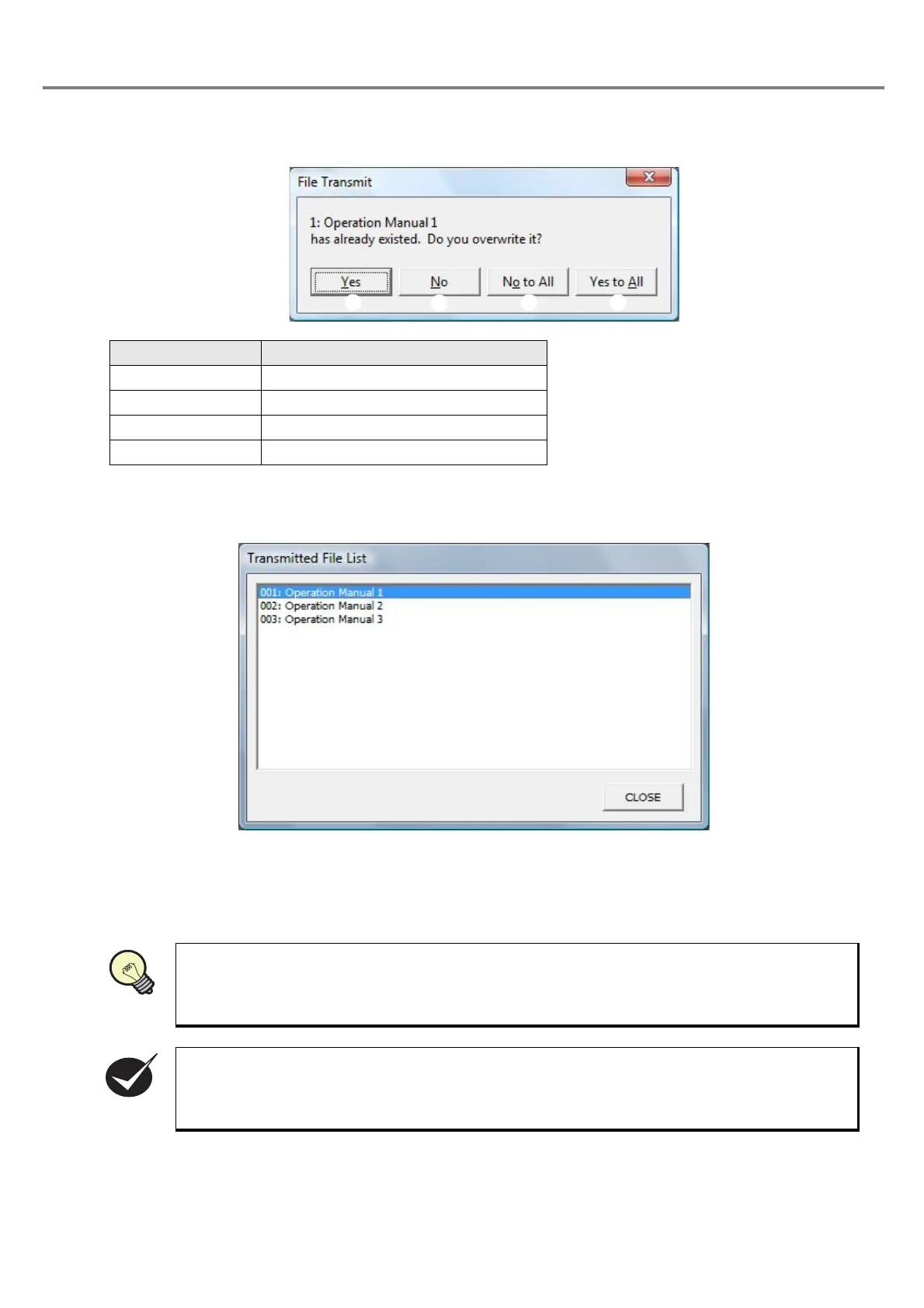
If the file with the same file No. that is to be transferred is already existed in the head, the following dialog is
appeared.
Click the “LIST” button to display the list of the files already transferred to the head, and check that the files
have already been transferred.
<File Size>
The size of the transferable marking file is limited.
If the total capacity of the marking file is large, it may be that all files cannot be transferred.
When trying to transfer the marking file with large data size, the warning message is displayed.
Item Description
1. Yes Overwrite the file
2. No Not overwrite the file
3. No to All Not overwrite all files
4. Yes to All Overwrite all files
If the marking file cannot be transferred, reduce the file capacity by deleting the unnecessary
marking files and retry transferring the file.
If total capacity of the marking file is large, it may be that all files cannot be transferred.
REFERENC



 To Next Page