64
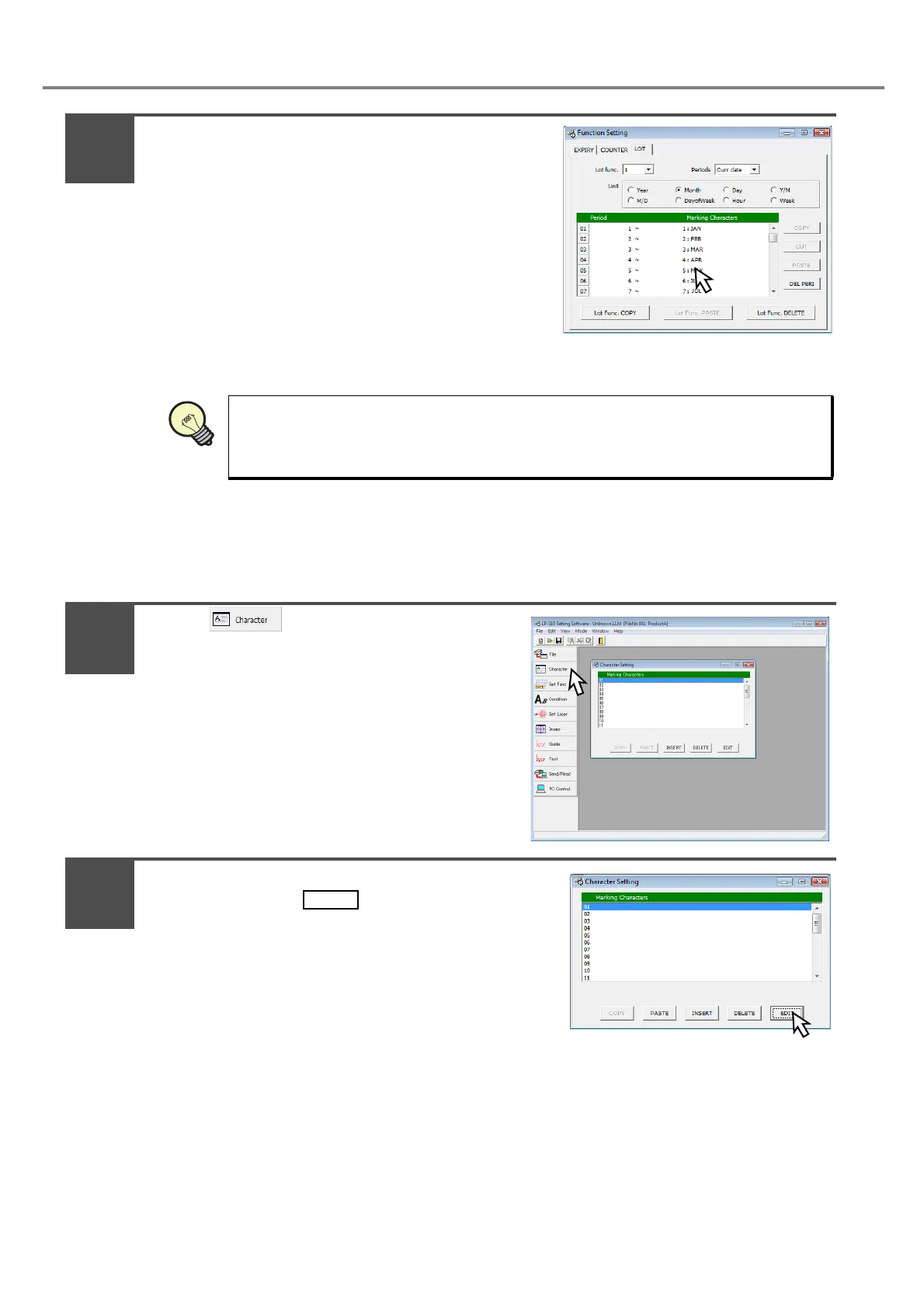
Set both [Period] and [Marking Characters].
*In case of operating under Japanese OS, input the double-
byte character.
(Set both period and marking character using the key
board of PC as follows:)
Period Marking Character String
1 to 1 JAN
2 to 2 FEB
• •
• •
• •
12 to 12 DEC
b. Input the lot function character.
Refer to “3-3-3 Input of Function Character” (P.90) for details.
Press .
Adjust the cursor to the first line “01” of the
screen, and press .
* Re-adjusting the cursor to the first line (01) and then
pressing (double-clicking) the same cursor performs
the same operation.
Set the start and end of the duration using “min.” and “max.”. The number of division,
setting range, and setting method are differed depending on the selected period
condition.
5
1
2



 To Next Page