85
■ Save
With this operation, the registration under editing is saved (overwritten).
The registration file under editing is saved (overwritten) by either selecting “1” method or clicking “2” icon
described above.
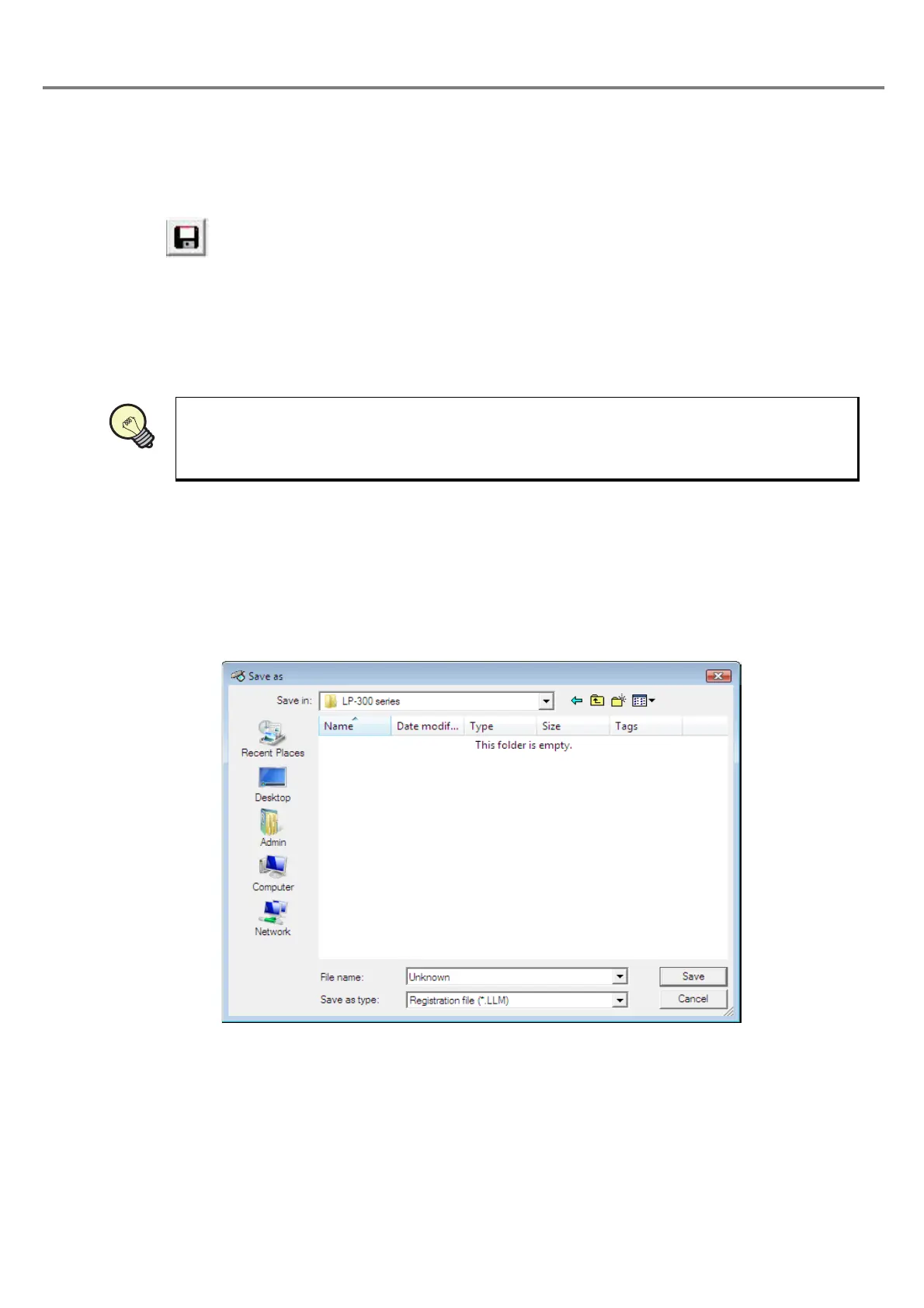
When saving a new created registration file (with its name not registered) after editing, the dialog box for setting file
name is appeared.
■ Save As
With this operation, the registration file under editing is saved as the registration file with other file name user
named.
Selecting “File” - “Save As” appears the dialog box for setting file name.
The registration file under editing is saved by setting the file name and then clicking “Save”.
Clicking “Cancel” closes the dialog box and returns to the previous screen.
1 “File” - “Save”
2
Click icon.
Refer to the next procedure “Save As” for details.
File name
:
Sets the registration file name for saving.
Save as type
:
Enables to save only the registration with “.LLM” extension.
REFERENC



 To Next Page