92
(Display Sample)
In case of selecting “AM/PM”, the figure and zero indication are ignored, and the display is shown as follows.
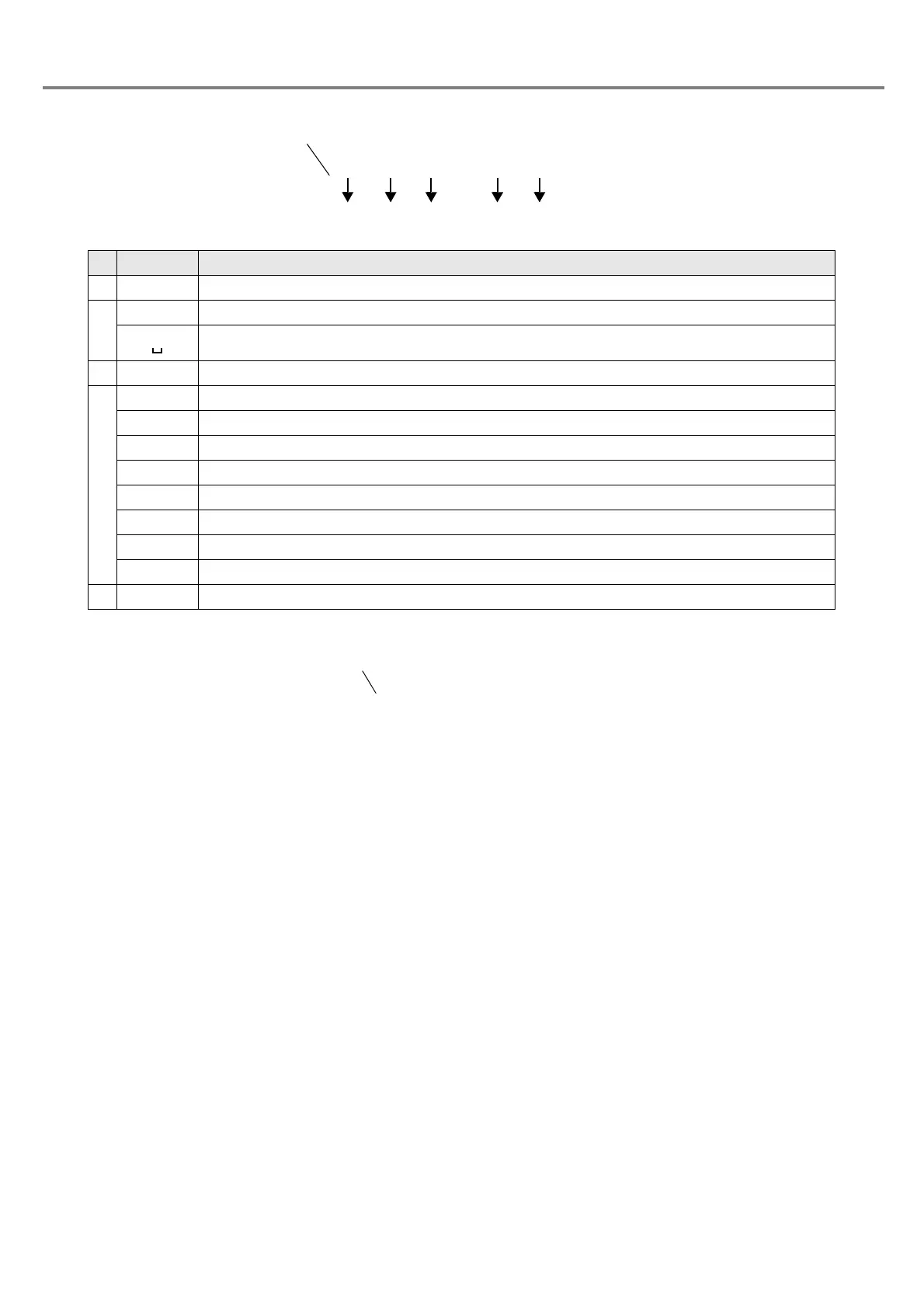
%APM:0
Display Description
1 % Indicates the functionnal character string.
2
0 Sets zero indication.
Set the R.justified. (single-byte space)
3 * The display digit from 1 to 6 is displayed in the “*”.
4
Y Sets the dominical year.
y Sets the era year.
M Sets the month.
D Sets the day.
H Sets the 24-hour time.
h Sets the 12-hour time.
m Sets the minute.
w Sets the week.
5 0 Sets the current date with zero fixed.



 To Next Page