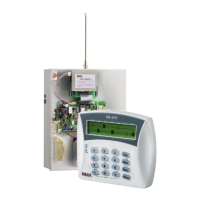
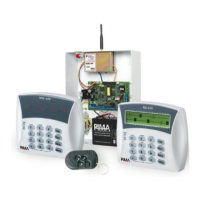
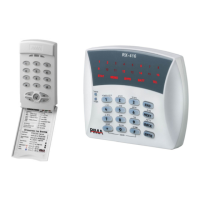
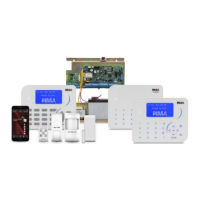
Hunter-Pro Series & Captain 8 Installation Guide
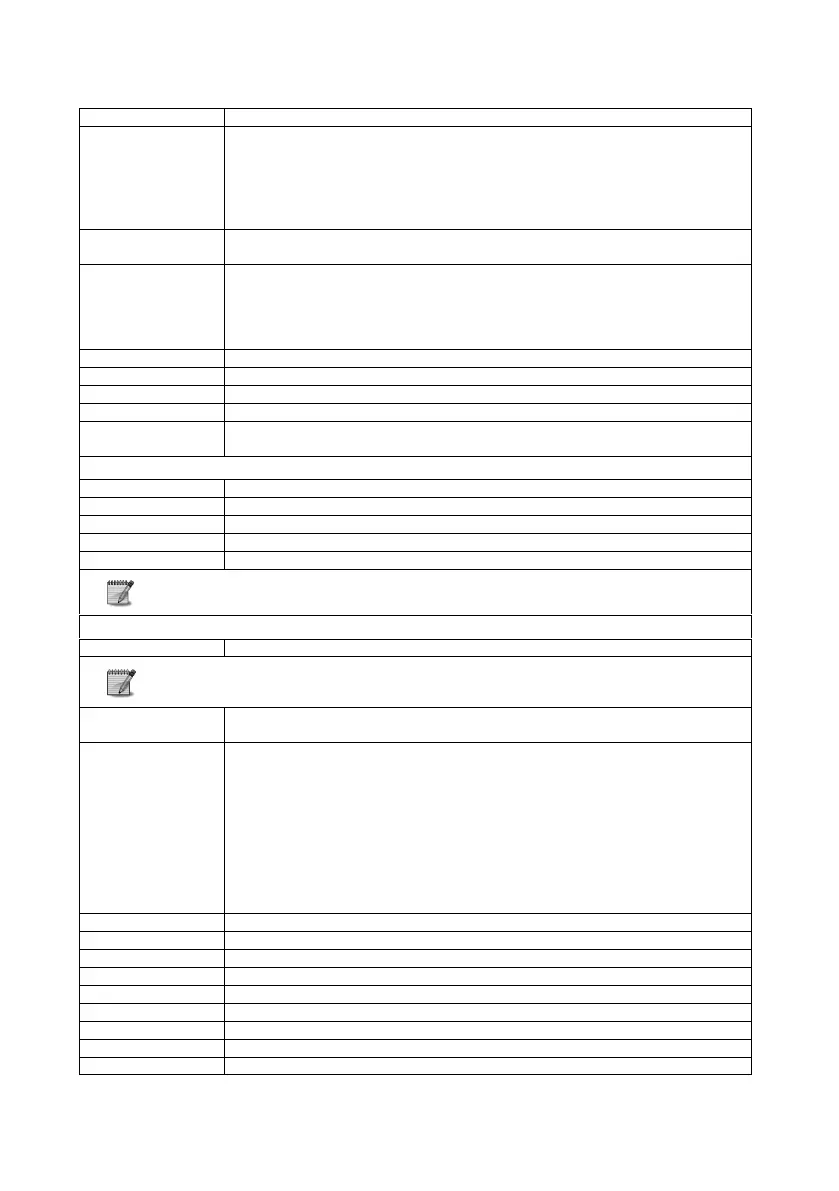
No communication between the keypad and the PCB. Check the following:
1. The wire between the “OUT” terminal on the PCB and the keypad.
2. Keypad’s voltage supply is lower than 13V. Verify that no more than 8
keypads are connected to the panel.
3. Keypad fault - replace it
4. Panel PCB fault - replace it
No dial tone. Disconnect any other phone/fax connected to it and check again.
Tip: the panel tests the phone line constantly.
1. Check the ID of this keypad.
2. Check the wiring of this keypad.
3. If the ID and wiring are OK, disconnect the keypad and connect it as close as
possible (50 cm max.) to the panel. If the keypad is still out-of-order, consult
your dealer.
The detectors voltage wires are shortened
Expander’s X communication or voltage fault
Expander’s X tamper switch is open
Keypad’s X tamper switch is open
Another keypad is being programmed, or a remote control session is being
performed
Connection or module fault
Communication fault with Monitoring Station #1
No SIM card is inserted or SIM card fault
Communication fault with Monitoring Station #2
For further information on GSM-200, refer to its installation guide
The I/O-WN’s tamper was opened or faulty.
For further information on the I/O-WN’s communication faults , refer to its
installation guide.
Keypad’s ID does not match the programmed number of keypads (see section
6.3.4)
Central Station. Com.
Fault
Incompatible protocol or phone line fault.
Check the following:
The phone wires
In the “Communication options” menu, “P - Connected T.Line” is set to “+”
(see section 6.5.4).
At least one Monitoring Station phone number is set (see section 6.5.3) and
the numbers are correct.
The account ID of Monitoring Station #1 is not zero.
The communication format is compatible with that of the Monitoring Station.
A prefix is set, if required.
The provider’s SMS center is unreachable
Install the SMS-100 module
Communication failure between the panel and the PIMAnet
Wireless supervision: a detector is not communicating with the panel


 To Next Page
 Loading...