User’s Manual of GS-5220 LCD Series
139
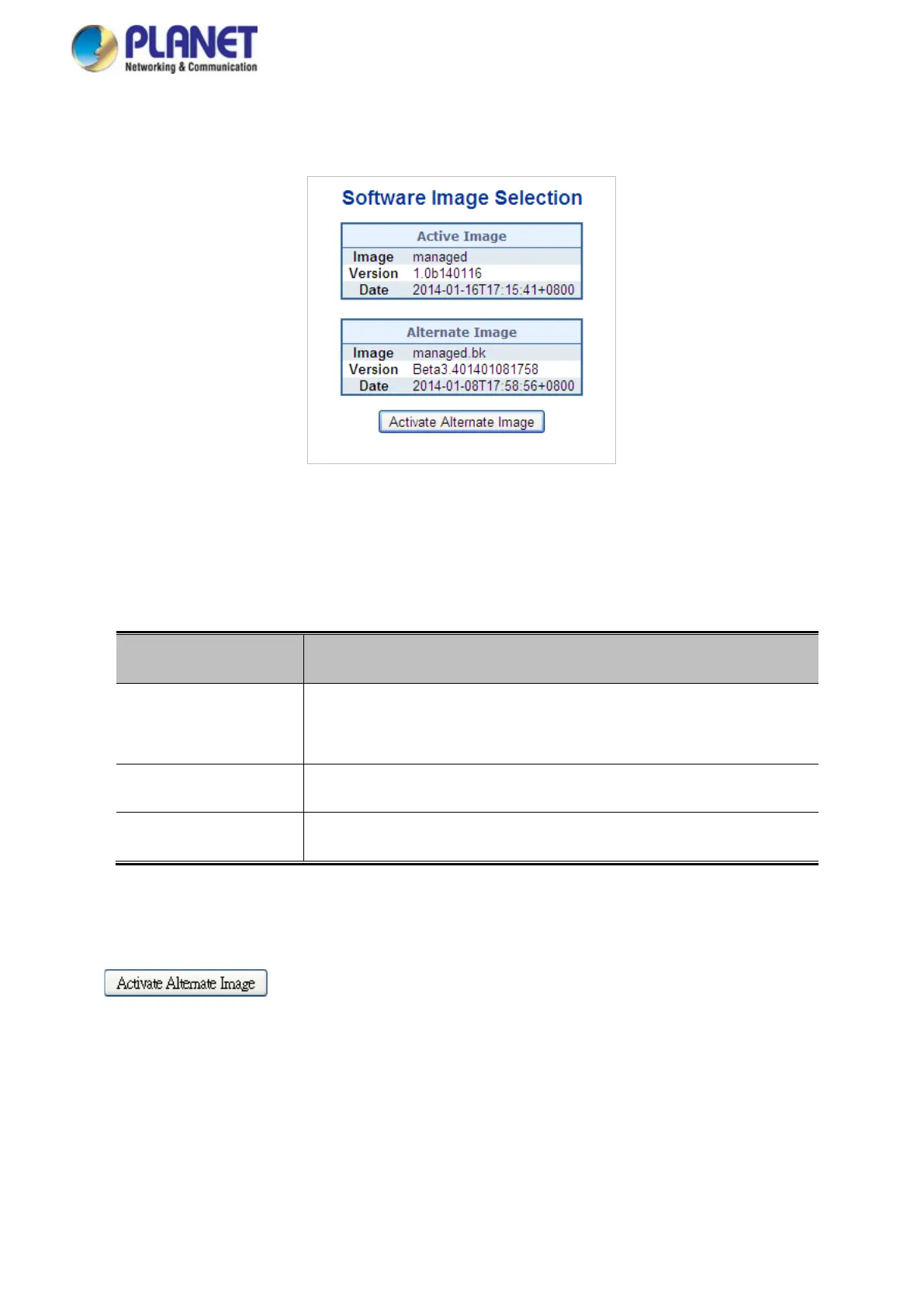
Figure 4-2-28: Software Image Selection Page Screenshot
The page includes the following fields:
Object Description
• Image
The flash index name of the firmware image. The name of primary
(preferred) image is image, the alternate image is named image.bk.
• Version
The version of the firmware image.
• Date
The date when the firmware was produced.
Buttons
: Click to use the alternate image. This button may be disabled depending on system
state.
4.2.24 Factory Default
You can reset the configuration of the Managed Switch on this page. Only the IP configuration is retained. The



 To Next Page
 Loading...










