User’s Manual of GS-5220 LCD Series
429
4.12.2 Access Management
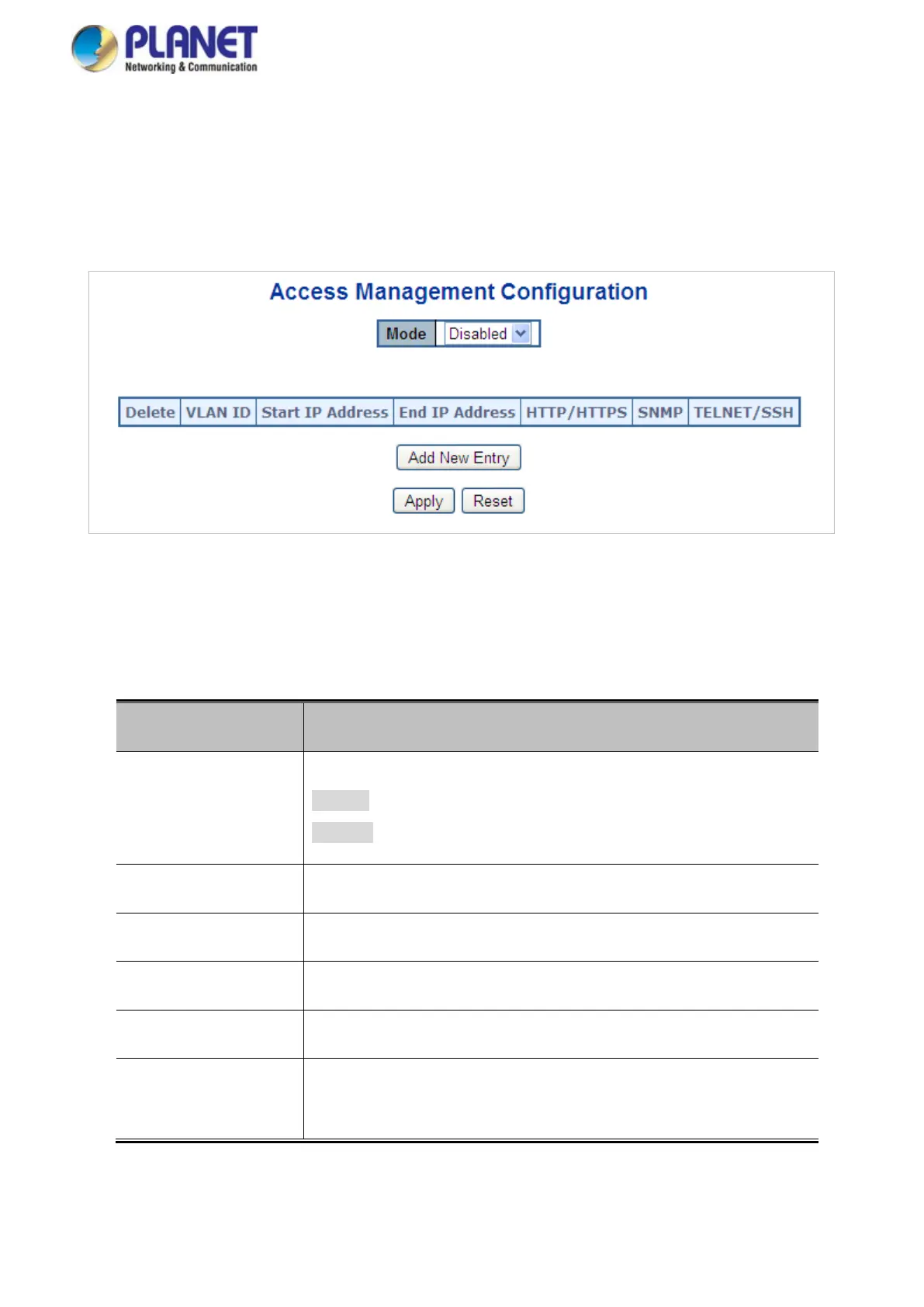
Configure access management table on this page. The maximum entry number is 16. If the application's type
match any one of the access management entries, it will allow access to the switch. The Access Management
Configuration screen in Figure 4-12-2 appears.
Figure 4-12-2: Access Management Configuration Overview Page Screenshot
The page includes the following fields:
Object Description
• Mode
Indicates the access management mode operation. Possible modes are:
Enabled: Enable access management mode operation.
Disabled: Disable access management mode operation.
• Delete
Check to delete the entry. It will be deleted during the next apply .
• VLAN ID
Indicates the VLAN ID for the access management entry.
• Start IP address
Indicates the start IP address for the access management entry.
• End IP address
Indicates the end IP address for the access management entry.
• HTTP/HTTPS
Indicates the host can access the switch from HTTP/HTTPS interface
that the host IP address matched the entry.



 To Next Page
 Loading...










