User’s Manual of GS-5220 LCD Series
140
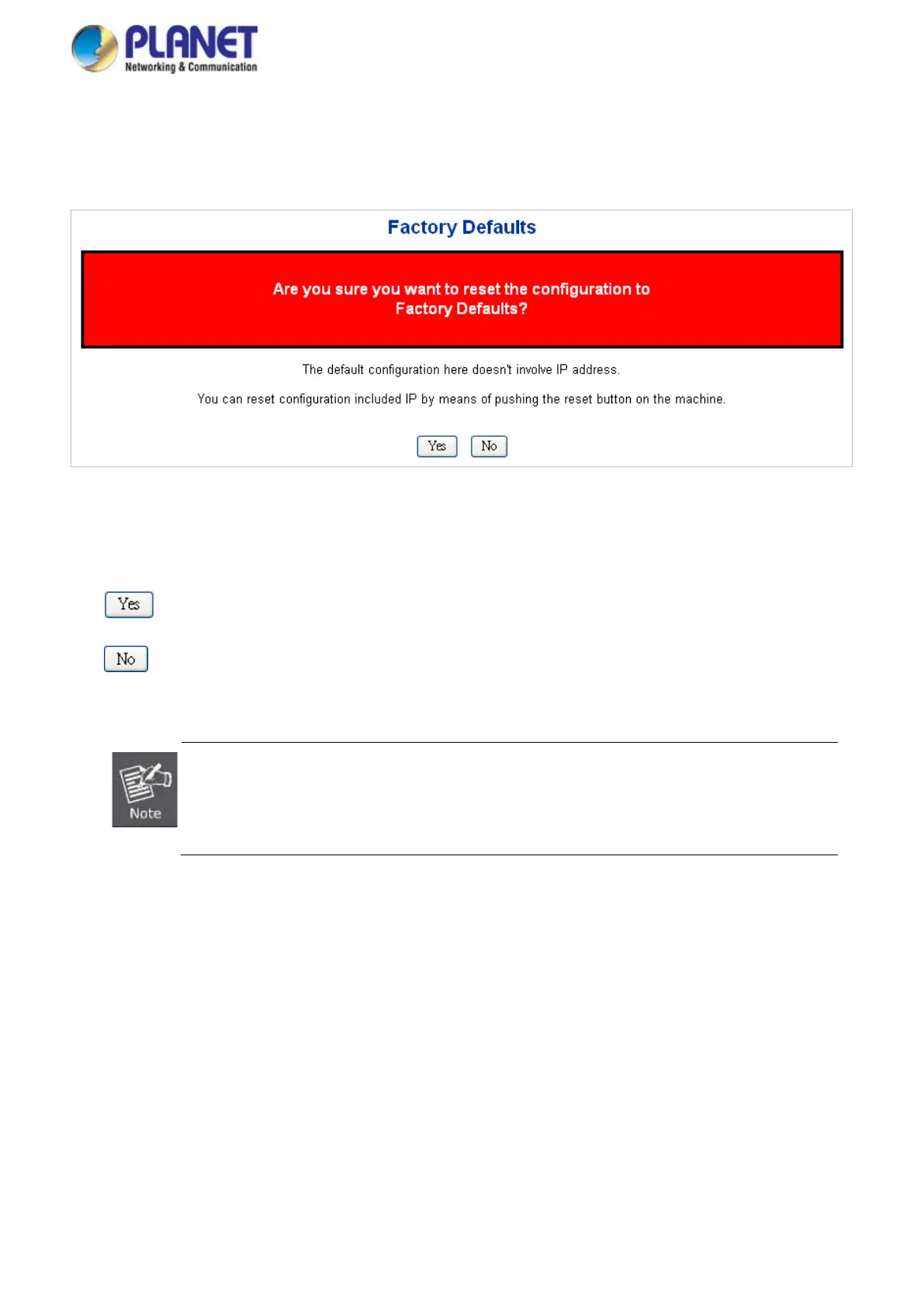
new configuration is available immediately, which means that no restart is necessary. The Factory Default screen
in Figure 4-2-29 appears.
Figure 4-2-29: Factory Default Page Screenshot
Buttons
: Click to reset the configuration to Factory Defaults.
: Click to return to the Port State page without resetting the configuration.
To reset the Managed Switc
h to the Factory default setting, you can also press the hardware
reset button at the front panel about 10 seconds. After the device is rebooted, y
the management Web interface within the same subnet of 192.168.0.xx.
4.2.25 System Reboot
The Reboot page enables the device to be rebooted from a remote location. Once the Reboot button is pressed,
user has to re-login the Web interface about 60 seconds later; the System Reboot screen in Figure 4-2-30
appears.



 To Next Page
 Loading...










