User’s Manual of GS-5220 LCD Series
221
• Adding a New Group
to VLAN mapping
entry
Click “Add New Entry” to add a new entry in mapping table. An empty
row is added to the table; Frame Type, Value and the Group Name can
be configured as needed.
The “Delete” button can be used to undo the addition of new entry.
Buttons
: Click to add a new entry in mapping table.
: Click to apply changes
: Click to undo any changes made locally and revert to previously saved values.
Auto-refresh
: Check this box to refresh the page automatically. Automatic refresh occurs every 3
seconds.
: Click to refresh the page immediately.
4.6.10 Protocol-based VLAN Membership
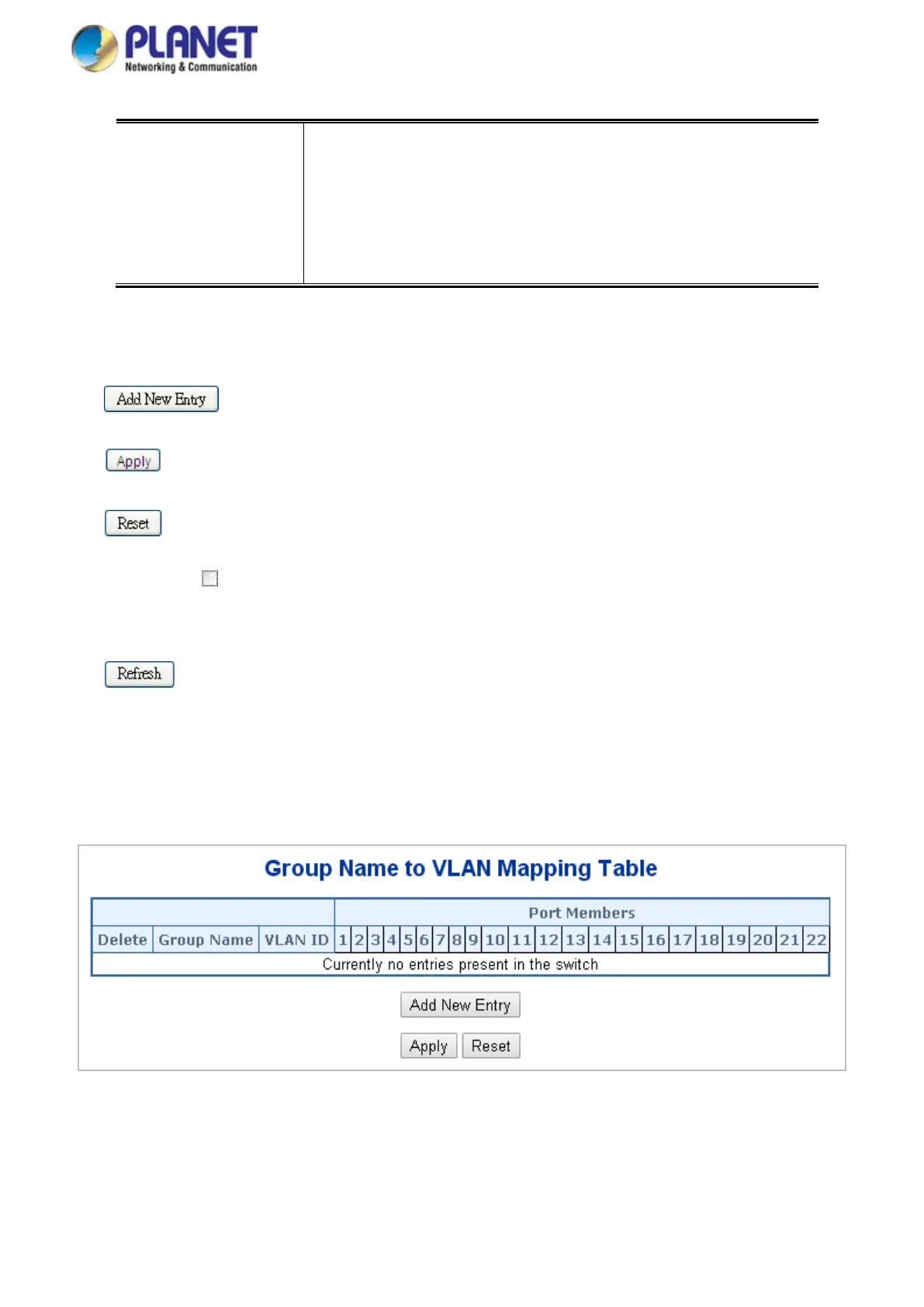
This page allows you to map a already configured Group Name to a VLAN for the switch. The Group Name to
VLAN Mapping Table screen in Figure 4-6-20 appears.
Figure 4-6-20: Group Name to VLAN Mapping Table Page Screenshot



 To Next Page
 Loading...










