User’s Manual of GS-5220 LCD Series
519
• Rising Index
Rising event index
• Falling Threshold
Falling threshold value
• Falling Index
Falling event index
Buttons
: Click to refresh the page immediately.
Auto-refresh
: Check this box to refresh the page automatically. Automatic refresh occurs every 3
seconds.
: Updates the table, starting from the first entry in the Alarm Table, i.e. the entry with the lowest ID.
: Updates the table, starting with the entry after the last entry currently displayed.
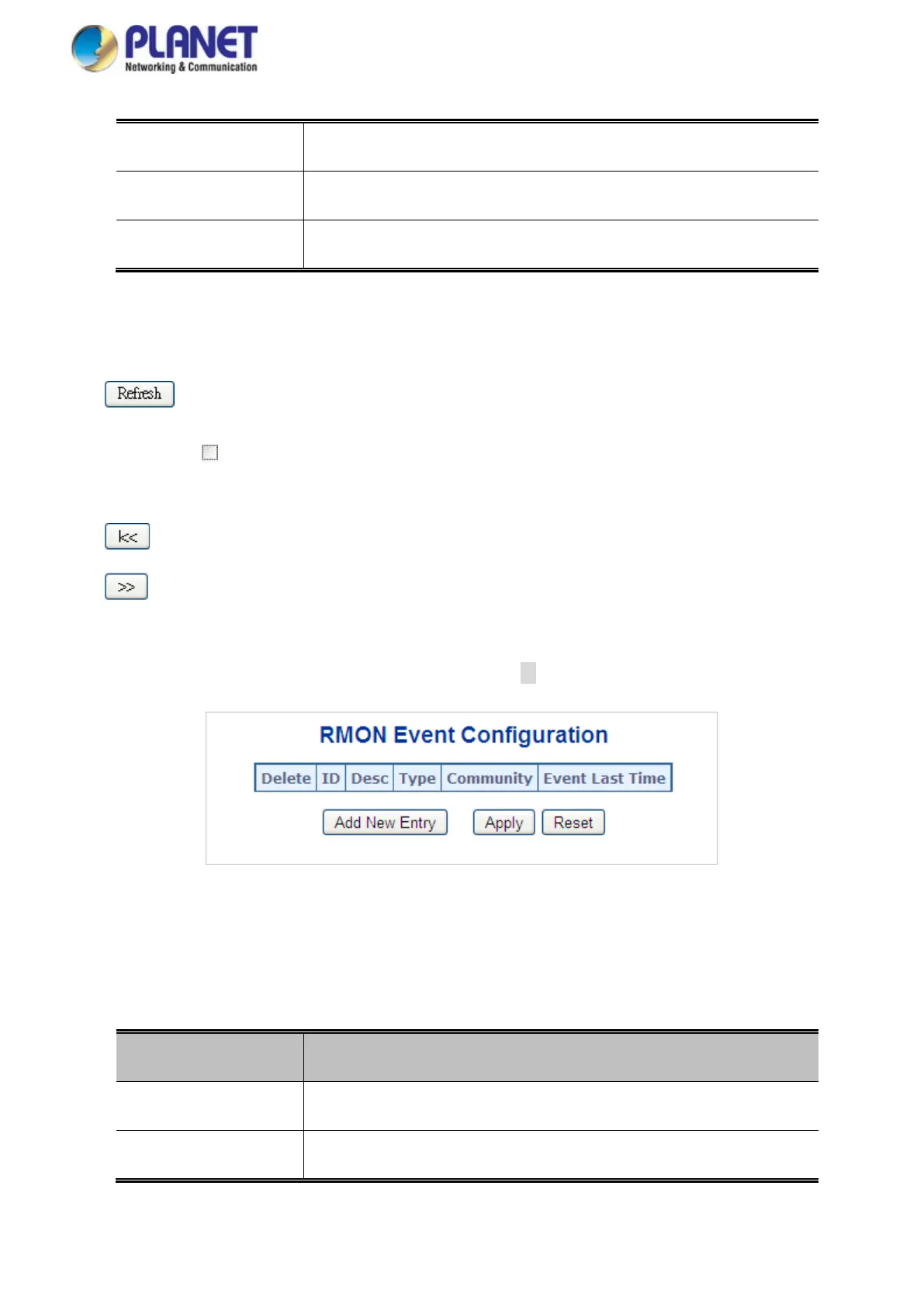
4.18.3 RMON Event Configuration
Configure RMON Event table on this page. The entry index key is ID; screen in Figure 4-18-3 appears.
Figure 4-18-4: RMON Event Configuration Page Screenshot
The page includes the following fields:
Object Description
• Delete
Check to delete the entry. It will be deleted during the next save.
• ID
Indicates the index of the entry. The range is from 1 to 65535.



 To Next Page
 Loading...










