User’s Manual of GS-5220 LCD Series
276
4.8.11 MLD Snooping VLAN Configuration
Each page shows up to 99 entries from the VLAN table, default being 20, selected through the "entries per page"
input field. When first visited, the web page will show the first 20 entries from the beginning of the VLAN Table.
The first displayed will be the one with the lowest VLAN ID found in the VLAN Table.
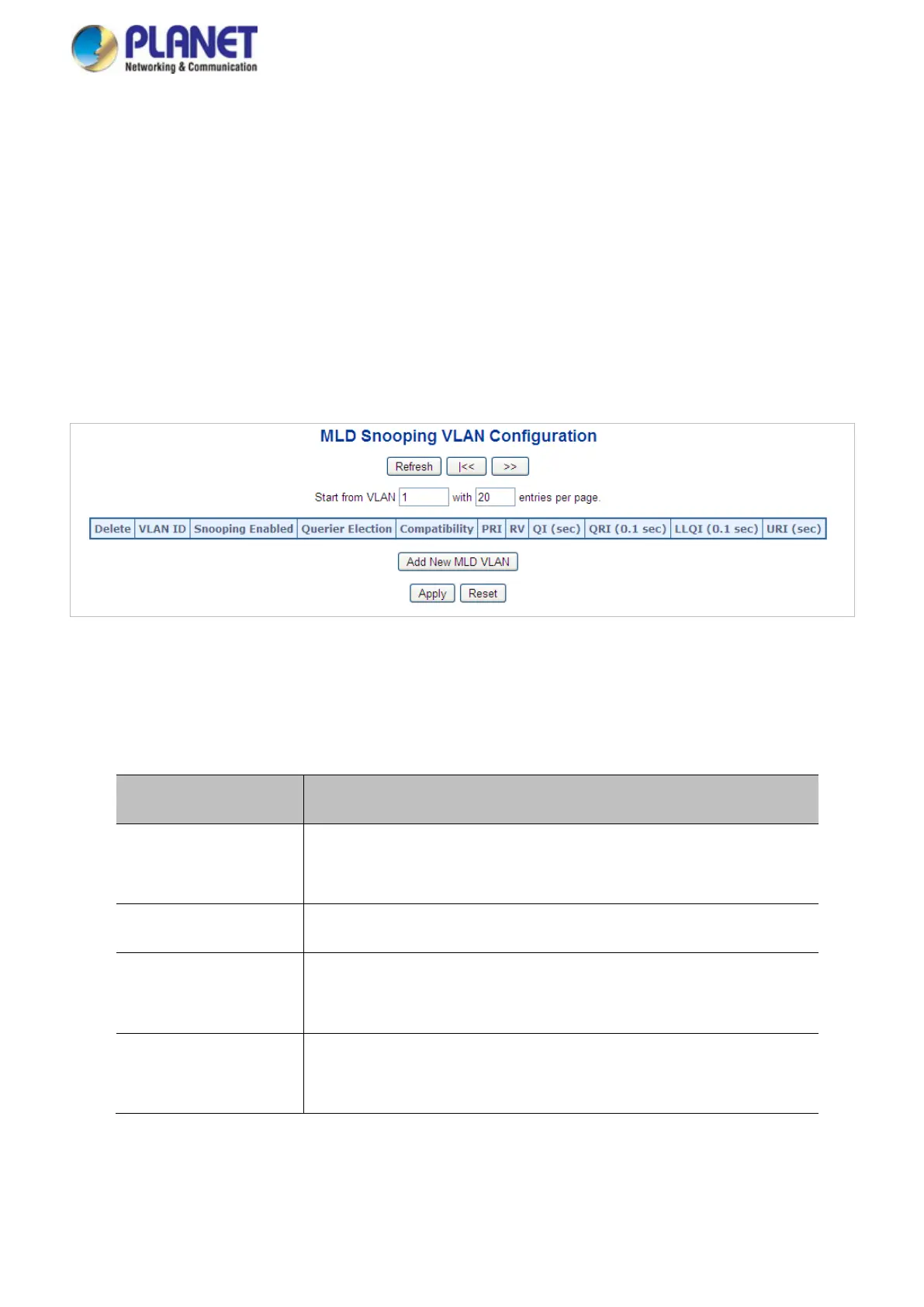
The "VLAN" input fields allow the user to select the starting point in the VLAN Table. The MLD Snooping VLAN
Configuration screen in Figure 4-8-14 appears.
Figure 4-8-14: IGMP Snooping VLAN Configuration Page Screenshot
The page includes the following fields:
Object Description
• Delete
Check to delete the entry. The designated entry will be deleted during
the next save.
• VLAN ID
The VLAN ID of the entry.
• MLD Snooping
Enable
Enable the per-VLAN MLD Snooping. Up to 32 VLANs can be selected
for MLD Snooping.
• Querier Election
Enable to join MLD Querier election in the VLAN. Disable to act as a
MLD Non-Querier.



 To Next Page
 Loading...










