User’s Manual of GS-5220 LCD Series
530
4.19 LCD
4.19.1 LCD Management
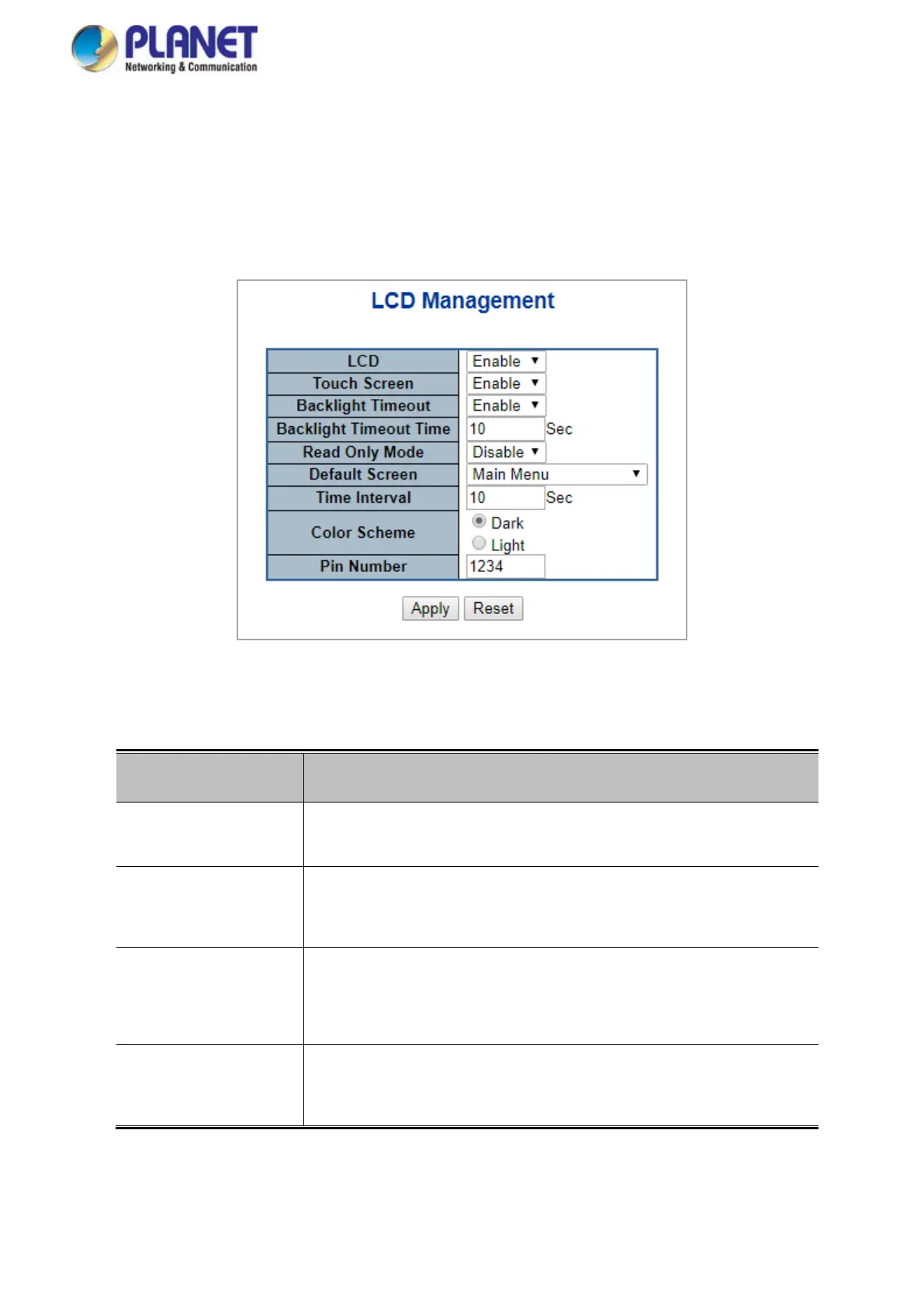
This page offers many options for you to manage LCD control panel.
Figure 4-19-1: LCD Management Page Screenshot
The page includes the following fields:
Object Description
• LCD Enable: allows user enable LCD panel.
Disable: allows user to disable LCD panel.
• Touch Screen Enable: allows user enable touch screen feature.
Disable: allows user to disable touch screen feature.
• Backlight Timeout Enable: allows user enable panel backlight timeout time feature.
Disable: allows user to disable panel backlight timeout time
feature.
• Backlight Timeout
Time
All user to setup backlight timeout duration. Default setting is 300
seconds.



 To Next Page
 Loading...










