RealPresence Collaboration Server (RMX) 1500/1800/2000/4000 Getting Started Guide
Polycom®, Inc. 94
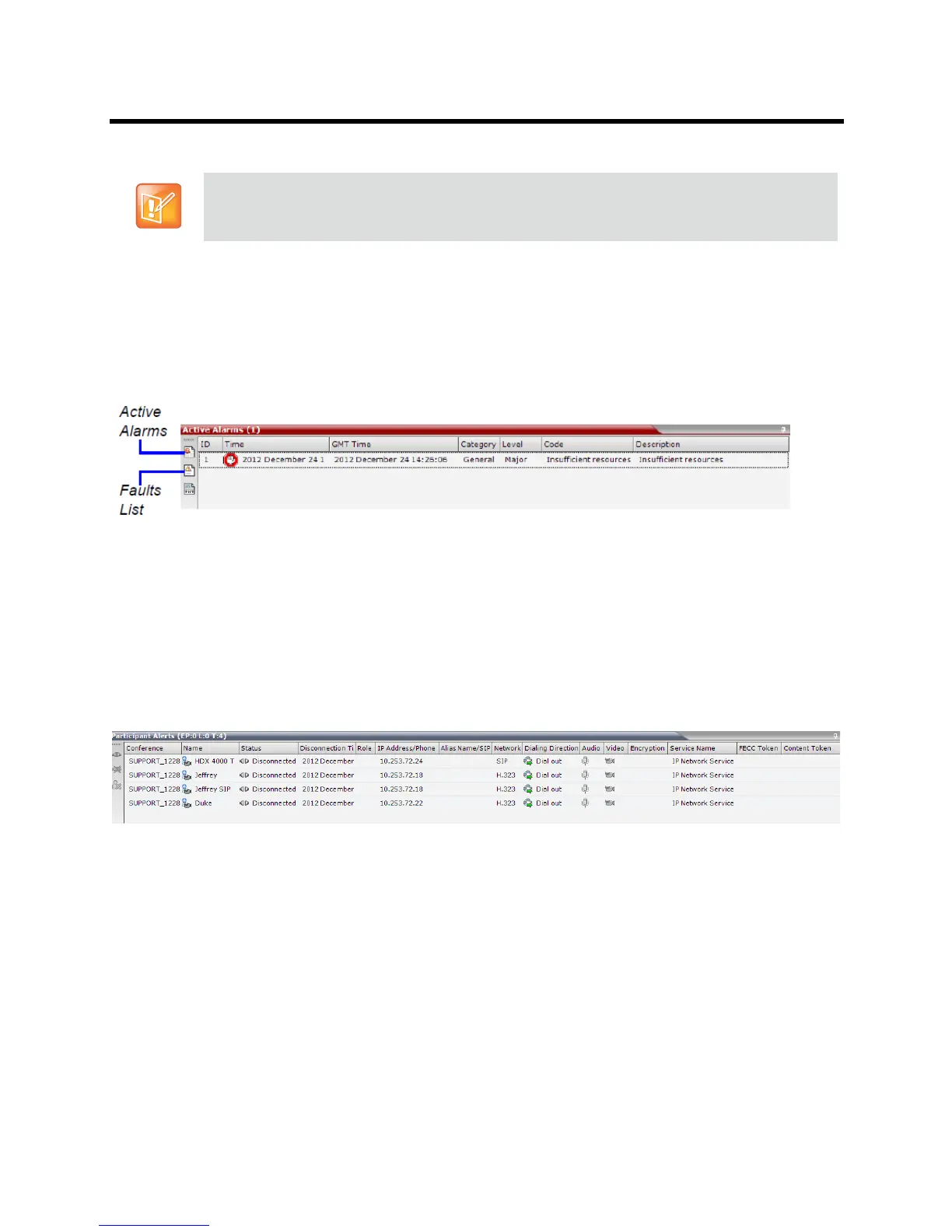
System Alerts
This view is available to Operators and Administrators.
This is a list of system problems. The alert indicator flashes red when at least one system alert is active.
The flashing continues until a user with Operator or Administrator permission reviews the list.
The System Alerts pane is opened and closed by clicking the System Alerts button in the left corner of the
Status Bar.
For more information about Active Alarms and Faults List, see the Polycom® RealPresence Collaboration
Server (RMX) 1500/1800/2000/4000 Administrator’s Guide, System and Participant Alerts.
Participant Alerts
This view is available to Operators, Chairpersons and Administrators.
This is a list of participants that are experiencing connection problems. It is sorted by conference.
The Participant Alerts pane is opened and closed by clicking the Participant Alerts button in the left corner
of the Status Bar.
Starting from version 8.0/8.1, the basic unit used for reporting resource usage in the Port Gauges his
HD720p30. Usage numbers are rounded to the nearest integer.














 To Next Page