RealPresence Collaboration Server (RMX) 1500/1800/2000/4000 Getting Started Guide
Polycom®, Inc. 53
Unpacking the RealPresence Collaboration Server 1800
To unpack and lift the RealPresence Collaboration Server 1800:
1 When you receive the RealPresence Collaboration Server 1800packing case, inspect the
equipment for damage and verify that the components match the packing slip.
2 Open the top cover of the packing case.
Boxes are placed on the top Stratocell® and contain power cables, 2 ethernet cables, USB key
and documentation.
.
Make sure that boxes contain all the required parts.
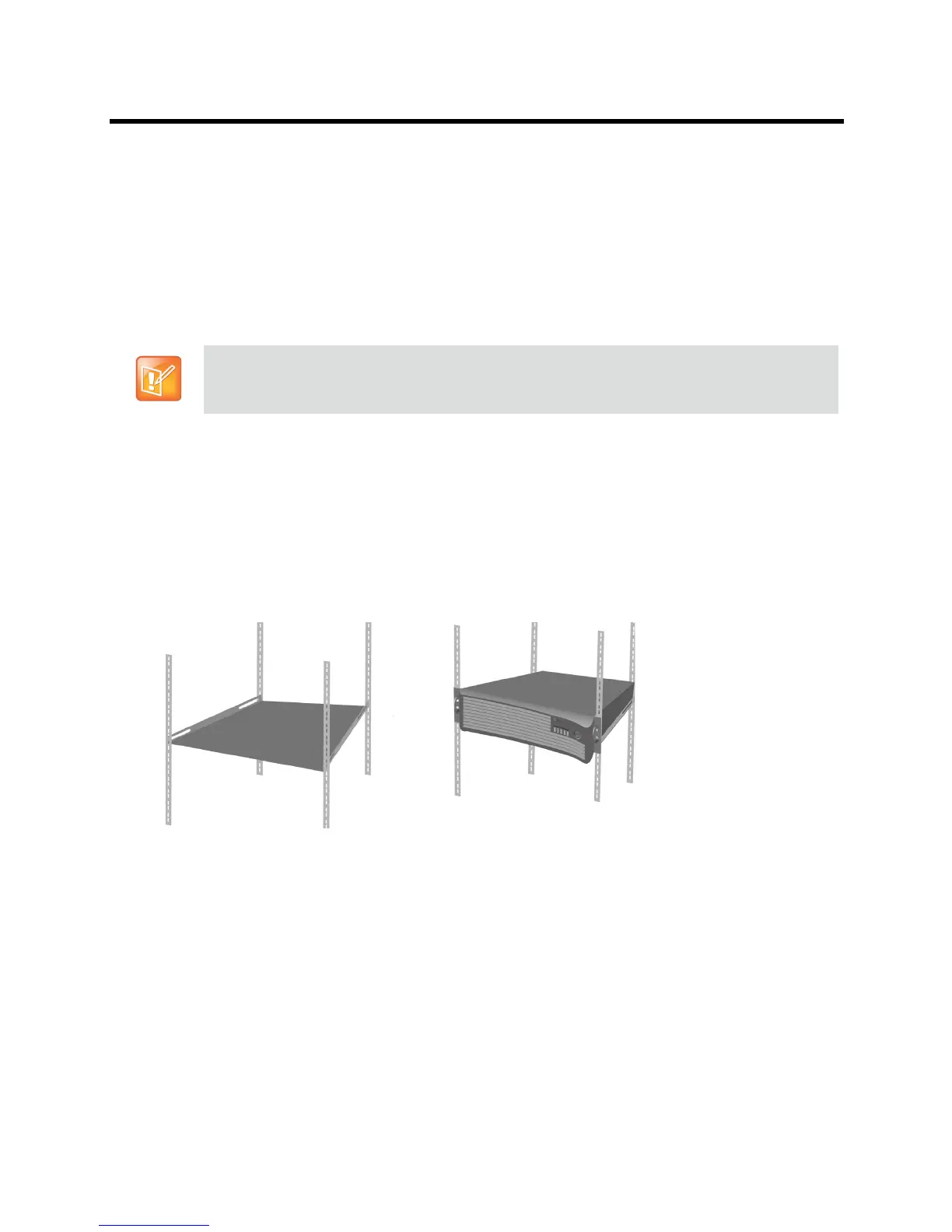
Mounting the RealPresence Collaboration Server 1800 on a Shelf
Install the shelf supplied by the rack manufacturer, in the rack.
Mount the Collaboration Server on the shelf.
Fasten the Collaboration Server to the rack with screws through the four holes in the Collaboration
Server’s front mounting brackets.
Connecting the RealPresence Collaboration Server 1800 to a Power
Source
The following restrictions apply to the conductors and connectors that may be used to ground the unit when
rack mounted:
● When using bare conductors, they must be coated with an appropriate antioxidant compound before
crimp connections are made. Tinned, solder-plated or silver-plated connectors do not have to be
prepared in this manner.
● The same bolt assemblies should not secure multiple connectors.
● Listed fastening hardware must be compatible with the materials being joined and must be preclude
loosening, deterioration and electrochemical corrosion of the hardware and joint materials.
Write down the Collaboration Server’s serial number that is on a sticker on the back of the unit. It will
be needed for product registration later in the process.














 To Next Page