RealPresence Collaboration Server (RMX) 1500/1800/2000/4000 Getting Started Guide
Polycom®, Inc. 177
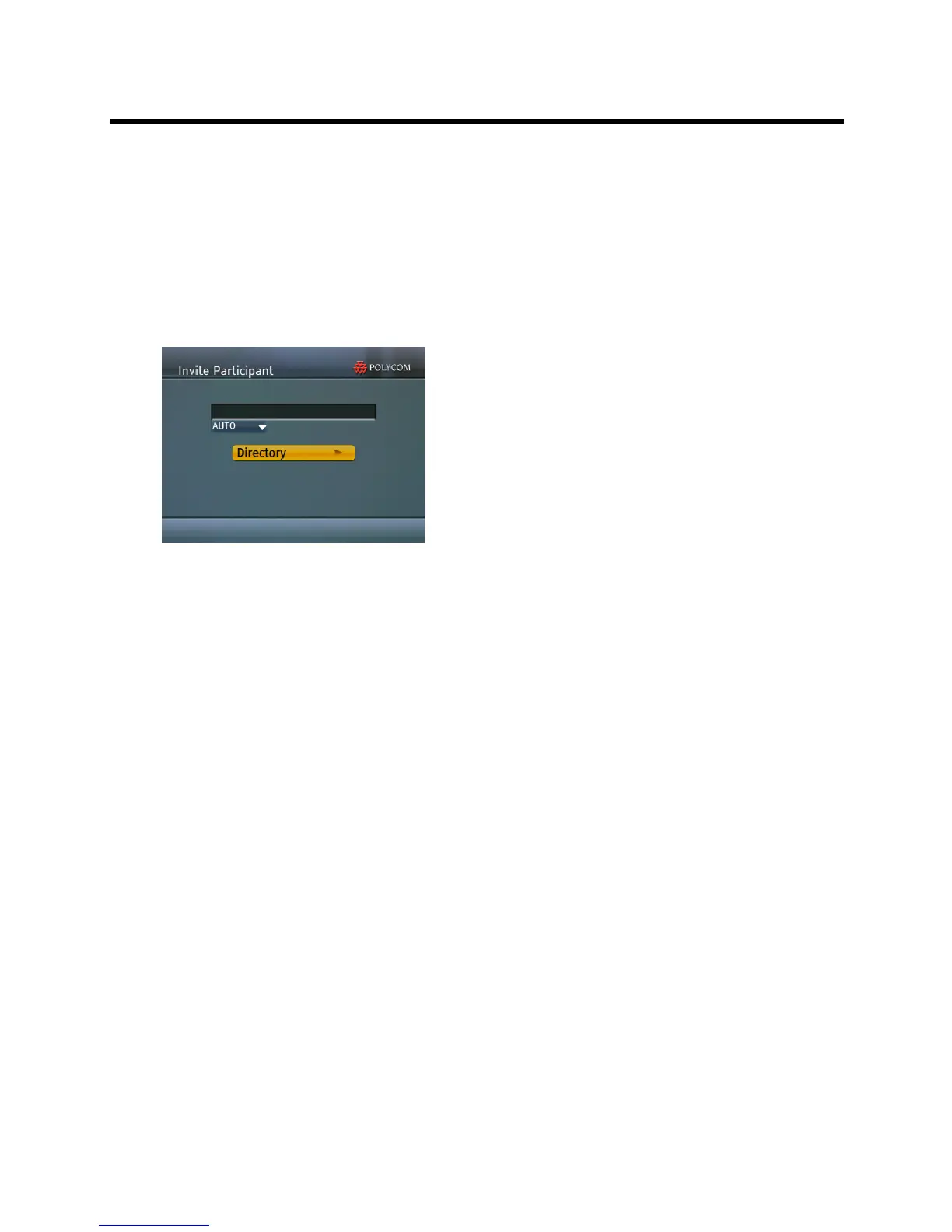
Invite Participant
To invite a participant to connect to the conference:
1 Use the Up/Down arrow keys to select Invite Participant in the Main Menu and then press the
Right arrow or # key to confirm your selection.
or
Press the 2 key on the Remote Device.
The Invite Participant sub menu is displayed.
2 Use the Numeric Keys to enter the number of the participant’s endpoint.
3 Press the # key to initiate the call.
4 Optional.
a Use the Down arrow to browse to and change the selection of the dialing method from Auto to
one of the following:
H.323
SIP
VoIP
ISDN
PSTN
b Press the # key to initiate the call.
5 Optional.
a Use the Arrow Keys to browse to the Directory button and select the Alphabetic Grouping sub
menu.














 To Next Page