RealPresence Collaboration Server (RMX) 1500/1800/2000/4000 Getting Started Guide
Polycom®, Inc. 108
2 If all participants are undefined, dial-in and no additional information is required for the new
conference, click OK.
3 To add participants from the Participants Address Book or to define participants (mainly dial-out
participants) click the Participants tab.
Participants Tab
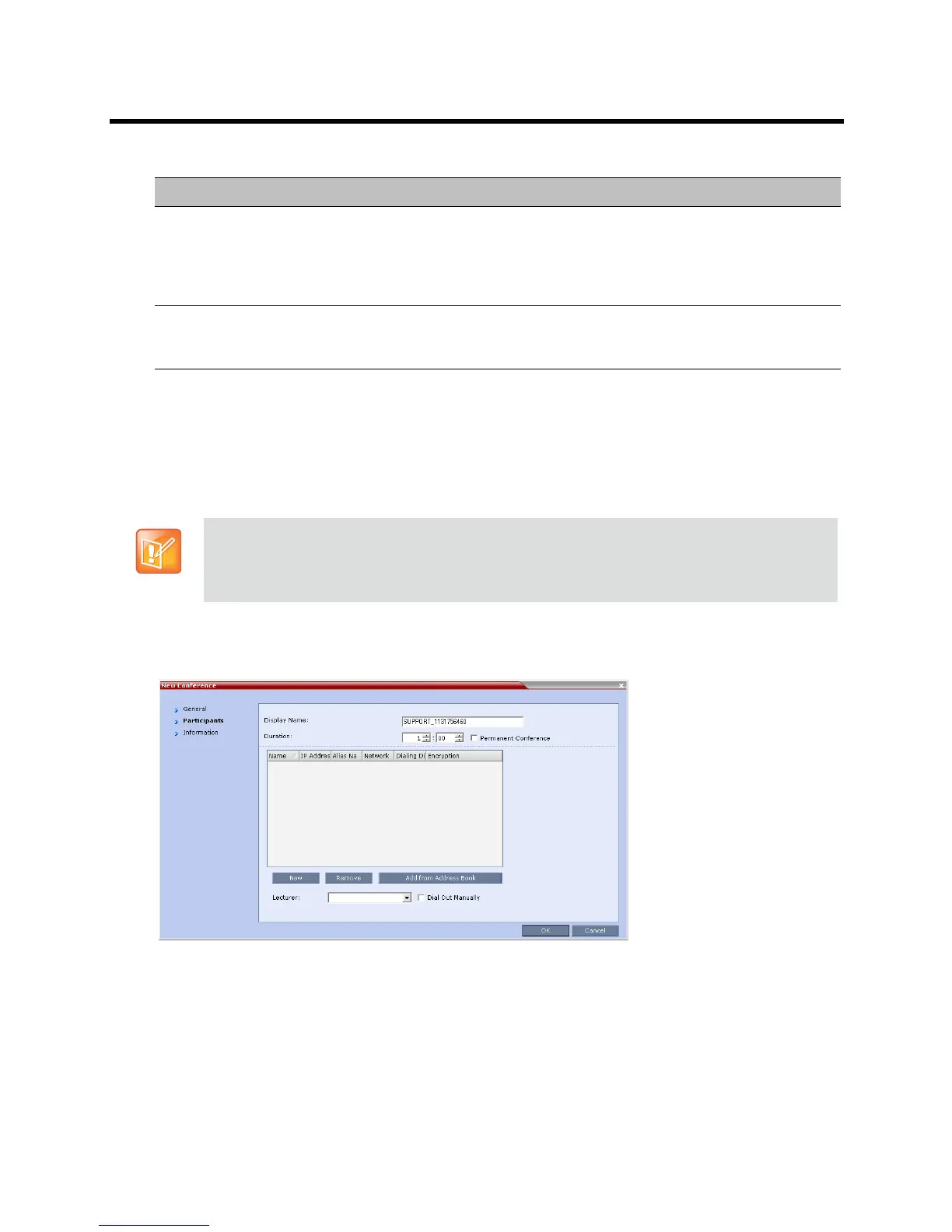
1 Click the Participants tab.
The Participants tab opens.
When defining a new conference, the Participants List is empty.
The following table describes the information displayed in the Participants List and the operations that
can be performed.
Dial-in Number (1) Leave this field blank to let the system automatically assign a number from the
dial-in range defined for the selected ISDN/PSTN Network Service. To manually
define a dial-in number, enter a unique number from the dial-in number range
defined for the selected Network Service. This number cannot be assigned to
another Conference/Reservation/Meeting Room/Gateway Profile
Dial-in Number (2) By default, the second dial-in number is not defined. To define a second dial-in
number, enter a required number from the dial-in number range defined for the
selected Network Service.
This procedure is optional.
The Participants tab is used to add participants to the conference from the Address Book or by
defining them. Defined dial-out participants are connected to the conference automatically when the
conference is launched, unless the Dial Out Manually option is selected.
New Conference – General Options (Continued)
Field Description














 To Next Page