RealPresence Collaboration Server (RMX) 1500/1800/2000/4000 Getting Started Guide
Polycom®, Inc. 137
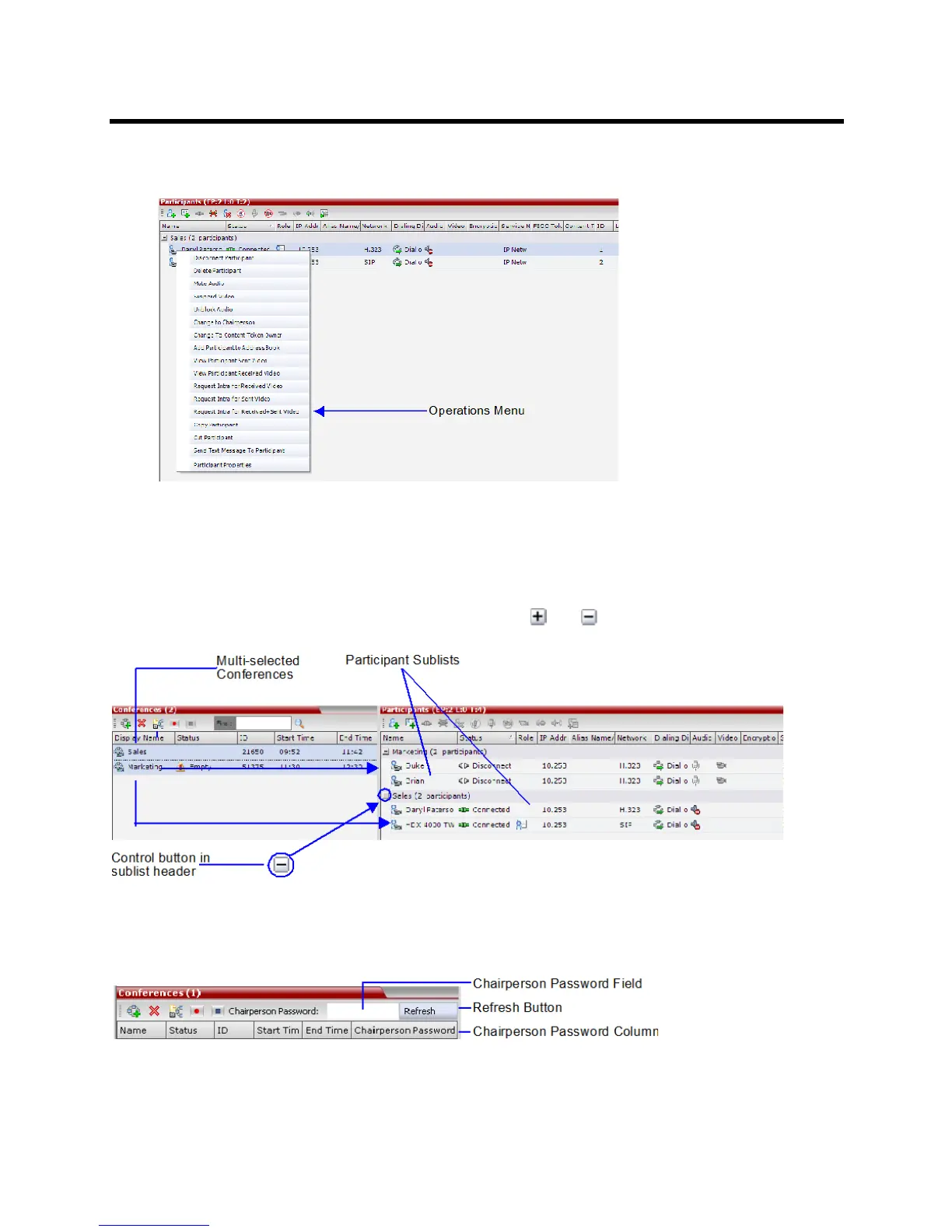
● Right-clicking an entity in the Conferences or Participants pane and selecting an operation from the
menu.
Multi Selection
Using multiple selection, you can monitor and perform simultaneous operations on multiple participants in
multiple conferences.
The selected conferences are displayed as sub-lists in the Participants list pane.
The sub-lists can be expanded and collapsed by clicking the and sublist control buttons that appear
next to the conference name in the sub-list headings.
Using the Chairperson Password for Filtering
If you are logged in as a chairperson, the Chairperson Password field is displayed. It enables you to search
for, and display a list of, ongoing conferences for which you have the password.














 To Next Page