RealPresence Collaboration Server (RMX) 1500/1800/2000/4000 Getting Started Guide
Polycom®, Inc. 164
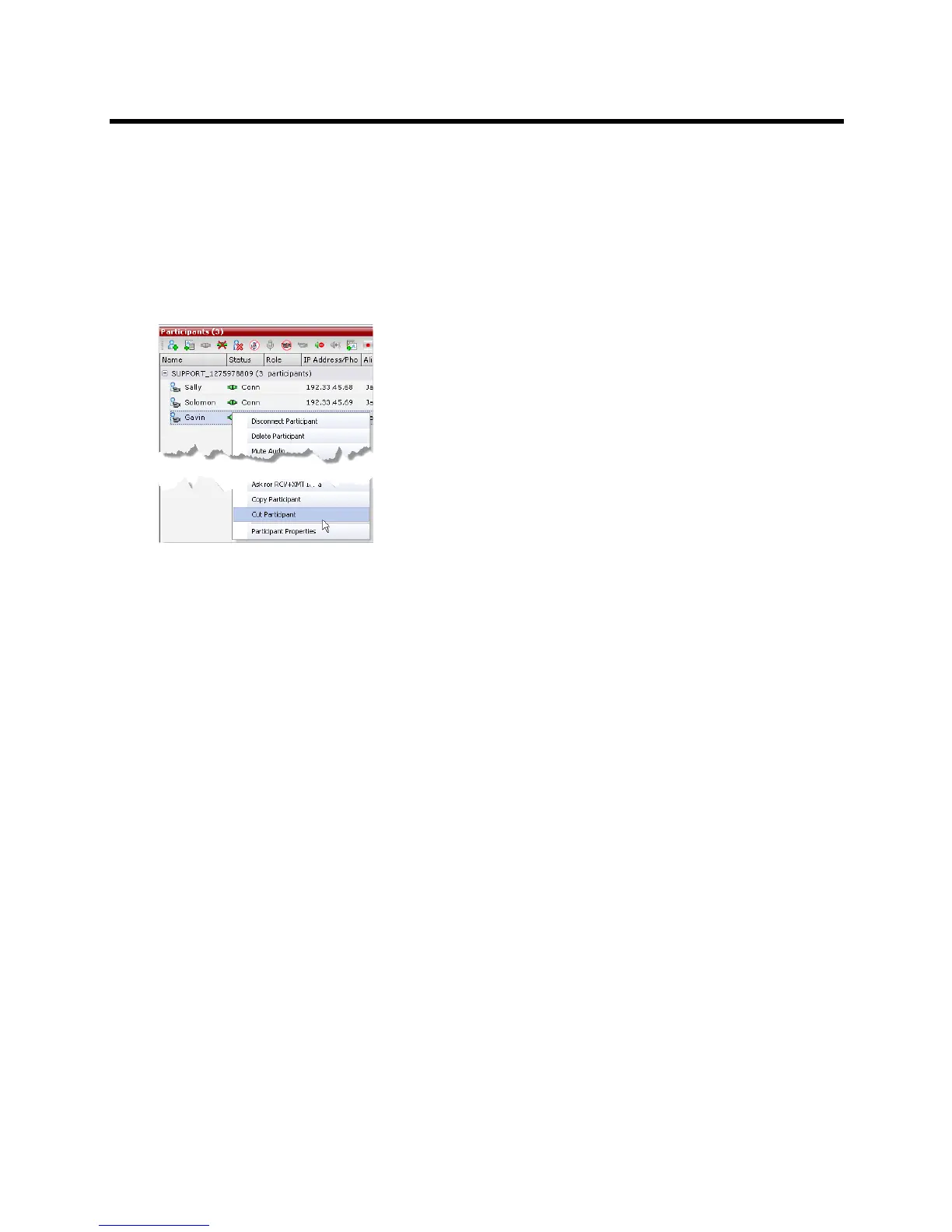
Cut Participant
The Cut command copies all the participant’s properties and makes them available for pasting. The
participant is deleted from his/her current conference.
To cut a participant:
1 In the Participants List pane, right-click the participant you want to cut.
2 In the drop-down menu select Cut Participant.
Paste Participant
The Paste command connects the copied or cut participant to the selected conference.
If the participant was copied, he/she should be deleted from the conference he/she was copied from, unless
it is required that the participant is connected to two (or more) conferences. (There are endpoints that permit
a participant to be connected to multiple conferences).
To paste a participant:
1 In the Conferences List pane, click the conference you want to paste the copied/cut participant into.
2 Right-click in the Participants List pane of the selected conference and in the drop-down menu
select Paste Participant.
or
If you are using the RMX Manager and you want to paste the participant to a conference to a different
MCU:
a In the MCUs list pane, click the MCU that is hosting the conference that is to receive the
participant.
b In the Conferences list pane, click the conference you want to paste the copied/cut participant into.
c Right-click the Participants list pane, and in the drop-down menu select Paste Participant.














 To Next Page