RealPresence Collaboration Server (RMX) 1500/1800/2000/4000 Getting Started Guide
Polycom®, Inc. 48
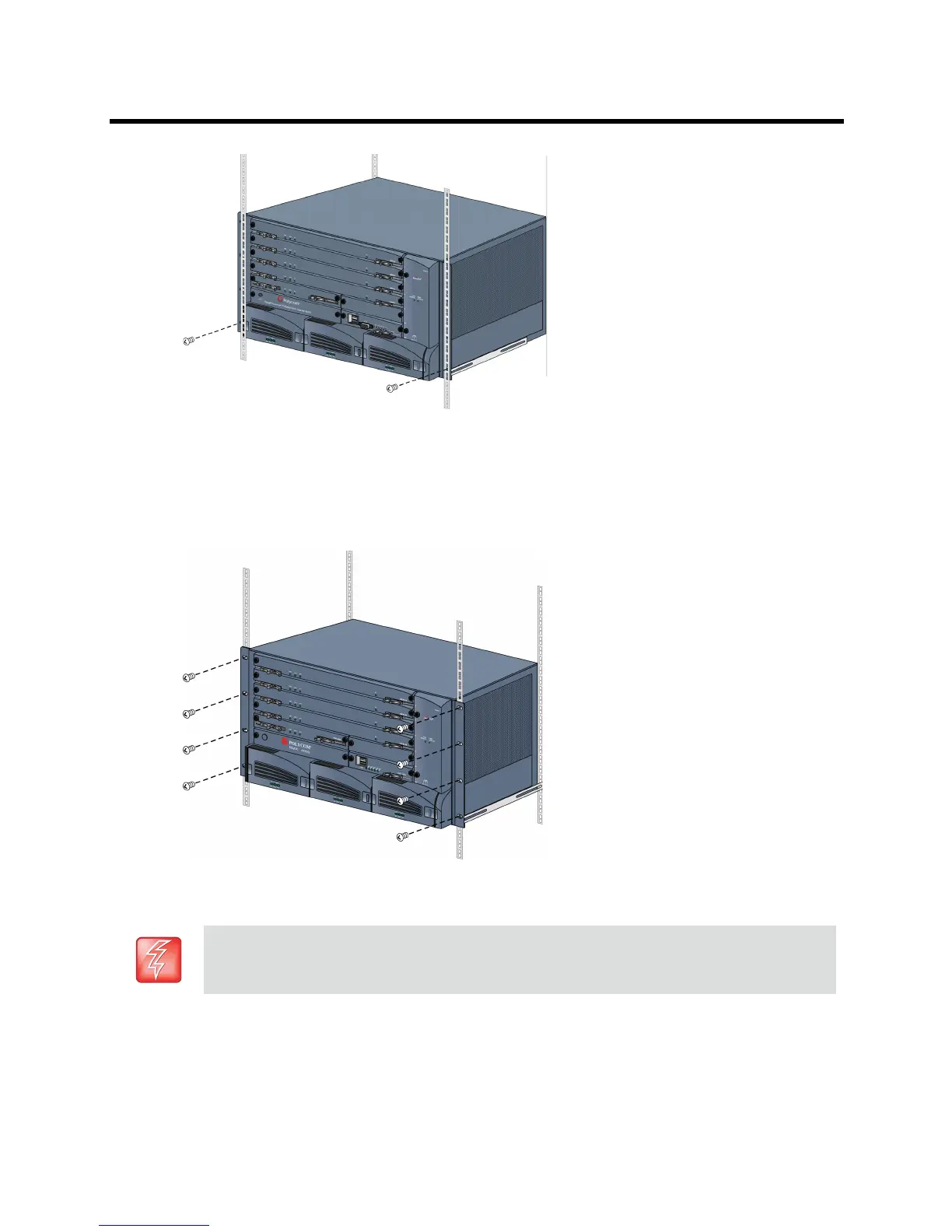
● Using a shelf
Install the shelf, supplied by the rack manufacturer, in the rack.
Mount the Collaboration Server on the shelf.
Fasten the Collaboration Server to the rack with screws through the eight holes in the
Collaboration Server’s front mounting brackets.
Connecting the RealPresence Collaboration Server (RMX) 4000 to the Power
Sources
Connect the following power cables to the RealPresence Collaboration Server (RMX) 4000 back panel:
The size of the protective earthing conductor & cable should be a minimum of 10AWG.














 To Next Page