RealPresence Collaboration Server (RMX) 1500/1800/2000/4000 Getting Started Guide
Polycom®, Inc. 155
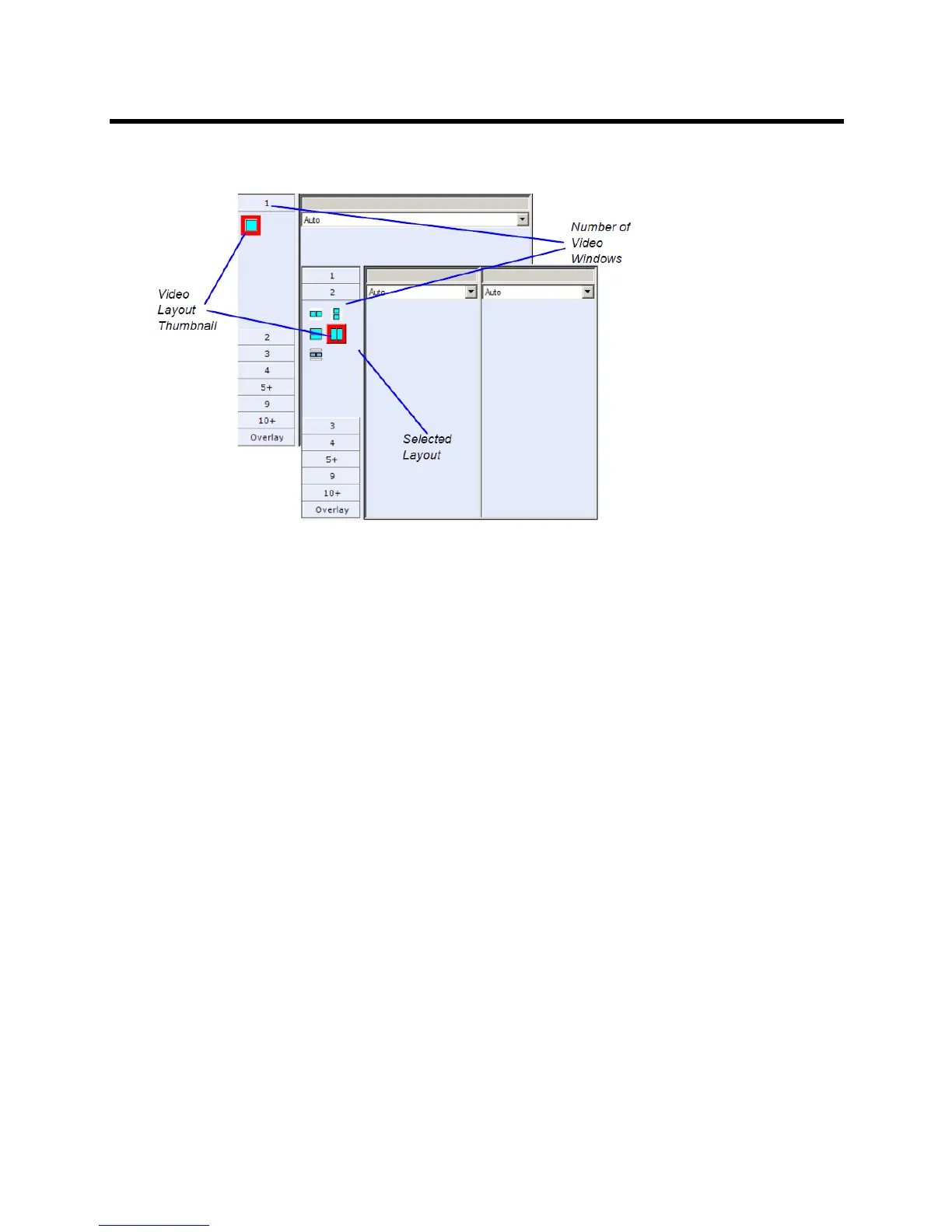
3 From the Video Layout options, select the Number of Windows to display and the Video Layout
thumbnail required and click OK.
Video Forcing (AVC-Based CP and Mixed CP and SVC Conferences)
You can select which participant appears in each of the video layout windows using Video Forcing. When a
participant is forced to a layout window, switching between participants is suspended for that window and
only the assigned participant is viewed. Video Forcing works on Conference Level or Participant Level:
● Conference Level – When forcing a participant to a window, all conference participants will see that
participant in the selected window.
● Participant Level – When forcing a participant to a window, only the participant’s video layout display
is affected. All other participants see the conference layout.
Video Forcing Guidelines:
● A participant cannot appear in two or more windows at the same time.
● Participant level video forcing overrides conference level video forcing.
● In Same Layout mode, participant can view him/herself in a layout window.
● When different size video windows are used in video layouts such as 1+2, 1+3, 1+4, etc., a participant
can only be forced, in Personal Layout, to a video window of the same size as that selected for
him/her in Conference Layout.
● When changing the Video Layout at the conference level, the video forcing settings are not applied
to a new layout, and switching between participants is audio-activated. The video forcing setting is
saved and applied the next time that layout is selected.
● Windows that are not assigned any participant display the current speaker and last speakers., but
appear at random.














 To Next Page