RealPresence Collaboration Server (RMX) 1500/1800/2000/4000 Getting Started Guide
Polycom®, Inc. 192
Deleting the Temporary Internet Files
To delete the Temporary files:
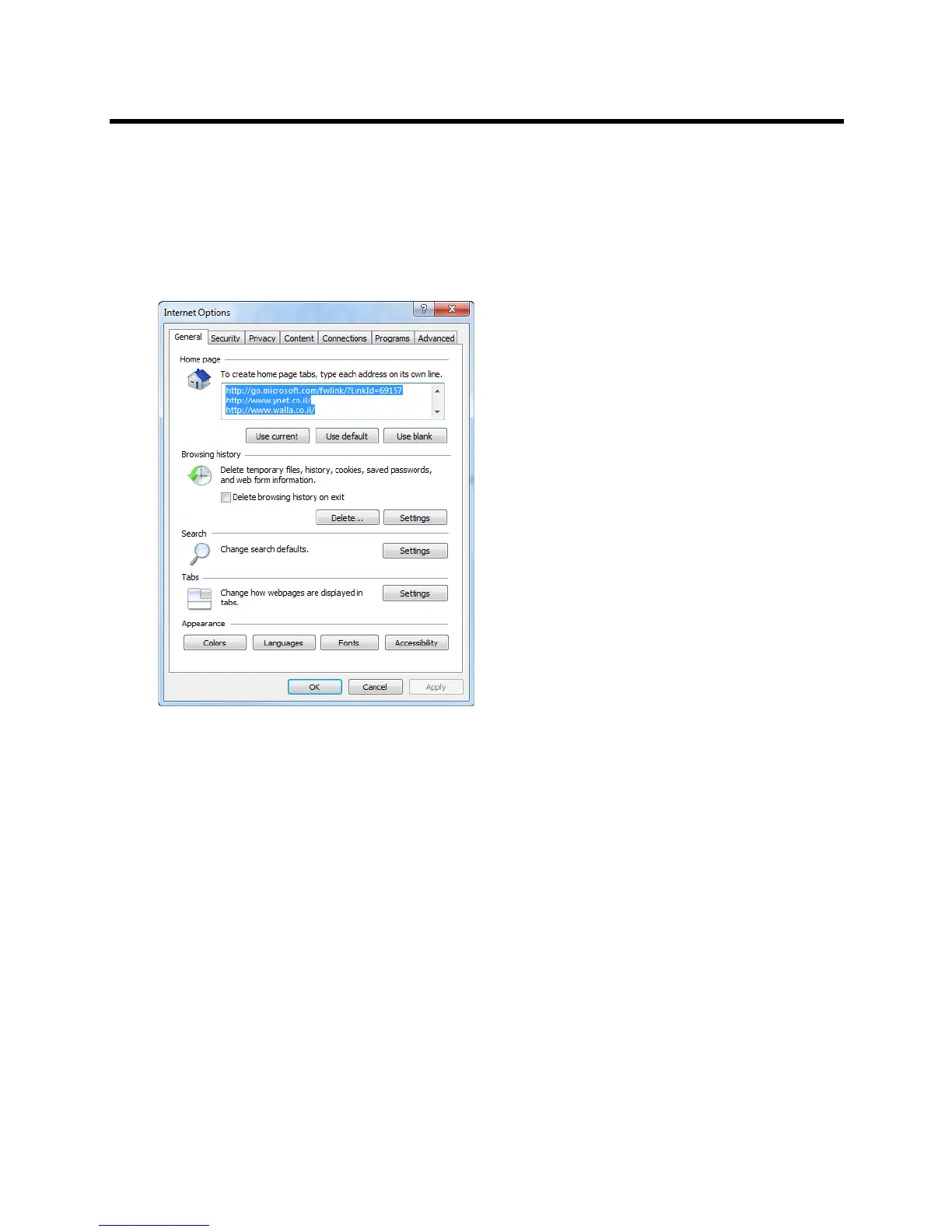
1 In the Internet Explorer, click Tools > Internet Options.
The Internet Options dialog box opens.
2 In the Browsing history pane, click the Delete button.
The Delete Browsing History dialog box opens.














 To Next Page