RealPresence Collaboration Server (RMX) 1500/1800/2000/4000 Getting Started Guide
Polycom®, Inc. 167
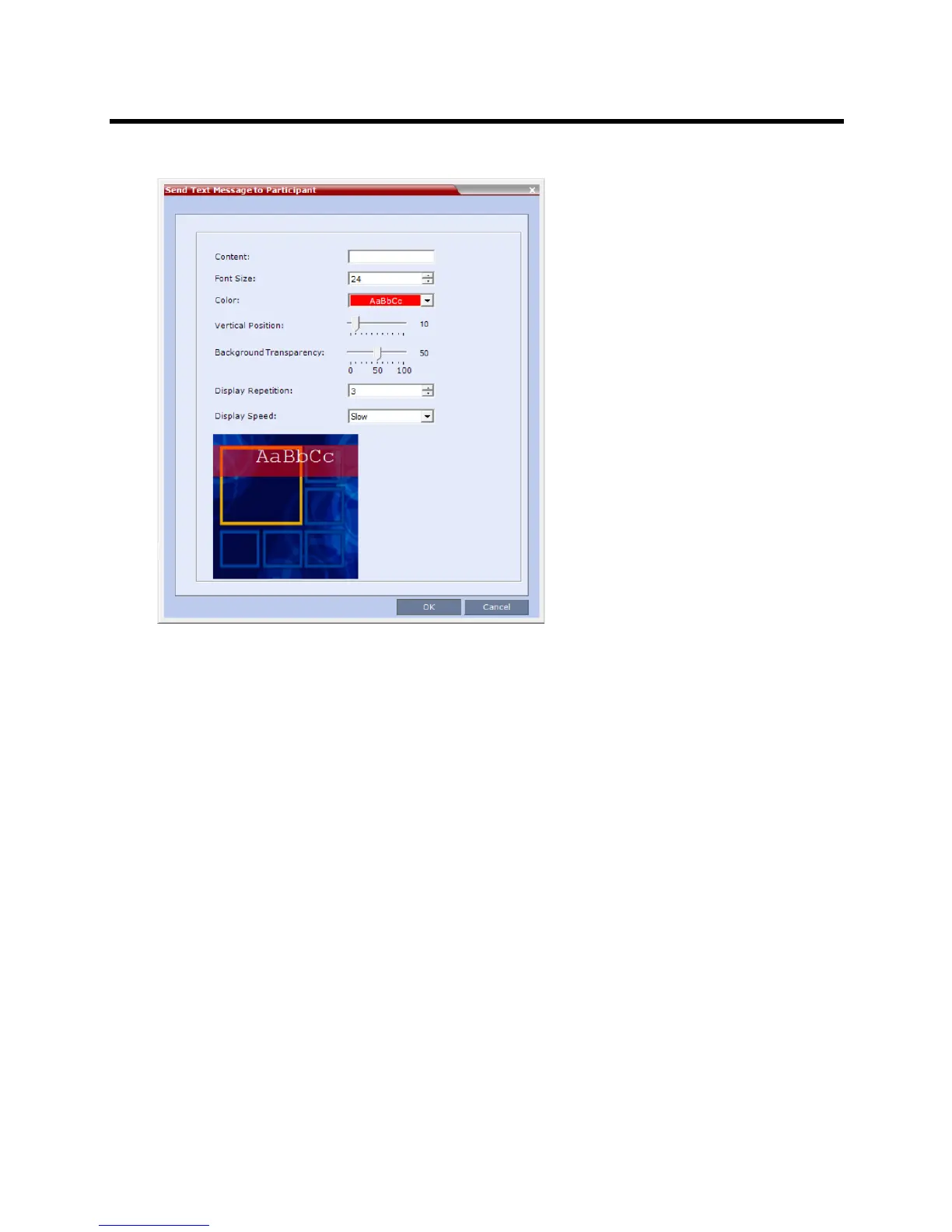
The Send Text Message to Participant dialog box is displayed.
3 In the Content field, enter the text to be displayed to all the conference participants.
The number of characters that can be included in a message varies according to the language and
can differ due to the type of font used.
4 Modify the remaining fields as set out in the Polycom® RealPresence Collaboration Server (RMX)
1500/1800/2000/4000 Administrator’s Guide, Sending Text Messages During a Conference Using
Message Overlay.
5 Click the OK button.
Conference Control Using DTMF Codes (AVC based Conferences)
Participants and chairpersons can manage their connection to ongoing conferences from their endpoints,
using touch-tone signals (DTMF codes) from their endpoints. The following table lists the DTMF Codes that
can be used.
Chairpersons can also control an ongoing conference using DTMF codes.
Permissions for DTMF actions to be performed by all conference participants or by chairperson only are
configured in the Conference IVR Service assigned to the conference.
DTMF codes are not supported with SVC-based conferences.
For more information, see the Polycom® RealPresence Collaboration Server (RMX) 1500/1800/2000/4000
Administrator’s Guide, Defining a New Conference IVR Service.
To use the DTMF codes to control the conference, the DTMF input must be first enabled on the endpoint
remote control (for example, entering #).














 To Next Page