RealPresence Collaboration Server (RMX) 1500/1800/2000/4000 Getting Started Guide
Polycom®, Inc. 95
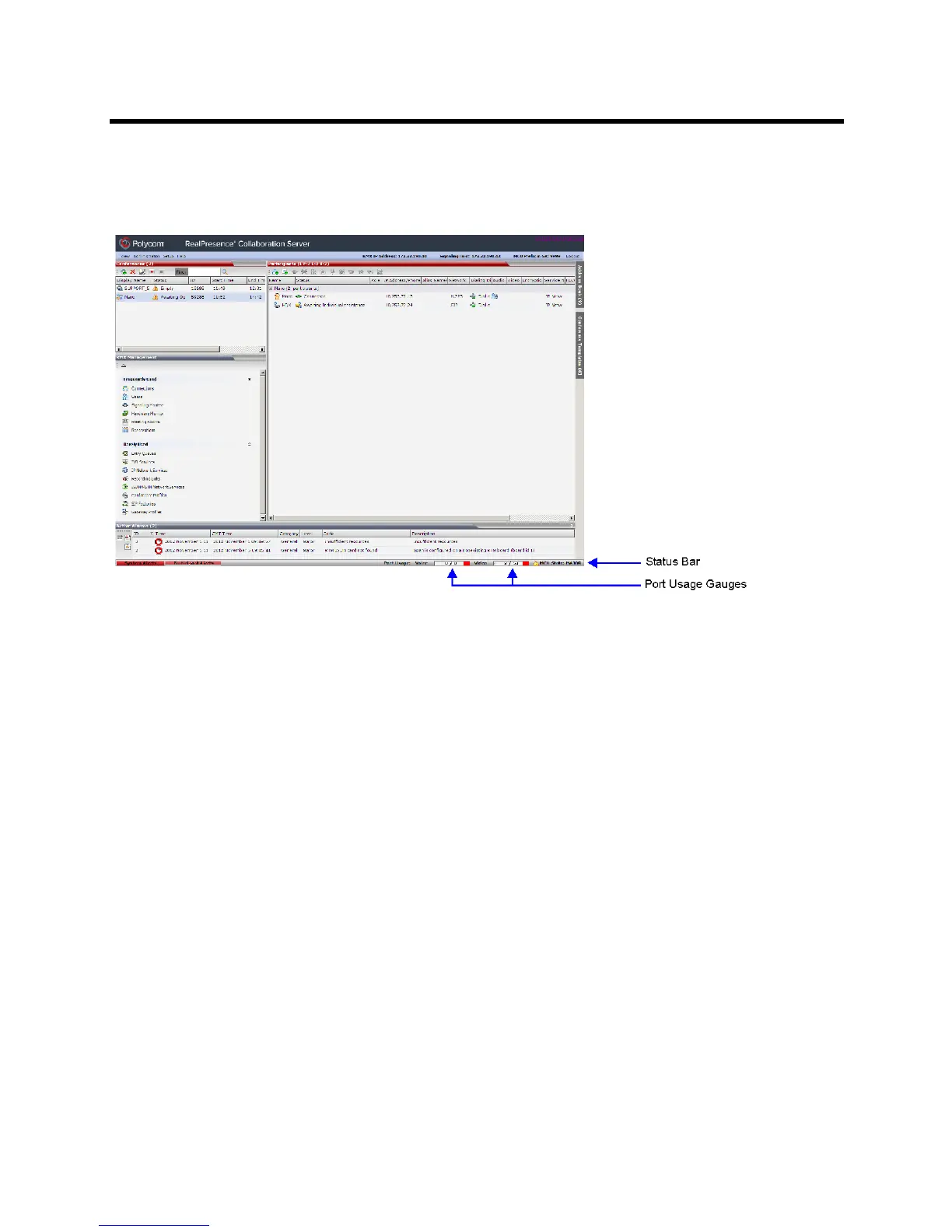
Port Usage Gauges
The Port Usage Gauges are displayed in the Status Bar at the bottom of the Collaboration Server Web Client
screen.
TPort Usage Gauges
In the RealPresence Collaboration Server (RMX) 1500/2000/4000, the Port Usage gauges displays for the
selected MCU:
● The total number of Video or Voice ports in the system according to the Video/Voice Port
Configuration. The Audio gauge is displayed only if Audio ports were allocated by the administrator,
otherwise only the Video port gauge is displayed.
● The number of Video and Voice ports in use.
● The High Port Usage threshold.
In the RealPresence Collaboration Server 1800 and the RealPresence Collaboration Server
(RMX) 2000/4000 with an MPMRx card, the Port Usage Gauge displays for the selected MCU:
● The total number of Video ports in the system.
● The number of Videoports in use.
● The High Port Usage threshold.
Port Gauges - RealPresence Collaboration Server (RMX) 1500/2000/4000 with MPMx cards














 To Next Page