RealPresence Collaboration Server (RMX) 1500/1800/2000/4000 Getting Started Guide
Polycom®, Inc. 40
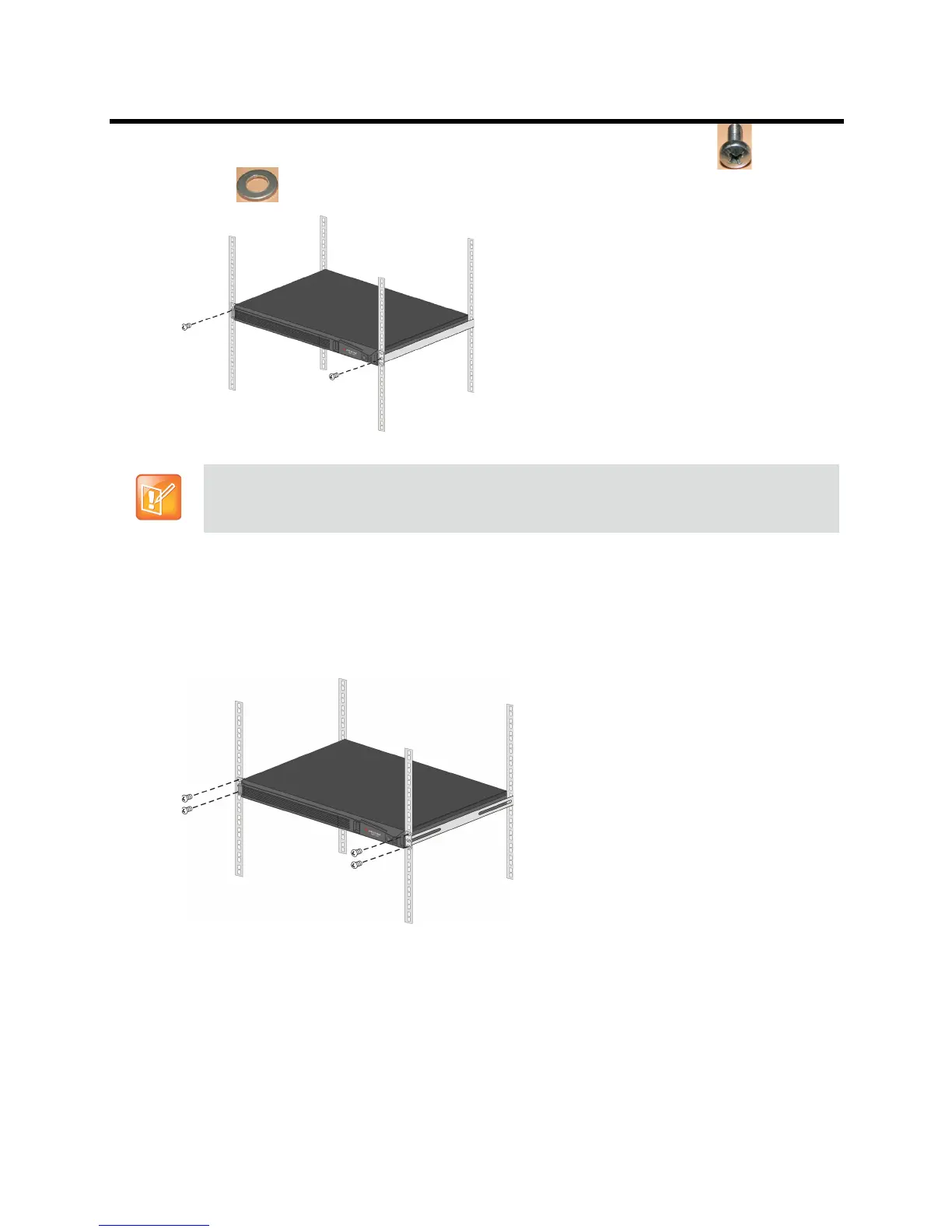
Fasten the Collaboration Server to the rack spacers using the flat head screw (8) with flat
washer
(9) through the two holes in the Collaboration Server’s front mounting brackets.
● Using a shelf
Install the shelf, supplied by the rack manufacturer, in the rack.
Mount the Collaboration Server unit on the shelf.
Fasten the Collaboration Server unit to the rack with screws through the four holes in the
Collaboration Server’s front mounting brackets.
Connecting Cables to the RealPresence Collaboration Server (RMX) 1500
To connect the cables:
● Connect the Media cable to LAN 2 port.
Refer to Detail of Front Rack Spacer Assembly for all Collaboration Server types for installation
instructions.














 To Next Page