RealPresence Collaboration Server (RMX) 1500/1800/2000/4000 Getting Started Guide
Polycom®, Inc. 43
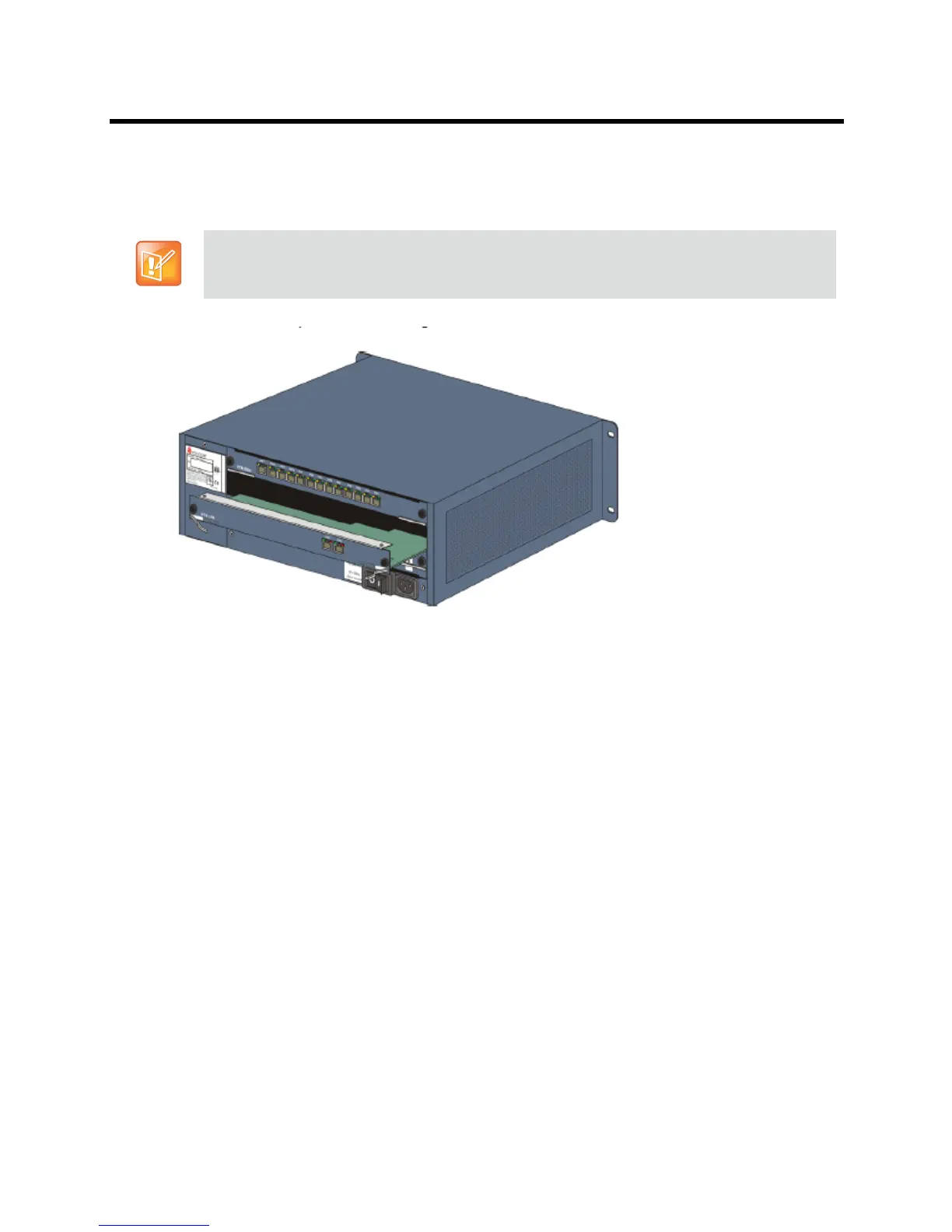
Installing the RTM ISDN 2000 Card
1 On the new RTM ISDN card move the ejector levers to their fully open position
2 Slide in the RTM ISDN card in the Collaboration Server slot.
3 Push the card into the slot until the ejector levers touch the front edge of the card cage.
4 Push the ejector levers to their fully closed position.
Tighten the captive screws on each side of the rear panel of the card, securing the RTM ISDN card to the
Collaboration Server.
A Software License is included with the ISDN card. This license must be registered as part of the Product
Registration and Product Activation process.
Mounting the RealPresence Collaboration Server (RMX) 2000 in a Rack
There are two methods for installing the RealPresence Collaboration Server (RMX) 2000 in a 19” rack:
● Using rack rail runners on the RealPresence Collaboration Server (RMX) 2000:
Install the telescopic rail runners, as described in Installing the Telescopic Rail Runners on the
Rack .
Mount the RealPresence Collaboration Server (RMX) 2000 on top of the rail runners.
An RTM ISDN card must connect directly to an MPMx/MPMRx card in the opposite facing front slot.














 To Next Page