Polycom®, Inc. 189
Troubleshooting
Collaboration Server Web Client Installation - Troubleshooting
Instructions
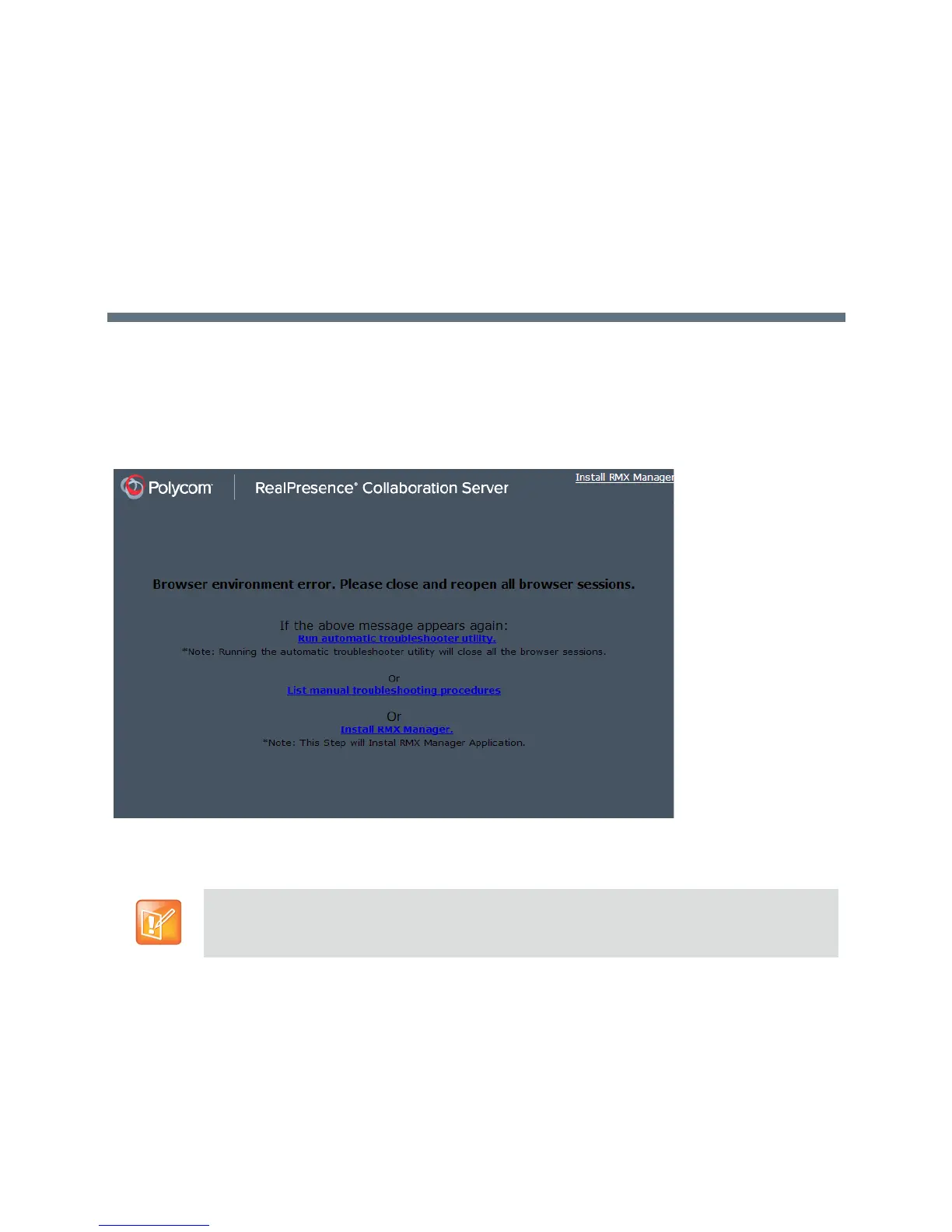
If a Browser Environment Error occurs, close all the Internet Explorer sessions and reconnect to the MCU.
If the problem persists, you can run the Automatic Troubleshooting Utility or perform the
Troubleshooting Procedures manually.
The Manual Troubleshooting Procedures include several procedures that can be performed in order to
solve the connection error. At the end of each procedure, check if you can connect to the MCU and if the
problem persists, perform the next procedure.
The following troubleshooting procedures can be performed manually:
● Procedure 1: Ending all Internet Explorer Sessions
● Procedure 2: Deleting the Temporary Internet Files, Collaboration Server Cookie and Collaboration
Server Object
In Secured Mode (https://), the DNS name specified in the Collaboration Server’s Certificate must
correspond with that of the DNS Server used by the Client that is connecting to the RMX.














 To Next Page