RealPresence Collaboration Server (RMX) 1500/1800/2000/4000 Getting Started Guide
Polycom®, Inc. 18
Windows 7™ Security Settings
If Windows 7 is installed on the workstation, Protected Mode must be disabled before downloading the
software to the workstation.
To disable Protected Mode:
1 In the Internet Options dialog box, click the Security tab.
It is not recommended to run Collaboration Server Web Client and Polycom CMA applications
simultaneously on the same workstation.
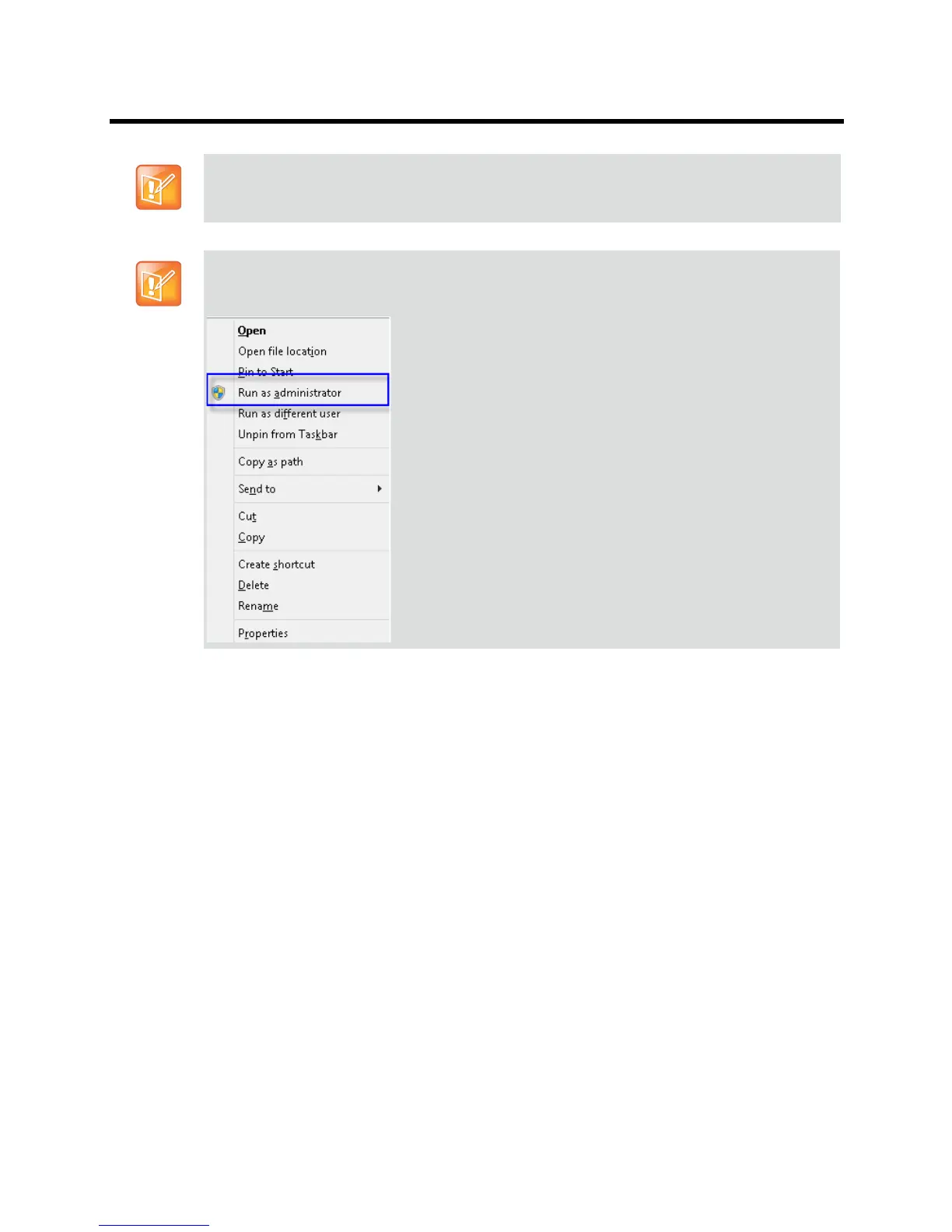
If you have problems getting the Collaboration Server Web Client to work with Windows 8, it is
recommended to run Internet Explorer as an administrator by holding the shift key and right-clicking
on the IE icon, and then select Run as Administrator.














 To Next Page