RealPresence Collaboration Server (RMX) 1500/1800/2000/4000 Getting Started Guide
Polycom®, Inc. 153
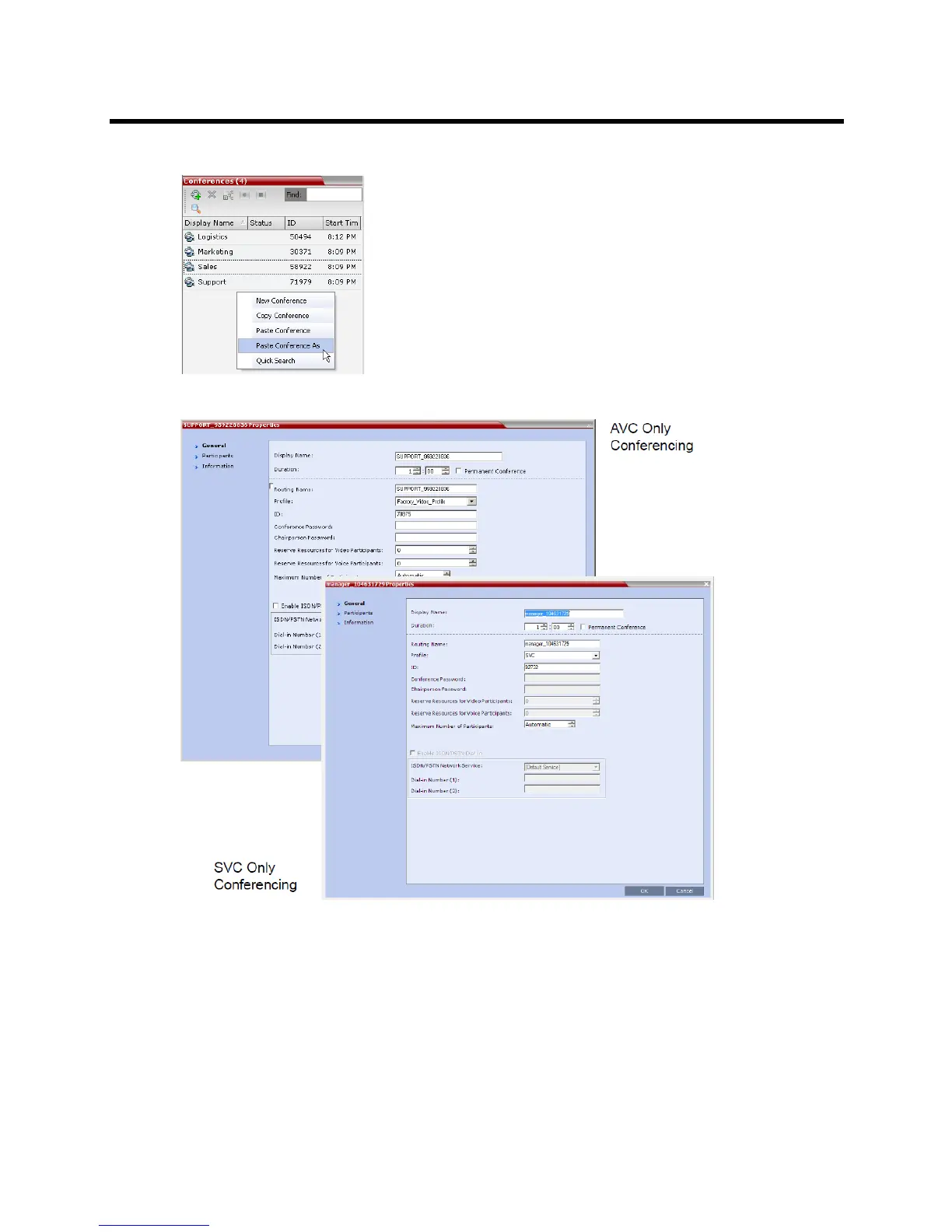
b In the Conferences list pane, right-click, and in the drop-down menu select Paste Conference As.
The Conference Properties dialog box is displayed.
2 Modify the conference information as required.
3 Click the OK button to paste and start the new conference.
Changing the Video Layout of a Conference (AVC-Based CP and Mixed CP and
SVC Conferences)
In SVC-base conferences, the video is automatically set to Auto Layout and cannot be modified from the
Web Client. However, each SVC-based participant can select its own layout and the participants to display
in the video layout cells.














 To Next Page