RealPresence Collaboration Server (RMX) 1500/1800/2000/4000 Getting Started Guide
Polycom®, Inc. 165
The participant is connected to the conference.
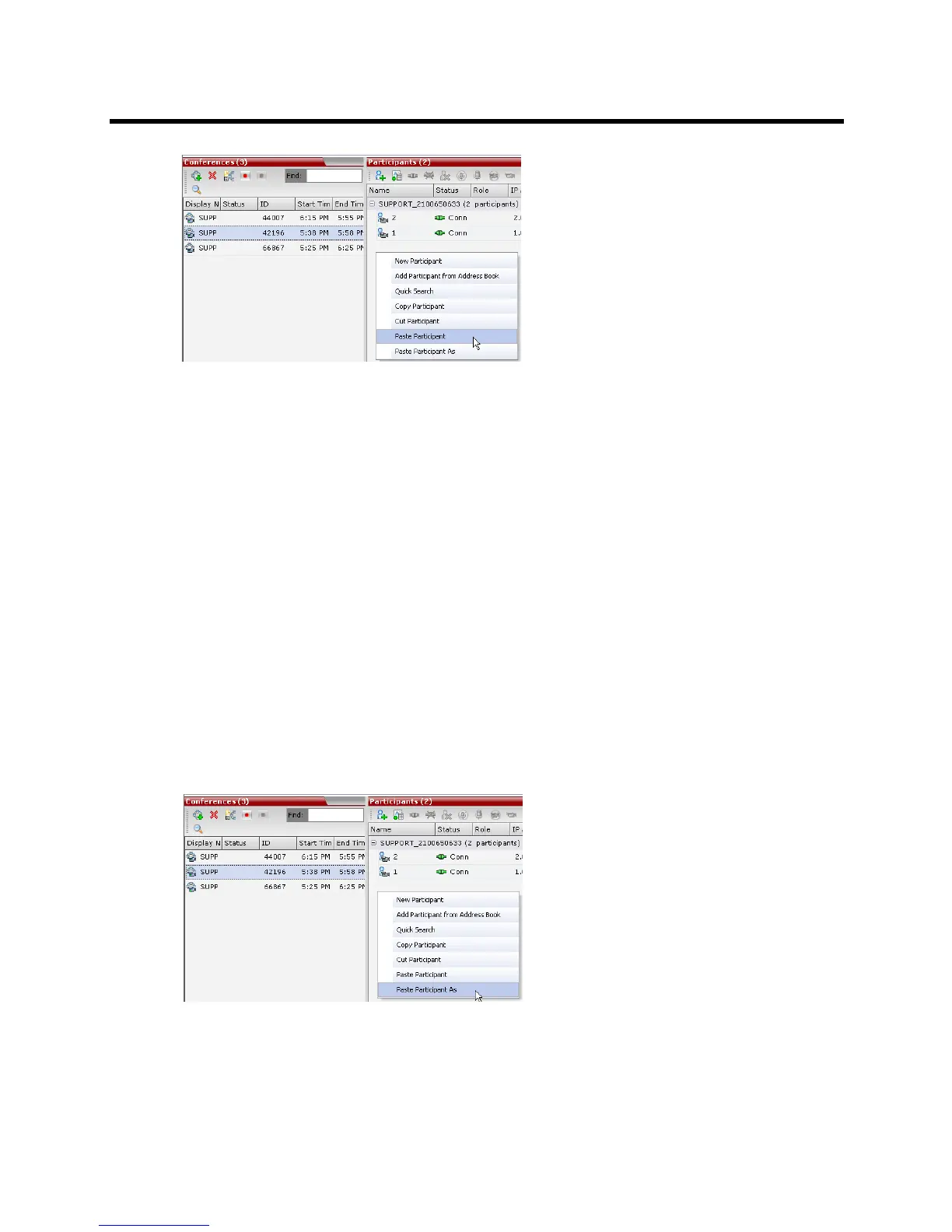
Paste Participant As
The Paste Participant As command allows the MCU user to create a new participant using the copied
participant’s properties as a template. It automatically opens the Address Book - Participant Properties
dialog box allowing the MCU user to modify the participant’s properties effectively creating a new participant.
When the OK button in the Participant Properties dialog box is clicked the new participant is connected to
the selected conference.
To paste a participant as a new participant:
1 In the Conferences List pane, click the conference you want to paste the copied/cut participant into.
Right-click in the Participants List pane of the selected conference and in the drop-down menu select
Paste Participant As.
or
If you are using the RMX Manager and you want to paste the participant to a conference on another
MCU:
a In the MCUs list pane, click the MCU that is hosting the conference that is to receive the
participant.
b In the Conferences list pane, click the conference you want to paste the copied/cut participant into.
c Right-click the Participants list pane, and in the drop-down menu select Paste Participant As.
The Address Book - Participant Properties dialog box is displayed.














 To Next Page